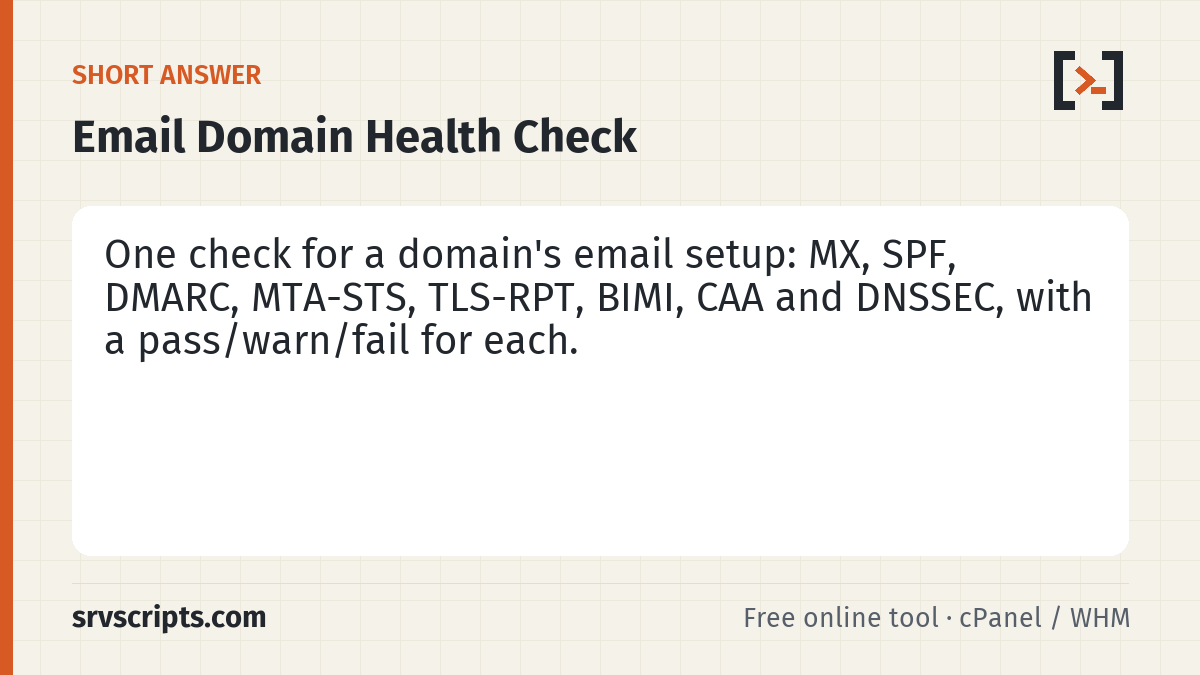
A quick audit of every DNS record that affects email delivery and trust. Use it when onboarding a client domain, before a migration, or when mail suddenly starts landing in spam.
Table of Contents
What the results mean
MX, SPF and DMARC are required for reliable delivery today. MTA-STS and TLS-RPT protect inbound mail from downgrade attacks and tell you when TLS fails. BIMI shows your logo in supporting inboxes but needs DMARC at quarantine or reject. CAA limits which certificate authorities may issue certificates for the domain, and DNSSEC protects the records themselves.
Follow up with the SPF checker for lookup counts, the DKIM checker with your selector, and the blacklist check for your sending IPs.
Email domain health check at a glance
Official documentation: DirectAdmin documentation, cPanel & WHM documentation, RFC 5321 (SMTP).
Related guides: Warm up a new mail server IP or sending domain without landing in spam · Choosing a VPS for a cPanel or DirectAdmin server in 2026 · Exim 4.99/4.100 on cPanel and DirectAdmin: the 2026 security fixes and what changed for admins.
Frequently asked questions
Which records are mandatory?
MX to receive mail, and SPF, DKIM and DMARC to send reliably. The rest are recommended hardening.
Does this check blacklists?
Not in this report — use the bulk IP blacklist check for each sending IP.
How often should I run it?
After any DNS or provider change, and monthly for domains that send business-critical mail.