This NAT settings generator writes the configuration your PBX needs when the PBX, the phones or both sit behind a router. It covers plain Asterisk (PJSIP or legacy chan_sip), FreePBX, Issabel, VitalPBX, Vicidial/ViciBox, FusionPBX/FreeSWITCH, 3CX and MikoPBX, with each platform’s own menu paths and default ports. Tell it which side is behind NAT, your public IP or hostname, your local networks, the transport and the RTP range, and it returns the transport section, the endpoint and AOR options, rtp.conf, the router and firewall changes, and the commands that confirm it works. It runs in your browser.
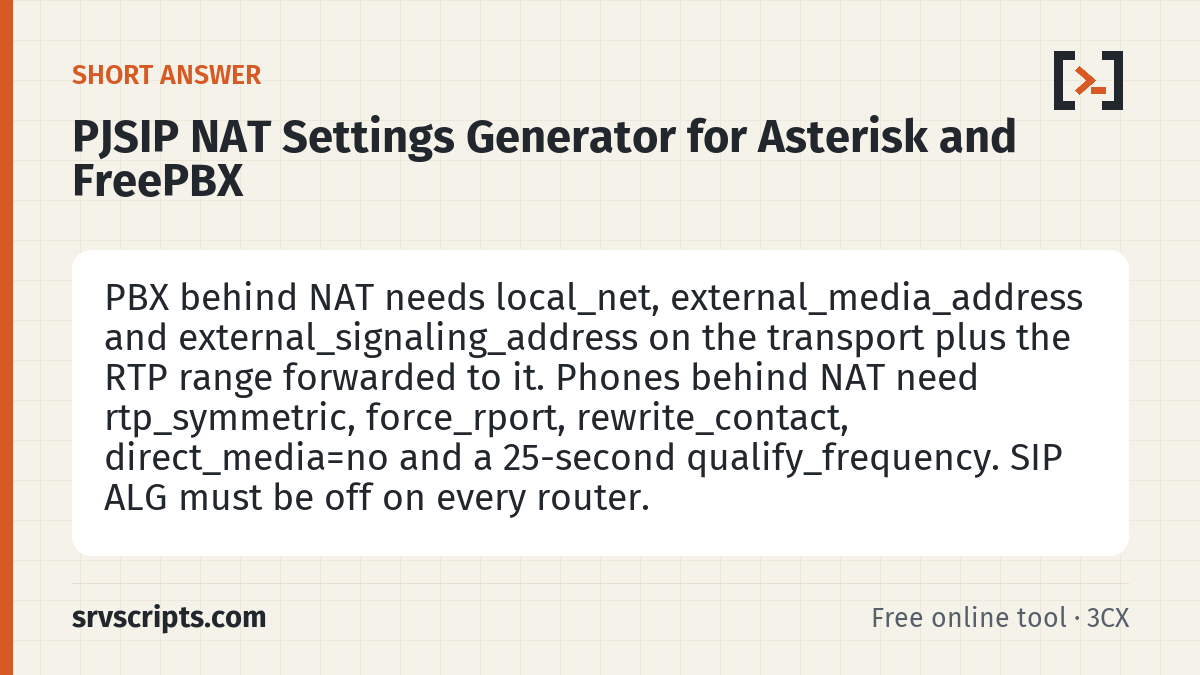
Short answer: PBX behind NAT needs local_net, external_media_address and external_signaling_address on the transport plus the RTP range forwarded to it. Phones behind NAT need rtp_symmetric, force_rport, rewrite_contact, direct_media=no and a 25-second qualify_frequency. SIP ALG must be off on every router.
Table of Contents
When you need NAT settings
SIP puts IP addresses inside its messages. Behind a router, those addresses are private, so the other side sends replies and audio somewhere it cannot reach. The symptoms are one-way or no audio, calls that drop after about 32 seconds, and phones that register but stop receiving calls. The PJSIP behind NAT guide explains the background; this tool writes the lines.
How to use the generator
- Choose who is behind NAT: the PBX, remote phones, or both.
- Enter the public IP or hostname of the PBX’s router (check it with What is my IP from the PBX network).
- List every network that reaches the PBX directly, including VPN ranges, in CIDR form.
- Pick your platform (Asterisk config files, or the FreePBX, Issabel, VitalPBX, Vicidial, FusionPBX, 3CX or MikoPBX screens), the transport and the RTP range. Leave the SIP port and RTP range blank to use that platform’s defaults.
- Apply the result, restart Asterisk for transport changes, and run the checks in the last table.
What each setting does
| Setting | Where | What it does |
|---|---|---|
| local_net | Transport | Networks treated as inside; they get the private address |
| external_media_address | Transport | Public IP written into the SDP so audio comes back to the router |
| external_signaling_address | Transport | Public IP in Via and Contact so replies and BYE arrive |
| rtp_symmetric | Endpoint | Send audio to the address audio arrives from |
| force_rport / rewrite_contact | Endpoint | Reply to and store the phone’s real public address and port |
| direct_media=no | Endpoint | Keep audio through Asterisk |
| qualify_frequency | AOR | Keepalive that holds the NAT mapping open |
We loaded the generator’s output for a PBX behind NAT into Asterisk 20.6 in a lab and confirmed every value with pjsip show transport, pjsip show endpoint and pjsip show aor.
Common mistakes
- Using the PBX’s LAN address as the external address (the tool refuses private addresses).
- Forgetting the VPN range in
local_net, so VPN phones get the public address and lose audio. - Changing the transport and only reloading: transports need a restart.
- Leaving SIP ALG on, which rewrites the same headers these settings fix.
- Running behind carrier-grade NAT (100.64.0.0/10), where port forwards cannot work; the tool warns when the address is in that range.
PJSIP NAT generator at a glance
Official documentation: Asterisk PJSIP configuration, RFC 3581: rport.
Related: PJSIP behind NAT guide · Fix one-way audio · SIP firewall rules generator · SIP trace analyzer.
Frequently asked questions
Is my IP address sent anywhere?
No. The generator runs in your browser; nothing you type is sent to srvscripts.com.
My PBX is on a VPS with a public IP. Do I need any of this?
Not on the transport. Choose “remote phones behind NAT”: the phones still need rtp_symmetric, force_rport, rewrite_contact and keepalives.
Does it work for chan_sip?
No. chan_sip used nat=force_rport,comedia, externip and localnet, and it was removed in Asterisk 21. This tool writes PJSIP settings.
Do I need to forward port 5060?
Not for a trunk that registers, because the registration keeps the mapping open. You do need it for IP-authenticated trunks and for remote phones connecting in, ideally only from known addresses. The RTP range does need forwarding when the PBX is behind NAT.