An Asterisk or FreePBX server with port 5060 open to the internet is found by SIP scanners within hours, and a guessed extension password can turn into thousands in toll fraud overnight. This SIP firewall rules generator writes the rules for you: SIP signalling allowed only from your provider and your remote phones, the RTP media range open, known scanners and floods dropped, plus the matching Asterisk settings. Choose iptables, nftables, UFW, firewalld, CSF or pfSense.
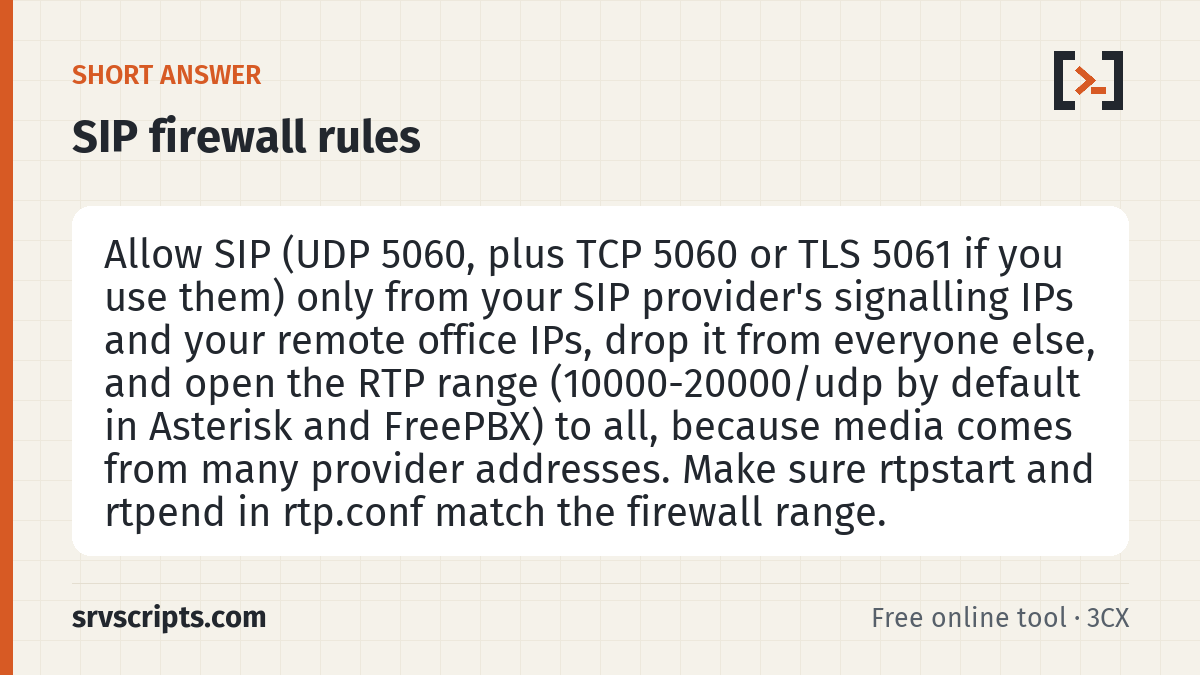
Short answer: Allow SIP (UDP 5060, plus TCP 5060 or TLS 5061 if you use them) only from your SIP provider’s signalling IPs and your remote office IPs, drop it from everyone else, and open the RTP range (10000-20000/udp by default in Asterisk and FreePBX) to all, because media comes from many provider addresses. Make sure rtpstart and rtpend in rtp.conf match the firewall range.
Table of Contents
Which ports a PBX needs
| Port | Protocol | Used for | Open to |
|---|---|---|---|
| 5060 | UDP (and TCP) | SIP signalling: registration, call setup | Provider and your phones only |
| 5061 | TCP | SIP over TLS | Provider and your phones only |
| 10000-20000 | UDP | RTP voice media (Asterisk and FreePBX default) | Everyone |
| 4569 | UDP | IAX2 between Asterisk servers | Only the other server, if used |
| 443 / 80 | TCP | FreePBX admin GUI and UCP | Your office IP or VPN only |
More detail on each port, and on TLS and WebRTC, is in the SIP ports and firewall guide.
Why SIP should be locked to known IPs
SIP scanners sweep the whole internet for port 5060, register-flood every extension number with common passwords and, once in, route premium-rate international calls through your trunk. Strong passwords and fail2ban help, but the most effective defence is that the scanner’s packets never reach Asterisk at all. If your provider authenticates by registration and your phones are all on the LAN, almost nothing outside needs to reach 5060. Remote workers can use a VPN or have their office IPs listed.
If you must leave SIP open (phones that roam between networks, for example), turn scanner protection on: the iptables output drops packets carrying the user agents of common scanning tools and rate-limits each source address. Add fail2ban on the Asterisk security log, and use long random passwords for every extension.
Using the rules
- Enter your provider’s signalling IPs or ranges (ask them, or check their documentation) and your remote office IPs, comma separated. IPv6 addresses are supported.
- Copy the rules and run them from a second SSH session while the first stays open, so a mistake cannot lock you out.
- Use the “keep after reboot” commands so the rules survive a restart.
- Test: register a phone, make inbound and outbound calls, and check audio both ways. Then confirm from another network that port 5060 does not answer.
The iptables rules live in their own VOIP chain, inserted at the top of INPUT, so they do not disturb your existing rules and are easy to remove (iptables -D INPUT -j VOIP; iptables -F VOIP; iptables -X VOIP). On a server with CSF, use the CSF output rather than raw iptables, because CSF rewrites the iptables rules on every restart.
NAT and the Asterisk side
The firewall is only half of a working setup behind NAT. Asterisk must tell the other side its public address, or you get one-way audio even with every port open. On PJSIP that is the transport settings below; on FreePBX the same fields are in Settings, Asterisk SIP Settings. Also turn off SIP ALG on the router, which rewrites SIP packets and often breaks them.
; /etc/asterisk/rtp.conf
[general]
rtpstart=10000
rtpend=20000

; /etc/asterisk/pjsip.conf
[transport-udp]
type=transport
protocol=udp
bind=0.0.0.0:5060
external_media_address=203.0.113.50
external_signaling_address=203.0.113.50
local_net=192.168.1.0/24
SIP firewall rules at a glance
Official documentation: Asterisk documentation, nftables wiki, firewalld documentation, Ubuntu UFW.
Related: SIP ports and firewall · Disable SIP ALG · Fix one-way audio · SIP trace analyzer.
Frequently asked questions
Do I need to open the RTP ports to everyone?
Usually yes. Providers send media from many servers that are not in their signalling list and can change without notice. Asterisk ignores RTP that does not belong to an active call, so an open RTP range is low risk. If your provider publishes its media ranges, you can restrict RTP to those.
Do I need port forwarding for SIP if my PBX registers to the provider?
Not for signalling: the registration keeps a NAT mapping open, as long as keepalives (qualify) run more often than the router’s UDP timeout. You still need the RTP range forwarded to the PBX, or audio may fail one way.
What RTP port range does FreePBX use?
10000 to 20000 UDP by default, set in Settings, Asterisk SIP Settings, RTP Port Ranges. Plain Asterisk reads it from rtpstart and rtpend in rtp.conf. Each call uses two ports (RTP and RTCP).
Is it safe to leave port 5060 open if I use fail2ban?
Safer than nothing, but scanners still reach Asterisk and fail2ban only reacts after several failures. Restricting 5060 to known IPs stops the traffic before Asterisk sees it. Use both when you can.