Phones that register and then drop off every few minutes, calls with one-way audio, and transfers that fail on the far side are the textbook signs that you need to disable SIP ALG on the router. An Application Layer Gateway inspects SIP packets and rewrites IP addresses and ports inside the SIP headers and the SDP body so that calls can cross NAT. With a modern PBX or cloud phone system, which already handles NAT itself, that second rewrite corrupts the messages instead of fixing them.
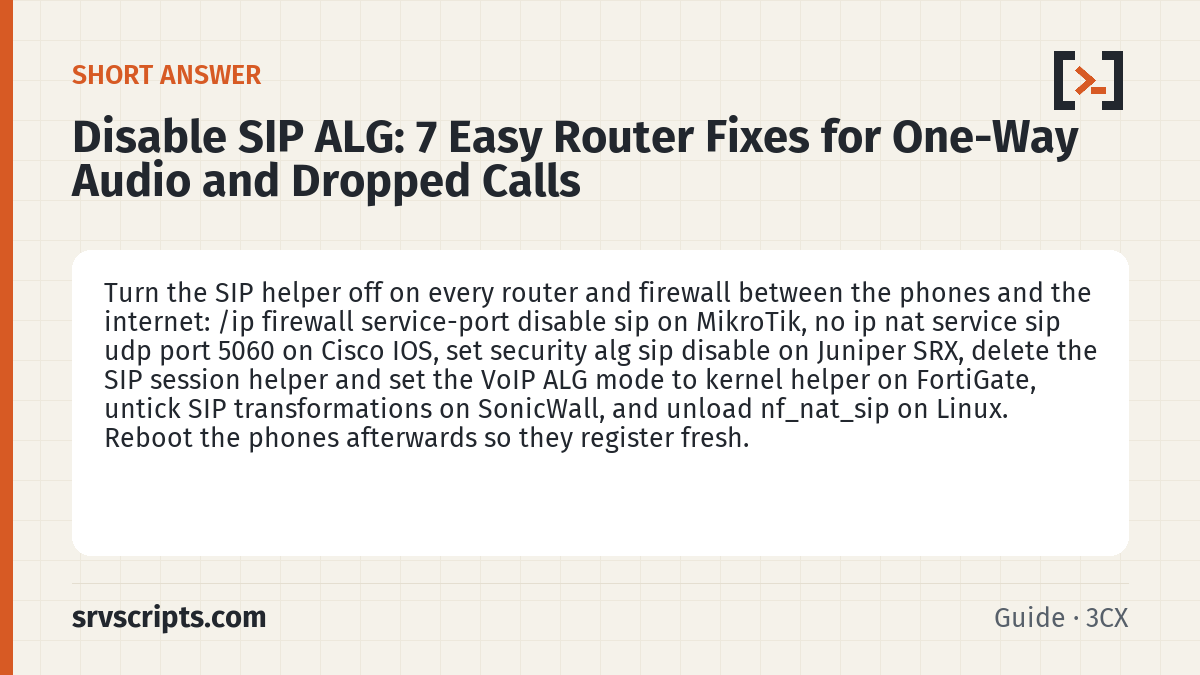
Short answer: Turn the SIP helper off on every router and firewall between the phones and the internet: /ip firewall service-port disable sip on MikroTik, no ip nat service sip udp port 5060 on Cisco IOS, set security alg sip disable on Juniper SRX, delete the SIP session helper and set the VoIP ALG mode to kernel helper on FortiGate, untick SIP transformations on SonicWall, and unload nf_nat_sip on Linux. Reboot the phones afterwards so they register fresh.
Table of Contents
How to confirm SIP ALG is the problem
Capture a registration on the PBX side and compare the addresses inside the SIP message with the real public IP of the office. If the Contact or Via headers or the c= line in the SDP show an address or port that matches neither the phone’s private IP nor the office public IP the phone sent, something in between is rewriting them.
sngrep -d any port 5060
tcpdump -ni any -A udp port 5060 | grep -E 'Contact:|Via:|c=IN'
Another quick test is to switch the phone or softphone to SIP over TCP or TLS on 5061. If the problems disappear, the ALG was only touching UDP 5060 traffic.
MikroTik RouterOS
/ip firewall service-port print
/ip firewall service-port disable sip
Clear existing connections afterwards with /ip firewall connection remove [find] or reboot, otherwise tracked sessions keep the old behaviour.
Cisco IOS and IOS XE
configure terminal
no ip nat service sip udp port 5060
no ip nat service sip tcp port 5060
end
clear ip nat translation *
Juniper SRX
set security alg sip disable
commit
show security alg status
Fortinet FortiGate
FortiGate has two layers: the SIP session helper and the SIP ALG in VoIP profiles. Switch the default to the kernel helper, then delete the helper entry for SIP:
config system settings
    set default-voip-alg-mode kernel-helper-based
end
config system session-helper
    show
    delete <id of the entry with name sip>
end
Reboot or clear sessions with diagnose sys session clear during a maintenance window, because that command drops every active session.
SonicWall
In the web interface open the VoIP settings page and untick Enable SIP Transformations. Leave consistent NAT enabled; it keeps source ports stable, which helps SIP rather than breaking it.
Linux gateways and pfSense
On a Linux router the netfilter SIP helper is a kernel module. Unload it and stop it loading again:
lsmod | grep sip
modprobe -r nf_nat_sip nf_conntrack_sip
echo 'blacklist nf_nat_sip' > /etc/modprobe.d/no-sip-alg.conf
echo 'blacklist nf_conntrack_sip' >> /etc/modprobe.d/no-sip-alg.conf
pfSense does not rewrite SIP by default. If the optional siproxd package is installed and enabled, disable it, and use static-port outbound NAT for the PBX instead, as described in the SIP ports firewall guide.
Palo Alto Networks (PAN-OS)
PAN-OS does not keep SIP ALG under Device » Setup. It is an option of the sip App-ID, so you turn it off on the application object:
- Go to Objects » Applications and type
sipin the search box. - Open the sip application.
- In the Options section, click Customize… next to ALG.
- Tick Disable ALG and click OK.
- Close the dialog and Commit.
Palo Alto recommends this over an Application Override policy, because App-ID and threat inspection keep working for the SIP traffic. How to check: reopen the sip application after the commit and confirm Disable ALG is still ticked, then repeat a test call.
Source: Palo Alto Networks: Disable the SIP Application-level Gateway (ALG).
Sophos Firewall (SFOS)
Sophos Firewall handles SIP with a system module that is loaded by default, and Sophos documents turning it off as a console command. Sign in to the console (SSH or the appliance console), open the Device Console from the menu, and unload it:
system system_modules sip unloadTo undo it, run system system_modules sip load. How to check: Sophos community answers use system system_modules show, which lists each module as loaded or unloaded; that option is not in Sophos’s CLI reference, so if your version rejects it, rely on the SIP header capture instead.
Source: Sophos Firewall CLI: system_modules.
Consumer and ISP routers
Look for a setting named SIP ALG, SIP helper, SIP passthrough or VoIP ALG under the NAT, firewall or WAN pages. Some ISP-supplied routers hide it or re-enable it after firmware updates, so check again after every update, or put the router in bridge mode and let your own firewall do NAT.
Disable SIP ALG at a glance
Official documentation: RFC 3261: SIP, MikroTik service ports, Asterisk documentation.
Related guides: SIP ports firewall rules · VoIP one-way audio fix · VoIP call quality.
Frequently asked questions
Is it ever right to leave SIP ALG enabled?
Only for old phones that have no NAT support of their own and talk directly to a provider that expects the router to fix addresses. Any current PBX, softphone or cloud phone system handles NAT itself, and the ALG then does more harm than good.
Will disabling SIP ALG drop current calls?
Clearing NAT or connection tables does end calls in progress, so make the change out of hours. Afterwards reboot the phones or re-register them so they create fresh sessions.
Can SIP over TLS avoid SIP ALG?
Yes. An ALG cannot read encrypted SIP, so SIP over TLS on port 5061 passes through untouched. It is a good long-term fix, but still disable the ALG so plain SIP and RTP are not affected.