Live kernel patching earns its keep in years like 2026, when Copy Fail, Dirty Frag and Fragnesia arrived weeks apart and each one meant either a reboot of every shared server or a window of exposure. KernelCare applies the kernel fixes in memory, so the fleet is protected within hours of the patch being published and reboots happen on your schedule. This guide covers installation, registration and, more importantly, how to prove it is working, on both cPanel and DirectAdmin hosts.
Table of Contents
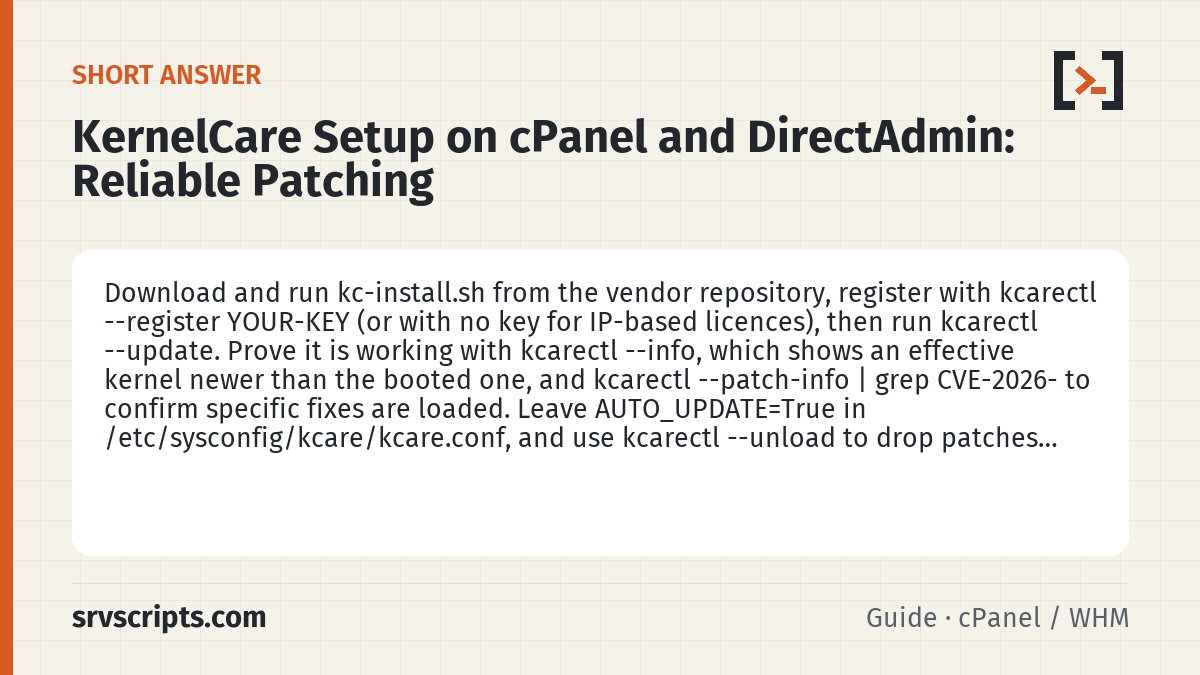
Short answer: Download and run kc-install.sh from the vendor repository, register with kcarectl --register YOUR-KEY (or with no key for IP-based licences), then run kcarectl --update. Prove it is working with kcarectl --info, which shows an effective kernel newer than the booted one, and kcarectl --patch-info | grep CVE-2026- to confirm specific fixes are loaded. Leave AUTO_UPDATE=True in /etc/sysconfig/kcare/kcare.conf, and use kcarectl --unload to drop patches instantly if a regression is suspected.
Supported platforms
KernelCare supports the EL8 and EL9 families (AlmaLinux, Rocky, CloudLinux, RHEL), Ubuntu 22.04, Debian 12 and Proxmox, among others. For EL10 and Ubuntu 24.04, check the current supported-kernels list for your exact kernel build before relying on it; support has been expanding through 2026 and the state changes between releases. Confirm what you are running:
uname -r
cat /etc/os-release | grep -E '^(ID|VERSION_ID)='
The kernel must be one from the distribution’s repository. Custom or third-party kernels are not patched.
Install and register
The installer is a script from the vendor. Download, read and run it, then register with a key from your account or with the IP-based licence if that is how you bought it:
curl -fsSLO https://repo.cloudlinux.com/kernelcare/kc-install.sh
less kc-install.sh
bash kc-install.sh
kcarectl --register YOUR-KEY-HERE
For IP-based licences, kcarectl --register with no key uses the server’s public address. The installer places kcarectl and starts the kcare service and a cron entry that checks for patches every four hours. On cPanel, KernelCare also appears as a WHM plugin under Plugins if it was installed through the cPanel Store; on DirectAdmin there is no panel integration and everything is done from the shell, which is fine.
Apply and inspect
kcarectl --update
kcarectl --info
kcarectl --patch-info
--update fetches and loads the current patch set for your kernel. --info prints the effective kernel version, which is what the kernel now behaves like, next to the real booted version. --patch-info lists every applied patch with its CVE identifiers. This is the command you use to answer “are we protected against CVE-2026-43284”:
kcarectl --patch-info | grep -E 'CVE-2026-(31431|43284|43500|46300)'If any of those is missing, either the patch set for your kernel does not include it yet or the kernel is too old to be supported. The vendor’s patch server publishes a per-kernel list; compare uname -r against it before assuming the worst.
Automatic updates
The default is to auto-apply. Confirm it in /etc/sysconfig/kcare/kcare.conf:
grep -E '^(AUTO_UPDATE|PREFIX|UPDATE_POLICY)' /etc/sysconfig/kcare/kcare.confAUTO_UPDATE=True is what you want on a hosting server. UPDATE_POLICY can be set to MANUAL if change control requires a human in the loop, but then you need a process that runs kcarectl --update after every advisory, and the 2026 cadence made that a weekly chore. PREFIX selects a delayed feed (for example a patch set that is a week old) for fleets that want other people to find regressions first; use it on half the fleet, not all of it.
Interaction with kernel package updates
The distribution still publishes kernel RPMs, and dnf update or cPanel’s upcp will install them. That is fine: KernelCare patches the running kernel until you reboot into the new one, then patches that. What to avoid is rebooting into a kernel that KernelCare does not support yet. Before a planned reboot, check the pending kernel against the supported list, or hold it:
dnf versionlock add kernel # EL, if the newer kernel is not yet supportedOn DirectAdmin servers there is nothing panel-specific to do; on cPanel, upcp respects dnf version locks. Also confirm the modprobe blacklists from our LPE mitigation guide remain in place; live patching and module blocking are complementary, not alternatives.
Rollback
Two situations call for unloading patches: a suspected regression after an update, or vendor support asking for a clean baseline. Unloading is immediate and does not reboot:
kcarectl --unload
kcarectl --info
The effective version drops back to the booted kernel. To reapply, run kcarectl --update again. If a specific patch set caused trouble, switch to the delayed feed via PREFIX and reapply so you get the previous known-good set. Full removal, for a server leaving the licence:
kcarectl --unregister
dnf remove -y kernelcare
Monitoring across a fleet. kcarectl --info has a machine-readable form:
kcarectl --info --json
kcarectl --uname
Feed the JSON into whatever inventory you keep and alert when effective kernel is more than a few days behind the vendor’s latest. The vendor portal shows the same per-server status if you registered with a key tied to an account. Our server security audit script includes a KernelCare freshness check that uses the same output.
Common pitfall. Registering with a key that is already used by a decommissioned server. Keys have a seat count, and a server that was reimaged without --unregister keeps its seat until you release it in the portal. The symptom is kcarectl --update reporting the server is unregistered or over its licence limit despite a valid key.
Verify
Run the three-line health check after install and after every kernel package update:
systemctl is-active kcare
kcarectl --info | grep -iE 'effective|update'
kcarectl --patch-info | grep -c CVE-
The service should be active, the effective kernel should be newer than the booted one, and the CVE count should be greater than zero. Put the same three lines into your post-reboot runbook so a server that comes back on an unsupported kernel is caught before the next advisory.
KernelCare setup at a glance
Official documentation: DirectAdmin documentation, cPanel & WHM documentation, AlmaLinux wiki.
Related guides: CSF after ConfigServer: which fork should you run in 2026 (cPanel, DirectAdmin, Aetherinox, Sentinel)? · Mitigating Copy Fail, Dirty Frag and the DirectAdmin 1.711 TLS privilege escalation · Choosing a VPS for a cPanel or DirectAdmin server in 2026.
Frequently asked questions
How do I check whether KernelCare has patched a specific CVE?
Run kcarectl --patch-info and grep for the CVE identifier, for example kcarectl --patch-info | grep CVE-2026-43284. If it is absent, compare uname -r against the vendor’s per-kernel patch list; the fix may not be published for that kernel yet, or the kernel may be too old to be supported.
Do I still need to reboot after kernel updates with KernelCare?
Not for security. KernelCare patches the running kernel in memory, and after a reboot into a distribution kernel it patches that one too. Reboot on your own schedule, but check that the pending kernel is on the supported list first, or hold it with dnf versionlock add kernel.
Can I undo KernelCare patches without rebooting?
Yes. kcarectl --unload removes the loaded patches immediately and kcarectl --info will show the effective version dropping back to the booted kernel. Run kcarectl --update to reapply, or switch PREFIX to a delayed feed to get the previous known-good set.