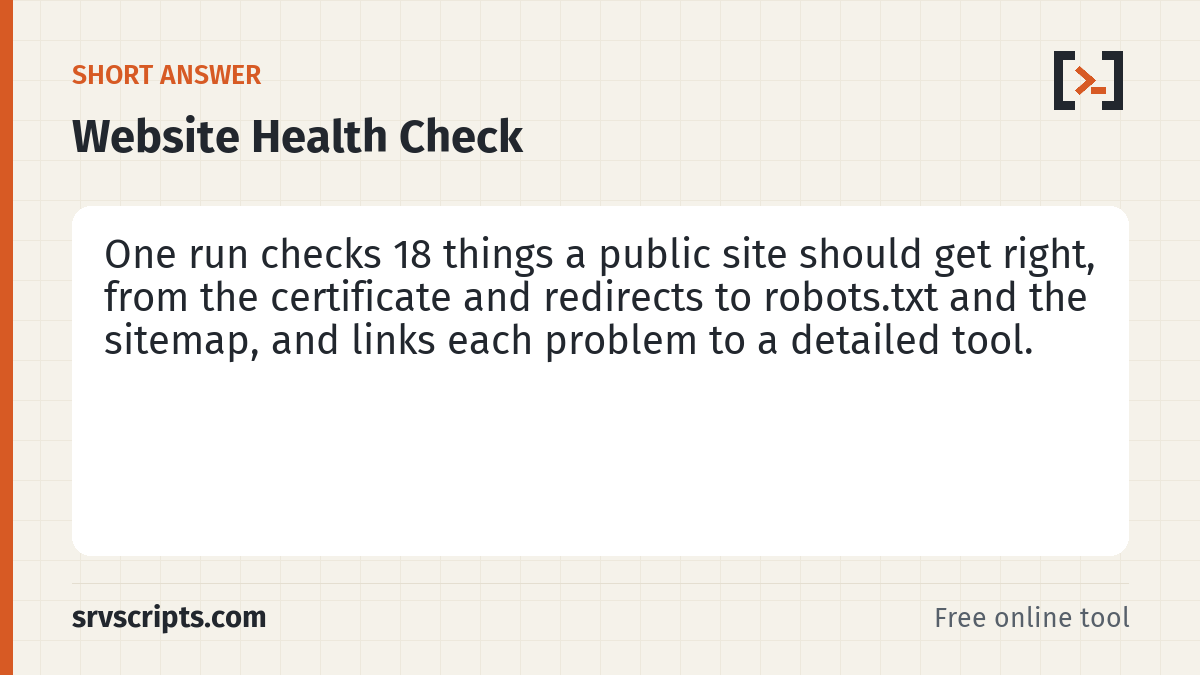
Enter a domain for a website health check of the things every public website should get right: a trusted certificate, one canonical https:// address, security headers, a fast and indexable home page, robots.txt, an XML sitemap, security.txt and site icons, plus llms.txt for information. Each check is weighted into a score out of 100, and every problem comes with a fix and a link to the detailed test.
Runs on our server. The lookups are sent from srvscripts.com, so the result shows what one server in one location sees. Results are cached for up to 5 minutes. Our server is not allowed to test itself, so srvscripts.com shows as "not tested".
Table of Contents
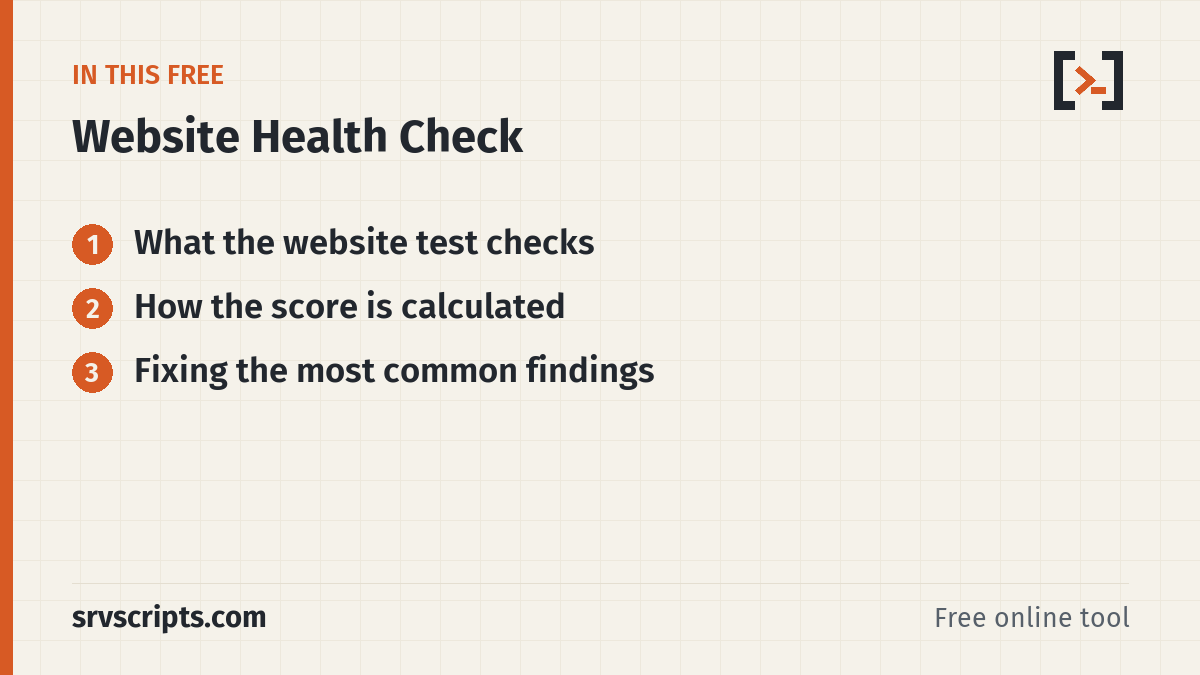
What the website test checks
The test fetches your home page the way a visitor would, follows every redirect from http://, https://, www and the bare domain, and reads the response headers. It then connects over TLS to see the certificate and whether TLS 1.0 or 1.1 is still accepted, and fetches robots.txt, the sitemap, llms.txt, /.well-known/security.txt and /favicon.ico.
Nothing is changed on your server and no login is attempted. DNS and email (SPF, DKIM, DMARC, MX) are left to the domain health check, so the two tests together cover a full domain.
How the score is calculated
Every check has a weight: HTTPS and security headers count 15 points each, the home page 10, redirects 8, robots.txt, the sitemap, indexing, page basics and legacy TLS 6 each, and smaller items such as compression, the favicon and HTTP/2 between 3 and 5. A warning earns half the points and a failure none.
A missing security.txt is not counted against the site, and llms.txt (an optional proposal that Google Search does not use) is listed for information only and never changes the grade, so a site without either can reach A+. A+ needs 97 points or more, A 90, B 80, C 65 and D 50.
Fixing the most common findings
The most frequent failure is noindex left on after a site moves from staging: in WordPress, untick Settings, Reading, Discourage search engines. Next come missing security headers, which you can add in .htaccess on Apache and LiteSpeed Enterprise, in the vhost or context settings on OpenLiteSpeed, or with add_header on nginx.
On cPanel and DirectAdmin servers, old TLS versions are usually switched off once for the whole server; the TLS version checker shows which ports still accept them. A missing Sitemap line in robots.txt is a one-line fix that helps every search engine find new pages.
Website Health Check at a glance
Official documentation: Google Search Central, MDN HTTP headers, RFC 9116 (security.txt).
Related guides: Harden Shared cPanel Server: Secure CageFS and ModSecurity Setup · LiteSpeed Cache WordPress cPanel: Best Settings · Using WP Toolkit Security Risk scores, Smart Update and Vulnerable Components.
Next step: For DNS and email records on the same domain, run the Domain Health Checker.
Frequently asked questions
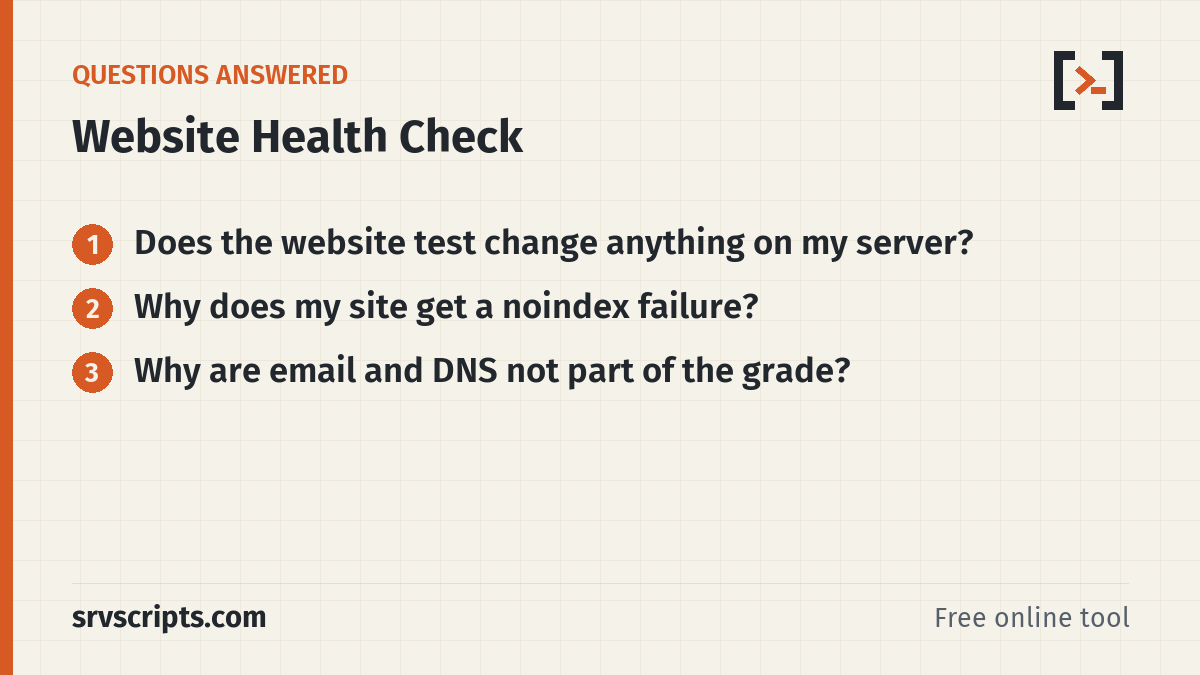
Does the website test change anything on my server?
No. It only requests public pages and files, the same way a browser or search engine does, and opens a TLS connection to read the certificate. No forms are submitted and no login is attempted.
Why does my site get a noindex failure?
The home page sends a robots noindex meta tag or X-Robots-Tag header. On WordPress this usually comes from the Discourage search engines setting or an SEO plugin option left on after staging.
Why are email and DNS not part of the grade?
They are a separate job. Use the domain health check for MX, SPF, DKIM, DMARC, DNSSEC and blacklists; the website test focuses on what visitors and crawlers see over HTTP.
