Use this YAML converter to convert JSON to YAML for config files, or YAML to JSON for APIs and scripts. Choose the direction, paste your text and the result appears as you type. Errors show the line and column with the offending snippet. Swap sends the output back the other way. Conversion happens in your browser with the open-source js-yaml library, so nothing is uploaded. Large numbers keep their exact digits: an ID such as 9007199254740993 stays 9007199254740993 in both directions, where a converter built on JavaScript’s JSON.parse writes 9007199254740992 (tested example below).
Loading the tool… It runs in your browser and needs JavaScript.
Table of Contents
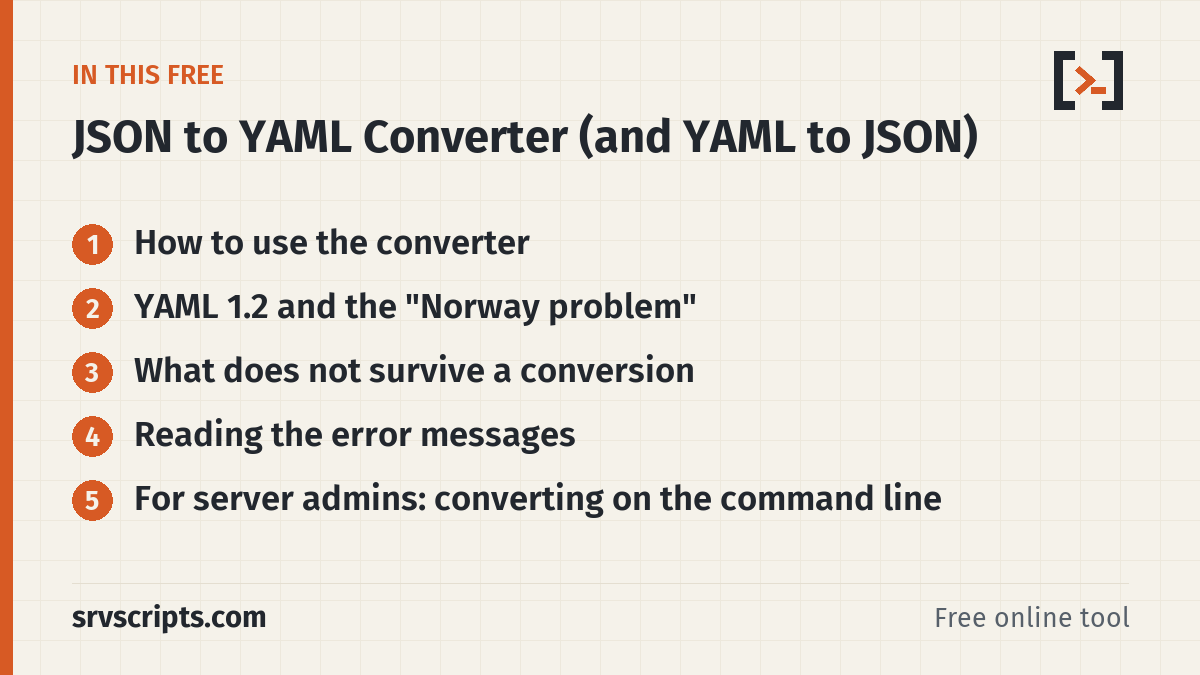
How to use the converter
Pick JSON to YAML or YAML to JSON, then paste your text (up to 2 MB). Set the indent and, if you like, sort keys alphabetically. Swap moves a valid result into the input and reverses the direction, which is a quick way to check a round trip. YAML files with several documents separated by --- become a JSON array, one element per document.
YAML 1.2 and the “Norway problem”
The converter reads YAML with the YAML 1.2 core schema. In this schema only true/false (any case) are booleans and null, ~ or an empty value mean null. Older YAML 1.1 parsers, including PyYAML, also treat yes, no, on and off as booleans. That is how the country code NO turns into false.
When writing YAML, the converter quotes strings that an older parser might misread, such as 'yes', 'on' or '80:80'. A port mapping in a Compose file therefore stays a string.
What does not survive a conversion
- Comments: JSON has no comments, so YAML comments are dropped.
- Anchors and aliases (
&base,*base,<<:) are expanded into full copies. To protect your browser, documents that expand to more than a million values are refused. - Dates such as
2024-01-01are read as timestamps and written to JSON as ISO strings. .infand.nancannot be stored in JSON and become null, with a note.- Numbers keep their exact digits in both directions: integers beyond 253 (such as IDs) are not rounded, and decimals such as
1.10stay as written. A duplicate key in the JSON input is reported instead of silently keeping the last value.
Large integers: a tested example
9007199254740993 is 253 + 1, the smallest positive integer that a 64-bit floating-point number (a JavaScript number) cannot store. Paste this JSON into the converter:
{"order_id": 9007199254740993, "neg": -9007199254740993, "huge": 123456789012345678901234567890, "price": 1.10, "list": [9007199254740993]}JSON to YAML gives:
order_id: 9007199254740993
neg: -9007199254740993
huge: 123456789012345678901234567890
price: 1.10
list:
  - 9007199254740993
Swap turns that YAML back into the same JSON, digit for digit. We checked this on 18 October 2026 by script in Chromium on this page: all five values came back exactly as written, including 1.10. For comparison, the browser’s own JSON.parse reads the same input as 9007199254740992, -9007199254740992 and 1.2345678901234568e+29.
The digits only survive if every program after the converter keeps them too. We ran the same file through common tools the same day:
| Program | Result |
|---|---|
Node.js 22 JSON.parse | 9007199254740992, -9007199254740992, 1.2345678901234568e+29, 1.1: rounded |
jq 1.7, passing values through (jq .) | all digits kept, 1.10 kept |
jq 1.7, arithmetic (.order_id + 0) | 9007199254740992: jq calculates with 64-bit floats |
Python 3.13 json, PyYAML 6.0.3 | integers exact (no size limit); 1.10 becomes 1.1 |
PHP 8.3 json_decode | 9007199254740993 exact (fits a 64-bit integer); the 30-digit number becomes a float unless you pass JSON_BIGINT_AS_STRING |
| yq 4.44.3 (mikefarah), JSON input | 9007199254740992 and 1.2345678901234568e+29: rounded |
If a value is an identifier rather than a quantity, the safest choice is to store it as a string ("9007199254740993") in both formats. Download the input, the expected YAML and the yq output: json-yaml-large-numbers.zip (or large-numbers.json, large-numbers.yaml, README.txt).
Reading the error messages
YAML errors give a line and column plus a few lines of context. The usual causes are inconsistent indentation, a tab used for indenting (YAML allows only spaces), a missing space after a colon, and an unclosed bracket or quote. JSON errors give the line and column and name the problem, for example a trailing comma or single quotes.
For server admins: converting on the command line
With the Go version of yq (mikefarah/yq) or plain Python you can do the same on a server:
yq -o=json '.' docker-compose.yml          # YAML to JSON
yq -p=json -o=yaml '.' data.json           # JSON to YAML
python3 -c 'import sys, yaml, json; print(json.dumps(yaml.safe_load(sys.stdin), indent=2))' < file.yml
PyYAML follows YAML 1.1, so it may read unquoted yes/no values differently from this page. For integers beyond 253, avoid yq -p=json: in our test yq 4.44.3 turned 9007199254740993 into 9007199254740992 when reading JSON, while Python’s json and yaml modules kept it (details).
YAML Converter at a glance
Related tools: JSON Formatter and Validator · JSON to CSV Converter (and CSV to JSON) · Diff Checker: Compare Two Texts.
Official documentation (checked 9 October 2026): YAML Ain’t Markup Language (YAML) revision 1.2.2 · RFC 8259: The JavaScript Object Notation (JSON) Data Interchange Format
Frequently asked questions
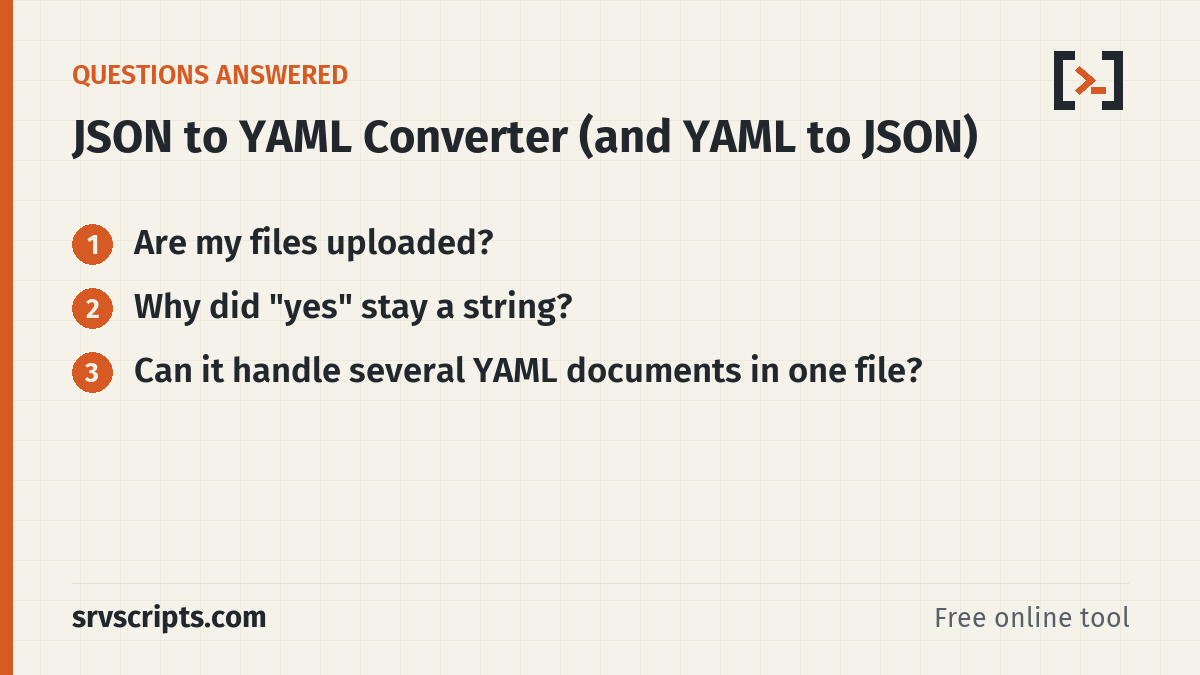
Are my files uploaded?
No. Both directions run in your browser using the js-yaml library, and no data leaves your device.
Why did “yes” stay a string?
The converter uses the YAML 1.2 core schema, where only true and false are booleans. YAML 1.1 parsers such as PyYAML read yes as true.
Can it handle several YAML documents in one file?
Yes. Documents separated by --- are converted to a JSON array with one element per document.