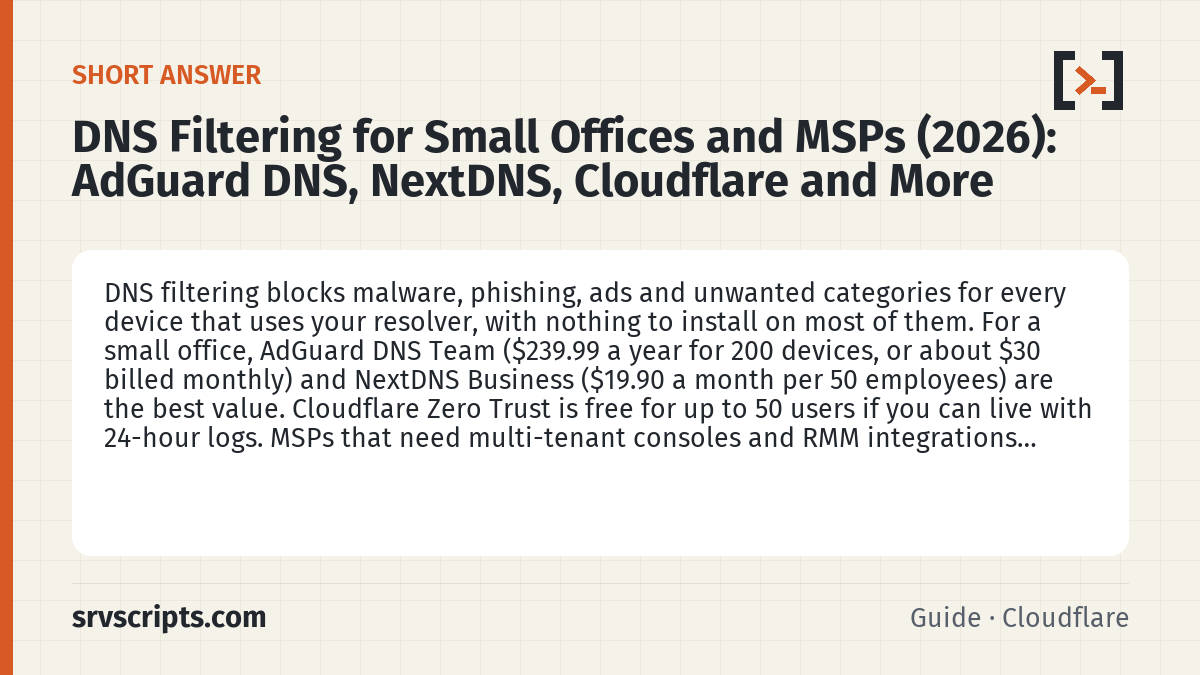
Short answer: DNS filtering blocks malware, phishing, ads and unwanted categories for every device that uses your resolver, with nothing to install on most of them. For a small office, AdGuard DNS Team ($239.99 a year for 200 devices, or about $30 billed monthly) and NextDNS Business ($19.90 a month per 50 employees) are the best value. Cloudflare Zero Trust is free for up to 50 users if you can live with 24-hour logs. MSPs that need multi-tenant consoles and RMM integrations should look at DNSFilter or Control D.
This page contains partner links. See our affiliate disclosure.
Prices and limits come from the vendors’ own pages, checked on 7 October 2026 (AdGuard DNS in US dollars). We have not run every service in production; this is a buyer’s comparison.
Table of Contents
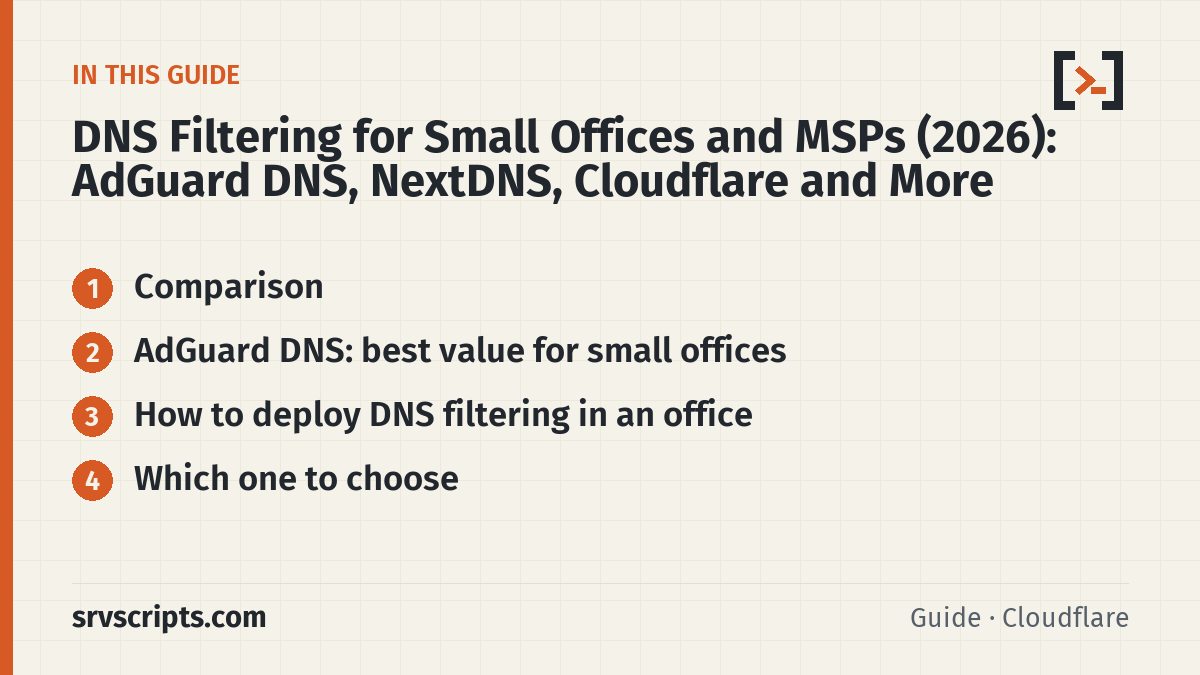
Comparison
| Service | Free tier | Paid price | Logs kept | Encrypted DNS | MSP / SSO |
|---|---|---|---|---|---|
| AdGuard DNS Check price (opens in a new tab) → | Starter: 5 devices | Personal $19.99/yr (20 devices); Team $239.99/yr or about $30/mo (200 devices); Enterprise from $0.29/user/mo | Configurable; logging can be turned off | DoH, DoT, DoQ, DNSCrypt | Dedicated IPs on Team and up; partner white-label |
| NextDNS Check price (opens in a new tab) → | 300,000 queries/month | Pro $1.99/mo; Business $19.90/mo per 50 employees | 1 hour to 2 years, or off; US/EU/UK/CH storage | DoH, DoT | Not stated |
| Control D | 14-day trial | Business $2 per endpoint/month; personal from $3/mo | Raw logs 1 month, stats 1 year | DoH, DoT, DoQ, DoH3 | Sub-organisations for MSPs; SSO via Google, Okta, Entra |
| Cloudflare Zero Trust | Free up to 50 users | $7 per user/month pay-as-you-go | 24 h free, 30 days paid | DoH, DoT, WARP client | Identity-provider integration |
| DNSFilter | 14-day trial | Core from $1/licence ($23/mo minimum); MSP from $150/mo | Queries 9 days, reports 90 days | Roaming clients | Multi-tenant MSP console, PSA/RMM integrations, SSO |
| Cisco Umbrella | Trial | Quote only | Not stated | Roaming clients | Not stated |
Prices last checked: 7 October 2026. AdGuard DNS shows prices in your local currency; the figures above are its US-dollar prices.
AdGuard DNS: best value for small offices
- Plans: Starter is free for 5 devices; Personal covers 20 devices for $19.99 a year; Team covers 200 devices for $239.99 a year (about $30 if billed monthly); Enterprise is from $0.29 per user per month with a 30-day trial.
- Protocols: DNS-over-HTTPS, DNS-over-TLS, DNS-over-QUIC and DNSCrypt, so laptops stay filtered off the office network.
- Office setup: point your router or firewall at AdGuard’s linked IP or dedicated IPs (Team and up include dedicated IPv4 addresses), and apply blocklists, categories and per-device rules from one dashboard.
- Privacy: query logging can be switched off entirely (statistics go with it); Enterprise can stream query logs to S3.
- Free with AdGuard VPN: AdGuard VPN customers get the Personal plan at no extra cost.
Try AdGuard DNS Partner link
How to deploy DNS filtering in an office
- Set the resolver on the router or firewall DHCP scope, so every device gets it automatically. On pfSense, see pfBlockerNG DNS and IP blocking for a self-hosted alternative.
- If you run Active Directory, keep your domain controllers as the clients’ DNS and set the filter as their forwarder, so internal names still resolve.
- Block outbound port 53 to anything except your resolver, so devices cannot bypass the filter.
- Install the agent or an encrypted-DNS profile on laptops that leave the office.
- Start in log-only mode for a week, then turn on blocking categories.
Which one to choose
- Office of up to 200 devices, simple setup: AdGuard DNS Team.
- Per-employee pricing and long log retention: NextDNS Business.
- Already using Cloudflare, under 50 users: Cloudflare Zero Trust free plan.
- MSP with many clients: DNSFilter or Control D for the multi-tenant console and RMM integrations.
Related: pfBlockerNG DNS blocking · Cloudflare Tunnel · DNS lookup tool · Lookalike domain checker
DNS Filtering at a glance
Frequently asked questions
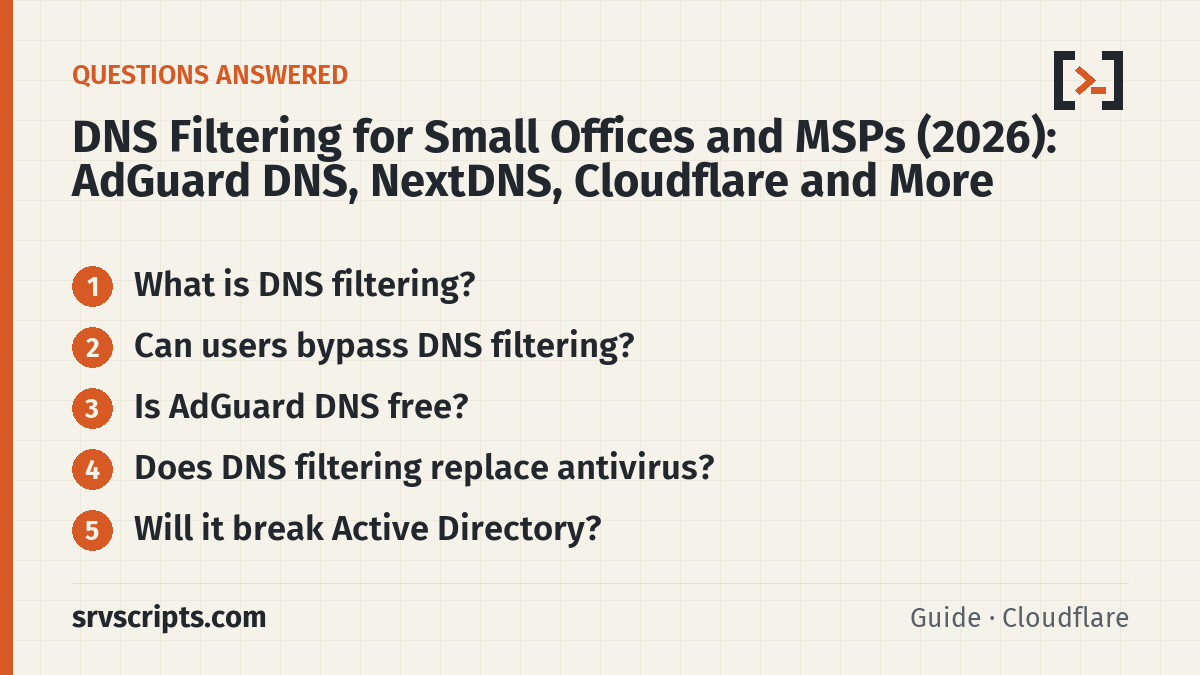
What is DNS filtering?
A filtering resolver answers DNS queries for your devices and refuses to resolve domains on block lists (malware, phishing, ads or chosen categories). Because almost every connection starts with a DNS lookup, it protects every device without installing software on each one.
Can users bypass DNS filtering?
They can if they change their DNS server or use their own encrypted DNS. Block outbound port 53 except to your resolver and block well-known DNS-over-HTTPS endpoints on the firewall, or use an agent on managed laptops.
Is AdGuard DNS free?
The Starter plan is free for up to 5 devices. Personal is $19.99 a year for 20 devices and Team is $239.99 a year for 200 devices.
Does DNS filtering replace antivirus?
No. It blocks known-bad domains before a connection starts, which stops a lot of phishing and malware delivery, but it does not inspect files or traffic. Use it alongside endpoint protection.
Will it break Active Directory?
Not if you configure it as a forwarder on your domain controllers and leave clients pointing at the DCs. Pointing clients straight at a public resolver breaks AD name resolution.
Reading a lot of our guides? Go ad-free with srvScripts Pro for $6 a month. It also pays for new guides. Cancel any time.