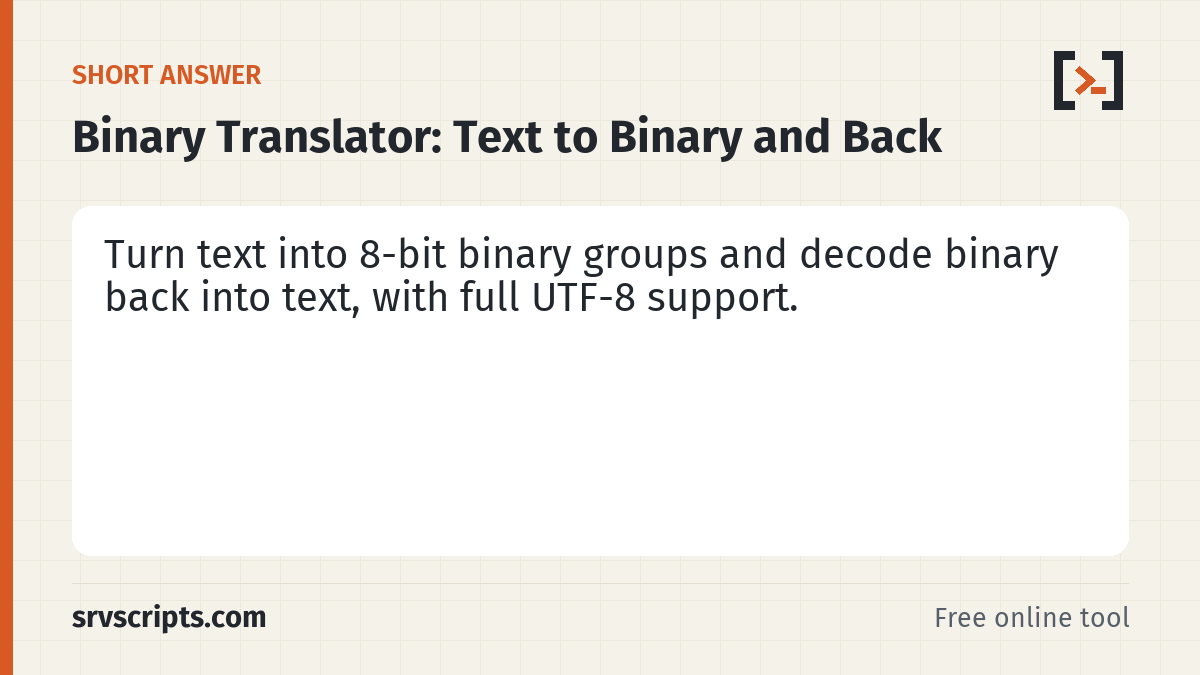
In this binary translator, type text on one side to see it as binary, or paste binary on the other side to read it as text. Each byte of the UTF-8 encoding becomes a group of eight 0s and 1s, so accented letters and emoji convert correctly. Choose the separator between bytes, and paste binary with any spacing. The conversion runs in your browser.
Loading the tool… It runs in your browser and needs JavaScript.
Table of Contents
How to use the translator
Both boxes are live. Typing in the Text box rewrites the Binary box, and typing or pasting in the Binary box rewrites the Text box. The separator setting controls how bytes are joined in the binary output: a space, nothing, a new line per byte, or a comma. The status line shows how many bytes and bits the text uses.
How text becomes binary
Computers store text as bytes. This tool uses UTF-8, the encoding used by nearly every web page and Linux system. Plain ASCII letters take one byte each, so A (code 65) is 01000001. Other characters take two to four bytes: é is 11000011 10101001 and the emoji 🙂 is four bytes starting with 11110000. The leading bits of each byte tell a decoder how many bytes belong to the character.
Decoding tips and errors
- Spaces, tabs, new lines, commas and
0bprefixes are ignored, so most pasted formats work. - Groups shorter than 8 bits, such as
1000001, are padded with leading zeros, because many sources drop them. - Without separators the total number of bits must be a multiple of 8; otherwise a digit is missing or extra and the tool says so.
- Any character other than 0 or 1 is reported with its position.
- If the bytes are not valid UTF-8, the text shows the replacement character (U+FFFD) where decoding failed.
For server admins
You can view the bits of a file or string from the shell with xxd, which is handy for checking line endings or a byte order mark:
printf 'Hi\n' | xxd -b
# 00000000: 01001000 01101001 00001010  Hi.
head -c 3 file.txt | xxd -b   # EF BB BF here means a UTF-8 BOM
Text is limited to 200 KB per conversion, which is already 1.6 million binary digits.
Where binary text is useful
Seeing the bits helps when you learn how encodings work, check bit flags and permission masks, or debug a protocol that packs values into single bits. It also explains why a string that looks short can be longer in bytes than expected: a database column sized in bytes, a 255-byte limit on a header or a key length in a cipher all count UTF-8 bytes, not visible characters.
Binary Translator at a glance
Related tools: Number Base Converter · ASCII and Unicode Code Converter · Base64 Encoder and Decoder.
Official documentation (checked 9 October 2026): RFC 3629: UTF-8, a transformation format of ISO 10646
Frequently asked questions
Why does one letter give more than 8 bits?
Characters outside ASCII use more than one byte in UTF-8. An accented letter usually takes 2 bytes (16 bits) and most emoji take 4 bytes (32 bits).
Can I decode binary without spaces?
Yes. Paste it as one long string; the tool splits it into 8-bit bytes, as long as the total length is a multiple of 8.
Does this use ASCII or UTF-8?
UTF-8. For plain English letters, digits and punctuation the result is the same as ASCII, because UTF-8 keeps ASCII as single bytes.