Short answer: Modern C# code uses var and nullable reference types, collection expressions such as [1, 2, 3], switch expressions with pattern matching, records for data, and LINQ methods such as Where and Select for queries. Asynchronous work uses async/await with Task. The current release is C# 14 on .NET 10 (LTS), which adds the field keyword, extension properties and dotnet run app.cs for single-file scripts.
The examples in this C# cheat sheet were run with the .NET 10 SDK 10.0.401 (runtime 10.0.12, C# 14) on Linux on 9 October 2026. Each feature notes the C# version that introduced it, so you can tell what works on older projects: C# 12 shipped with .NET 8 and C# 13 with .NET 9.
Table of Contents
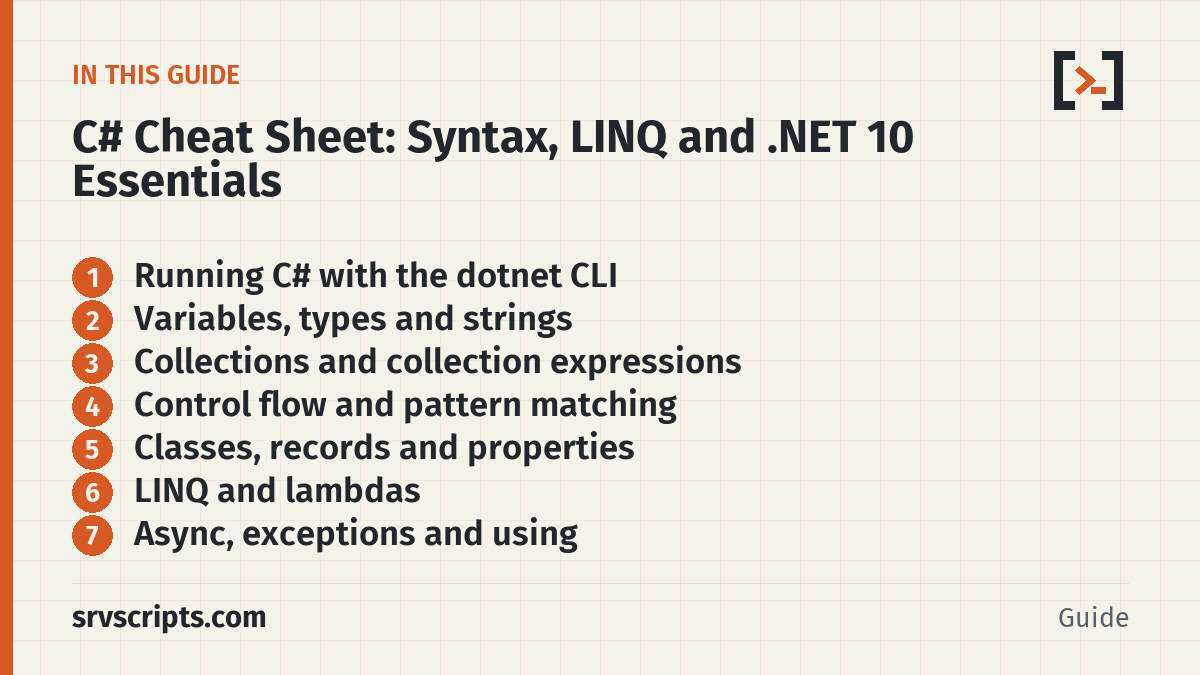
Running C# with the dotnet CLI
| Command | What it does |
|---|---|
dotnet --list-sdks | Installed SDKs (.NET 10 is the current LTS) |
dotnet new console -n app | New console project with top-level statements |
dotnet run · dotnet build · dotnet test | Run, build or test the project in the current folder |
dotnet run app.cs | Run a single C# file with no project file (.NET 10) |
dotnet publish -c Release -r linux-x64 --self-contained | Build a folder you can copy to a server without installing .NET |
dotnet add package Serilog | Add a NuGet package to the project |
New projects enable <Nullable>enable</Nullable> and implicit using directives, so Program.cs can start straight away with Console.WriteLine("Hi");.
Variables, types and strings
| Syntax | What it does |
|---|---|
int port = 443; · long big = 10_000_000_000L; | Integers; underscores aid readability |
double load = 0.75; · decimal price = 9.99m; | Binary float · exact decimal for money |
var host = "web01"; · const int Max = 3; | Inferred type · compile-time constant |
string? maybe = null; | Nullable reference type; the compiler warns on unsafe use |
maybe?.Length ?? 0 · maybe ??= "set"; | Null-conditional, null-coalescing, assign if null |
int.Parse("42") · int.TryParse(s, out var n) | Parse (throws) · parse and return bool |
$"{host}:{port}" | Interpolated string |
$"{1234567:N0}" · $"{port,6}" · $"{d:yyyy-MM-dd}" | Format specifiers: thousands, width, date |
@"C:\temp\new" | Verbatim string: backslashes are literal |
s.Trim() · s.Split(',') · string.Join("-", list) | Trim, split, join |
s.Contains("ell") · s.StartsWith("he") · s[1..3] · s[^1] | Search, range slice, last character |
string.IsNullOrWhiteSpace(s) | Null, empty or spaces |
a.Equals(b, StringComparison.OrdinalIgnoreCase) | Case-insensitive compare |
new StringBuilder().Append(i) | Build strings in a loop |
string json = """
    {
      "host": "db01",
      "port": 3306
    }
    """;                                    // raw string literal (C# 11)

string tpl = $$"""{"host": "{{host}}", "port": {{port}}}""";   // {{ }} interpolates, { } is literal
Collections and collection expressions
| Syntax | What it does |
|---|---|
int[] nums = [5, 1, 4]; · List<string> hosts = ["web01", "db01"]; | Collection expressions (C# 12) |
int[] more = [.. nums, 6, 7]; | Spread one collection into another |
hosts.Add(x) · hosts.Insert(0, x) · hosts.Remove(x) · hosts.Count | List operations |
hosts[^1] · nums[1..3] | Index from the end · range |
var ports = new Dictionary<string, int> { ["ssh"] = 22 }; | Dictionary with an initialiser |
ports.TryGetValue("https", out var p) | Read without risking KeyNotFoundException |
ports.GetValueOrDefault("smtp", 25) · ports.TryAdd(k, v) | Read with default · add only if missing |
foreach (var (k, v) in ports) | Deconstruct key-value pairs |
counts[w] = counts.GetValueOrDefault(w) + 1; | Count occurrences |
new HashSet<int>() · new Queue<T>() · new Stack<T>() | Set, FIFO queue, LIFO stack |
void Log(params ReadOnlySpan<string> items) | params with any collection type (C# 13) |
Control flow and pattern matching
string status = code < 500 ? "up" : "down";

string cls = code switch                     // switch expression with relational patterns
{
    >= 200 and < 300 => "ok",
    301 or 302 => "redirect",
    >= 400 and < 500 => "client error",
    _ => "server error",
};

static string Describe(object? o) => o switch
{
    null => "null",
    int i when i > 1000 => "big int",
    int i => $"int {i}",
    string { Length: > 0 } s => $"string of {s.Length}",      // property pattern
    Server { Port: 443 } sv => $"https server {sv.Name}",
    int[] and [1, .., var last] => $"array ending {last}",    // list pattern
    _ => "other",
};

if (o is string str && str.Length > 3) Console.WriteLine(str.ToUpper());
if (o is not null) { ... }
Loops are for (int i = 0; i < 3; i++), foreach (var h in hosts), while and do ... while. Use _ to discard a value you do not need, as in var (name, ip, _) = srv;.
Classes, records and properties
record Server(string Name, string Ip, int Port = 22)        // value equality, ToString, with
{
    public string Address => $"{Ip}:{Port}";
}
var copy = srv with { Port = 8443 };

readonly record struct Point(int X, int Y);                   // small immutable value type

class Db(string host, int port = 3306)                        // primary constructor (C# 12)
{
    public string Status { get; private set; } = "down";
    public override string ToString() => $"Db({host}:{port})";
}

class Options
{
    public required string Host { get; init; }                // must be set, then read-only
    public int Port { get; init; } = 3306;
}

class Config
{
    public string Name { get; set => field = value?.Trim()   // field keyword (C# 14)
        ?? throw new ArgumentNullException(nameof(value)); } = "";
}

enum Level { Info = 1, Warn, Error }
C# 14 also adds null-conditional assignment (customer?.Order = order; does nothing when customer is null) and extension blocks, which can declare extension properties as well as methods:
static class Extensions
{
    public static bool IsPrivateIp(this string ip) => ip.StartsWith("10.");   // classic extension method

    extension<T>(IEnumerable<T> source)                                       // C# 14 extension block
    {
        public bool IsEmpty => !source.Any();                                 // hosts.IsEmpty
    }
}
LINQ and lambdas
| Syntax | What it does |
|---|---|
nums.Where(x => x > 2).Select(x => x * 10) | Filter and transform (lazy until enumerated) |
nums.Sum() · nums.Max() · nums.Average() · nums.Count(x => x % 2 == 0) | Aggregates |
nums.Any(fn) · nums.All(fn) · nums.FirstOrDefault(fn) | Tests and first match (0 or null if none) |
OrderBy(h => h.Length).ThenBy(h => h) · OrderByDescending(fn) | Sort |
Take(2) · Skip(3) · Distinct() · Chunk(2) | Paging, de-duplication, batches |
hosts.GroupBy(h => h[..2]) | Groups with Key |
hosts.CountBy(h => h[..2]) | Key and count pairs (.NET 9+) |
hosts.Index() | Item with its position (.NET 9+) |
ToList() · ToArray() · ToDictionary(h => h, h => h.Length) | Materialise results |
from h in hosts where h.StartsWith("db") select h | Query syntax; compiles to the same methods |
Func<int, int> sq = x => x * x; · Action<string> log = m => ...; | Delegate types for lambdas |
Async, exceptions and using
var results = await Task.WhenAll(Check("web01"), Check("web02"));   // run in parallel

using var cts = new CancellationTokenSource(TimeSpan.FromSeconds(5));
await Task.Delay(1000, cts.Token);           // throws OperationCanceledException on timeout

using var http = new HttpClient { Timeout = TimeSpan.FromSeconds(10) };
var res = await http.GetAsync("https://example.com/");
Console.WriteLine((int)res.StatusCode);

try
{
    ParsePort("abc");
}
catch (ConfigException e) when (e.InnerException is FormatException)   // exception filter
{
    Console.WriteLine(e.Message);
}
finally
{
    Console.WriteLine("cleanup");
}

ArgumentException.ThrowIfNullOrEmpty(name);   // guard clauses
ArgumentOutOfRangeException.ThrowIfNegative(port);
A using var declaration disposes the object at the end of the enclosing scope. In a long-running service, reuse one HttpClient (or IHttpClientFactory) instead of creating one per request.
For server admins: files, processes and single-file scripts
| Syntax | What it does |
|---|---|
File.ReadAllText(p) · File.ReadAllLines(p) | Whole file · array of lines (small files) |
File.ReadLines(p).Count(l => l.Contains("ERROR")) | Stream a large file lazily |
await foreach (var line in File.ReadLinesAsync(p)) | Async line-by-line read |
File.WriteAllText(p, s) · File.AppendAllText(p, s) | Overwrite · append |
Directory.CreateDirectory(d) · Directory.EnumerateFiles(d, "*.log", SearchOption.AllDirectories) | mkdir -p · recursive search |
Path.Combine("/var", "log", "x.log") · Path.GetExtension(p) | Build and split paths |
new ProcessStartInfo("df") { ArgumentList = { "-h", "/" }, RedirectStandardOutput = true } | Run a command without a shell; then Process.Start(psi) and WaitForExitAsync() |
JsonSerializer.Deserialize<AppConfig>(json, new JsonSerializerOptions(JsonSerializerDefaults.Web)) | Parse JSON into a record, case-insensitive |
Environment.GetEnvironmentVariable("HOME") · Environment.ProcessorCount | Environment and host facts |
DateTimeOffset.ParseExact(s, "dd/MMM/yyyy:HH:mm:ss zzz", CultureInfo.InvariantCulture) | Parse an Apache or Nginx log timestamp |
.NET 10 can run one .cs file as a script, with packages declared at the top. Make it executable and it runs like a shell script:
#!/usr/bin/env dotnet
#:package Humanizer@2.14.1
using Humanizer;

var drive = new DriveInfo("/");
Console.WriteLine($"Free on /: {drive.AvailableFreeSpace.Bytes().Humanize()}");
chmod +x diskcheck.cs
./diskcheck.cs # or: dotnet run diskcheck.csThe first run restores packages and compiles, which takes a few seconds; later runs use a cache. Format strings such as P1 and N0 follow the server’s culture, so pass CultureInfo.InvariantCulture when output is parsed by another tool.
Official documentation (checked 9 October 2026): C# language reference · What’s new in C# 14 · What’s new in C# 13 · What’s new in C# 12 · Pattern matching: patterns · What’s new in .NET 10 · File-based apps
C# Cheat Sheet at a glance
Related guides: Java Cheat Sheet: Syntax, Collections, Records and Streams · PowerShell Cheat Sheet for Windows Server Admins · TypeScript Cheat Sheet: Types, Generics and tsconfig.
Reading a lot of our guides? Go ad-free with srvScripts Pro for $6 a month. It also pays for new guides. Cancel any time.