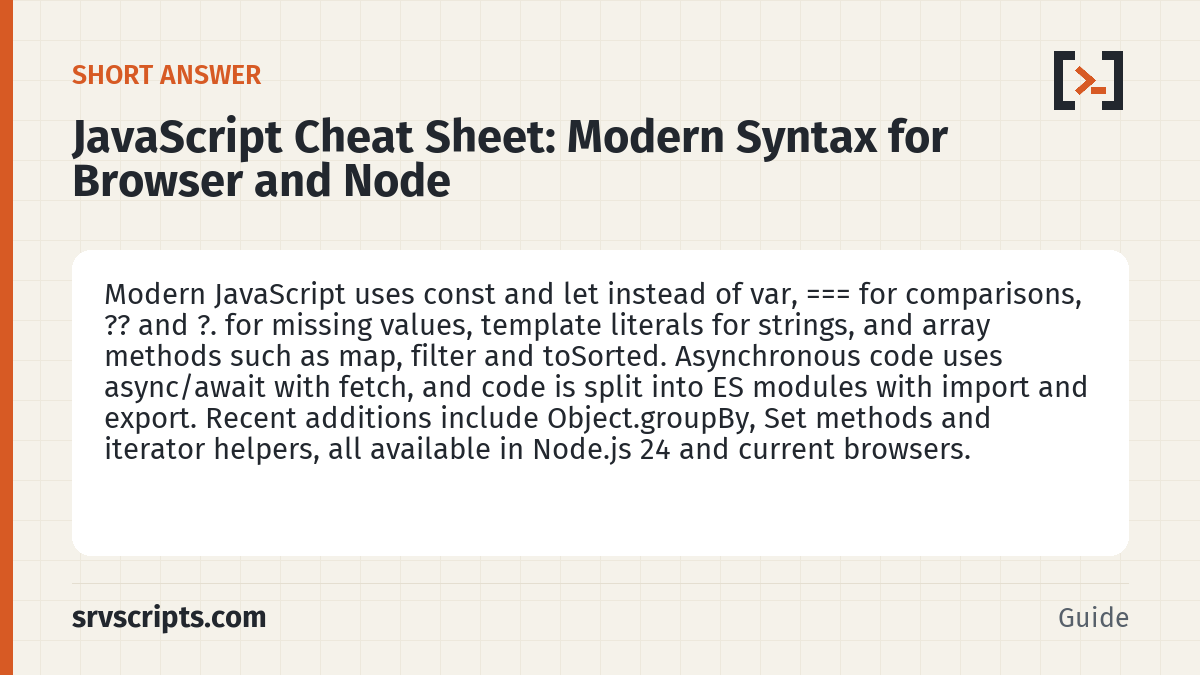
Short answer: Modern JavaScript uses const and let instead of var, === for comparisons, ?? and ?. for missing values, template literals for strings, and array methods such as map, filter and toSorted. Asynchronous code uses async/await with fetch, and code is split into ES modules with import and export. Recent additions include Object.groupBy, Set methods and iterator helpers, all available in Node.js 24 and current browsers.
The language and Node.js examples in this JavaScript cheat sheet were run with Node.js 24.21.0 (the current LTS line) on 9 October 2026. The browser DOM examples were checked against the MDN reference, not run.
Table of Contents
Variables, types and operators
| Syntax | What it does | Result |
|---|---|---|
const host = "web01" | Block-scoped constant binding (the object it points to can still change) | |
let count = 0 | Block-scoped variable you can reassign. Avoid var | |
typeof null · typeof [] | Two classic traps: both report object | "object" |
Array.isArray(x) | The correct way to test for an array | true/false |
0 == "" · 0 === "" | Loose vs strict equality. Use === | true · false |
cfg.port || 3306 | Fallback for any falsy value, including 0 and "" | 3306 if port is 0 |
cfg.port ?? 3306 | Fallback only for null or undefined | 0 if port is 0 |
cfg.nested?.deep | Optional chaining: undefined instead of a TypeError | undefined |
x ??= 5 · x ||= "default" | Assign only if nullish · if falsy | |
Number("42px") · parseInt("42px", 10) | Strict vs lenient number parsing | NaN · 42 |
Number.isNaN(x) | NaN test (NaN === NaN is false) | |
(0.1 + 0.2).toFixed(2) | Round for display; returns a string | "0.30" |
2n ** 64n | BigInt for integers above Number.MAX_SAFE_INTEGER | 18446744073709551616n |
Strings and template literals
| Syntax | What it does |
|---|---|
`${name}:${port}` | Template literal: insert expressions; can span lines |
s.split(",") · arr.join("-") | String to array and back |
s.trim() · s.trimStart() · s.trimEnd() | Remove whitespace |
s.includes("ell") · s.startsWith("he") · s.endsWith(".log") | Substring tests |
s.slice(1, 3) · s.at(-1) | Substring by index · last character |
s.replaceAll("b", "B") | Replace every occurrence (replace with a string changes only the first) |
s.replace(/[-_]/g, " ") | Regex replace; the g flag means all matches |
s.padStart(5, "0") | Pad to a width |
s.toUpperCase() · s.toLowerCase() | Change case |
new Intl.NumberFormat("en-GB").format(1234567.8) | Locale-aware number: 1,234,567.8 |
Arrays
| Syntax | What it does |
|---|---|
nums.map(n => n * 2) | New array with each item transformed |
nums.filter(n => n > 2) | New array with matching items |
nums.reduce((sum, n) => sum + n, 0) | Fold into one value; always pass the start value |
nums.find(fn) · nums.findIndex(fn) · nums.findLast(fn) | First match · its index · last match |
nums.some(fn) · nums.every(fn) · nums.includes(4) | Any match · all match · contains value |
nums.push(x) · nums.pop() · nums.unshift(x) · nums.shift() | Add or remove at the end · at the start (these change the array) |
nums.sort((a, b) => a - b) | Sort numbers in place. Without a compare function, [10, 9, 1].sort() gives [1, 10, 9] |
nums.toSorted(fn) · nums.toReversed() · nums.with(0, 99) | Copying versions that leave the original unchanged (ES2023) |
nums.at(-1) | Last item |
nums.slice(1, 3) | Copy of a range (splice changes the array) |
[[1, 2], [3]].flat() · arr.flatMap(fn) | Flatten one level · map then flatten |
[...new Set(arr)] | Remove duplicates |
Array.from({ length: 3 }, (_, i) => i * i) | Build an array: [0, 1, 4] |
for (const [i, v] of arr.entries()) | Loop with index and value |
Objects, destructuring and spread
const server = { name: "web01", ip: "10.0.0.5", tags: ["prod"] };

const { name, ip, os = "linux", ...rest } = server;   // rename with { name: srvName }
const [first, , third = "def", ...others] = [1, 2, undefined, 4, 5];

const copy = { ...server, ip: "10.0.0.6" };   // shallow copy with one change
const deep = structuredClone(server);         // deep copy (nested arrays too)

Object.keys(server);      // ["name", "ip", "tags"]
Object.entries(server);   // [["name", "web01"], ...]
Object.fromEntries([["a", 1]]);
Object.hasOwn(server, "ip");   // true

const map = new Map([["a", 1]]);   // any key type, keeps insertion order
map.set("b", 2); map.get("b"); map.has("a"); map.size;

JSON.stringify(server, null, 2);   // pretty JSON
JSON.parse('{"port": 3306}').port;
A spread copy is shallow: copy.tags is the same array as server.tags. Use structuredClone() when nested data must not be shared.
Functions and classes
function connect(host, port = 22, ...rest) { return `${host}:${port}`; }
const add = (a, b) => a + b;
const makeObj = () => ({ ok: true });      // wrap an object literal in brackets

class Server {
  #secret = "s3cret";                      // private field
  static count = 0;

  constructor(name, ip) {
    this.name = name;
    this.ip = ip;
    Server.count++;
  }
  get fqdn() { return `${this.name}.example.com`; }
  static fromLine(line) { return new Server(...line.split(" ")); }
}

class WebServer extends Server {
  constructor(name, ip, vhosts = 0) {
    super(name, ip);                       // must run before using this
    this.vhosts = vhosts;
  }
}
Arrow functions do not have their own this, so use them for callbacks and normal methods for class behaviour. A function that returns another function keeps access to its outer variables (a closure), which is how counters and simple caches are built.
Promises, async and fetch
| Syntax | What it does |
|---|---|
async function f() { const r = await g(); } | Wait for a promise without callbacks |
try { await f(); } catch (e) { ... } finally { ... } | Handle a rejected promise |
await Promise.all([a(), b()]) | Run in parallel; rejects on the first failure |
await Promise.allSettled([...]) | Wait for all; each result has status fulfilled or rejected |
await Promise.any([...]) · await Promise.race([...]) | First success · first to settle |
const { promise, resolve, reject } = Promise.withResolvers() | Create a promise and its controls in one step (ES2024) |
p.then(v => ...).catch(e => ...).finally(() => ...) | Chained form |
new Promise(r => setTimeout(r, ms)) | A simple sleep |
const res = await fetch("https://api.example.com/status", {
  method: "POST",
  headers: { "Content-Type": "application/json" },
  body: JSON.stringify({ host: "web01" }),
  signal: AbortSignal.timeout(5000),        // give up after 5 seconds
});
if (!res.ok) throw new Error(`HTTP ${res.status}`);   // fetch does not reject on 404 or 500
const data = await res.json();
Modules
| Syntax | What it does |
|---|---|
export function slug(s) { ... } | Named export |
export default class Logger { ... } | Default export (one per module) |
import Logger, { slug, VERSION as V } from "./util.mjs" | Default plus named imports, with a rename |
import * as util from "./util.mjs" | Everything as one namespace object |
const mod = await import("./util.mjs") | Dynamic import, loaded on demand |
import config from "./config.json" with { type: "json" } | JSON module with an import attribute (ES2025) |
import { readFile } from "node:fs/promises" | Node built-in module; the node: prefix is explicit |
In Node.js, files ending in .mjs, or .js files in a package with "type": "module", are ES modules. Top-level await works only in modules. In the browser, load them with <script type="module" src="app.js"></script>.
Newer built-ins: ES2023 and later
| Feature | Example | Since |
|---|---|---|
| Group items by a key | Object.groupBy(rows, r => r.type) | ES2024 |
| Group into a Map | Map.groupBy(nums, n => n % 2 ? "odd" : "even") | ES2024 |
| Set operations | a.union(b) · a.intersection(b) · a.difference(b) · a.isSubsetOf(b) | ES2025 |
| Iterator helpers (lazy) | gen().filter(fn).map(fn).take(3).toArray() | ES2025 |
| Wrap any iterable | Iterator.from(arr).drop(1).toArray() | ES2025 |
| Escape text for a regex | new RegExp(RegExp.escape("1.2.3.4")) | ES2025 |
| Run sync or async code as a promise | Promise.try(() => mayThrow()) | ES2025 |
| Collect an async iterable | await Array.fromAsync(asyncGen()) | ES2026 |
| Named regex groups | /(?<y>\d{4})-(?<m>\d{2})/.exec(s).groups.y | ES2018 |
All of these run in Node.js 24 and in current Chrome, Edge, Firefox and Safari. Older browsers may need a polyfill, so check MDN’s compatibility table before you rely on one in public-facing code.
Browser DOM basics
| Syntax | What it does |
|---|---|
document.querySelector("#status") | First element matching a CSS selector, or null |
document.querySelectorAll(".row") | All matches (a NodeList you can loop with for...of) |
el.textContent = "OK" | Set text safely. Avoid innerHTML with untrusted data |
el.classList.toggle("hidden") | Add or remove a class |
el.dataset.id | Read a data-id attribute |
btn.addEventListener("click", e => { ... }) | Handle an event |
document.createElement("li") · list.append(li) | Create and insert an element |
localStorage.setItem("k", JSON.stringify(v)) | Persist small values in the browser |
new URL(location.href).searchParams.get("q") | Read a query-string value |
Node.js for server admins
| Syntax | What it does |
|---|---|
await readFile("app.log", "utf8") · await writeFile(p, data) | Read or write a whole file (node:fs/promises) |
await readdir(dir) · await stat(p) · await mkdir(p, { recursive: true }) | List, inspect and create |
promisify(execFile)("df", ["-h", "/"]) | Run a command without a shell; resolves to { stdout, stderr } |
process.argv.slice(2) · process.env.HOME | Script arguments · environment |
os.loadavg() · os.freemem() · os.hostname() | Basic host facts (node:os) |
path.join("/var", "log", "x.log") · path.basename(p, ".log") | Build and split paths |
import.meta.dirname | Directory of the current module (no __dirname in ES modules) |
node --env-file=.env app.js | Load environment variables from a file |
node --watch app.js | Restart when files change |
node --run build | Run a package.json script without npm |
Count error lines in a large log without loading it into memory:
import { createReadStream } from "node:fs";
import { createInterface } from "node:readline";

const rl = createInterface({ input: createReadStream("/var/log/app.log"), crlfDelay: Infinity });
let errors = 0;
for await (const line of rl) {
  if (line.includes("ERROR")) errors++;
}
console.log(`errors: ${errors}`);
Use execFile or spawn with an argument array rather than exec with a built string. exec runs through a shell, so a hostname or file name containing ; or $() becomes a command.
Official documentation (checked 9 October 2026): MDN: JavaScript reference · ECMAScript Language Specification (TC39 draft) · MDN: Set · MDN: Iterator · Node.js v24 API documentation
JavaScript Cheat Sheet at a glance
Related: TypeScript Cheat Sheet: Types, Generics and tsconfig · HTML Cheat Sheet: Elements, Attributes and Forms · CSS Cheat Sheet: Selectors, Flexbox, Grid and Modern CSS · Regex Tester for JavaScript.
Reading a lot of our guides? Go ad-free with srvScripts Pro for $6 a month. It also pays for new guides. Cancel any time.