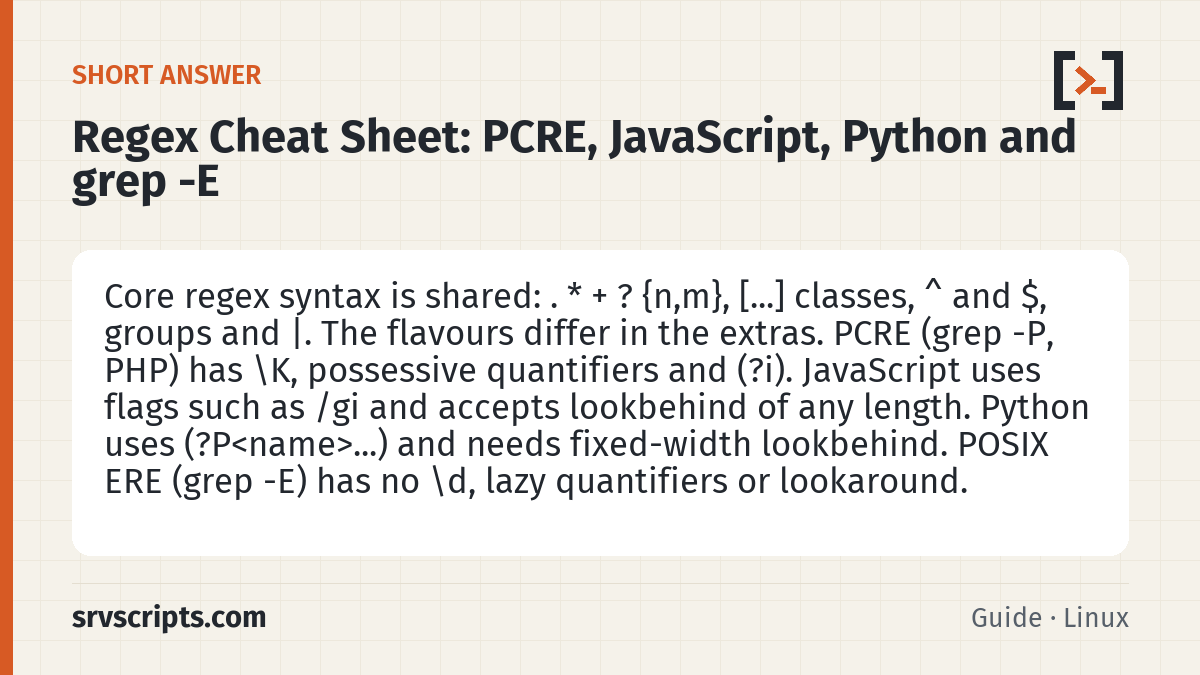
Short answer: Core regex syntax is shared: . * + ? {n,m}, [...] classes, ^ and $, groups and |. The flavours differ in the extras. PCRE (grep -P, PHP) has \K, possessive quantifiers and (?i). JavaScript uses flags such as /gi and accepts lookbehind of any length. Python uses (?P<name>...) and needs fixed-width lookbehind. POSIX ERE (grep -E) has no \d, lazy quantifiers or lookaround.
The examples in this regex cheat sheet were run on 9 October 2026 with GNU grep 3.11 (grep -E and grep -P with PCRE2 10.42), Python 3.11.15, Node.js 22.22.2, PHP 8.4 (PCRE2) and GNU sed.
Table of Contents
Characters and classes
| Pattern | Matches | Notes |
|---|---|---|
. | Any character except newline | Add the s flag (DOTALL) to include newlines |
\d, \w, \s | Digit, word character, whitespace | Not POSIX. GNU grep -E knows \w and \s but treats \d as a plain d |
\D, \W, \S | The opposites | Same caveat for grep -E |
[abc], [^abc], [a-z0-9] | One of, none of, ranges | Same in all flavours |
[[:digit:]], [[:alpha:]], [[:space:]] | POSIX bracket classes | grep -E and PCRE; not JavaScript or Python |
\., \*, \[ | A literal special character | Escape any of . ^ $ * + ? ( ) [ ] { } | \ |
\p{L} | Any Unicode letter | PCRE; JavaScript with the u or v flag; not Python re |
Unicode differs too. In Python, \d also matches Arabic-Indic and other Unicode digits unless you pass re.ASCII. In JavaScript, \d and \w are ASCII only, even with the u flag.
Anchors and quantifiers
| Pattern | Meaning |
|---|---|
^, $ | Start and end of the string, or of each line with the multiline flag (m) |
\b, \B | Word boundary, not a word boundary. GNU grep also has \< and \> |
\A, \z | Start and end of the whole string in PCRE. Python uses \A and \Z (\z from 3.14); JavaScript has neither |
*, +, ? | 0 or more, 1 or more, 0 or 1 (greedy: as many as possible) |
{3}, {2,5}, {2,} | Exactly 3, 2 to 5, 2 or more |
*?, +?, ?? | Lazy: as few as possible. Not in POSIX ERE |
*+, ++, (?>...) | Possessive and atomic: never give back characters. PCRE and Python 3.11+, not JavaScript or ERE |
Greedy versus lazy on <a><b>:
$ echo '<a><b>' | grep -oP '<.+?>'
<a>
<b>
$ echo '<a><b>' | grep -oE '<.+?>'
<a><b>
$ echo '<a><b>' | grep -oE '<[^>]+>'
<a>
<b>
In ERE the ? after + just makes the group optional, so the match stays greedy. A negated class such as [^>]+ works in every flavour.
Groups and backreferences
| Feature | PCRE | JavaScript | Python | grep -E |
|---|---|---|---|---|
| Capture group | (abc) | (abc) | (abc) | (abc) |
| Non-capturing | (?:abc) | (?:abc) | (?:abc) | Not supported |
| Named group | (?<ip>...) or (?P<ip>...) | (?<ip>...) | (?P<ip>...) | Not supported |
| Backreference | \1, \k<ip> | \1, \k<ip> | \1, (?P=ip) | \1 (GNU extension) |
| Alternation | a|b | a|b | a|b | a|b |
| Replacement: group 1 | $1 or \1 (PHP) | $1 | \1 or \g<1> | \1 in sed -E |
| Replacement: named | Not in PHP preg_replace (numbers only) | $<ip> | \g<ip> | — |
Lookahead, lookbehind and \K
| Pattern | Meaning | Support |
|---|---|---|
foo(?=bar) | foo followed by bar | PCRE, JavaScript, Python |
foo(?!bar) | foo not followed by bar | PCRE, JavaScript, Python |
(?<=user )\w+ | Word preceded by user | PCRE, JavaScript, Python |
(?<!\$)\d+ | Digits not preceded by $ | PCRE, JavaScript, Python |
from \K[\d.]+ | Match from , then drop it from the result | PCRE only (grep -P, PHP) |
Lookbehind length rules differ. JavaScript allows any length. Python needs a fixed width, so even (?<=x=|yy=) fails with “look-behind requires fixed-width pattern”. PCRE2 accepts alternatives of different fixed lengths, and from 10.43 also bounded variable lengths such as (?<=colou?r). POSIX ERE has no lookaround at all.
Flags and modifiers
| Flag | Meaning | PCRE / PHP | JavaScript | Python |
|---|---|---|---|---|
| Case-insensitive | a = A | /i, (?i) | /i | re.I, (?i) |
| Multiline | ^ and $ per line | /m, (?m) | /m | re.M |
| Dot matches newline | . includes \n | /s, (?s) | /s | re.S |
| Extended | Ignore spaces, allow # comments | /x, (?x) | Not supported | re.X |
| Global | Find every match | preg_match_all | /g | re.findall |
| Unicode | Full Unicode handling | /u | /u or /v | Default for str |
JavaScript has no (?i) prefix: Node.js 22 rejects it as an invalid group. Pass flags after the closing slash or as the second argument to new RegExp(). In Python 3.11 and later, a global inline flag such as (?i) must be at the very start of the pattern.
Using regex in Python and JavaScript
| Task | Python | JavaScript |
|---|---|---|
| Test for a match | re.search(r'\d+', s) (anywhere); re.match anchors at the start; re.fullmatch needs the whole string | /\d+/.test(s) |
| All matches | re.findall(r'(\w+)=(\d+)', s) returns tuples when there are groups | [...s.matchAll(/(\w+)=(\d+)/g)] (the g flag is required) |
| Named group | m.group('ip'), m.groupdict() | m.groups.ip |
| Replace | re.sub(r'(\d{4})-(\d{2})-(\d{2})', r'\3/\2/\1', s) | s.replace(/(\d{4})-(\d{2})-(\d{2})/, '$3/$2/$1') |
| Replace all | re.sub replaces all by default | s.replace(/x/g, 'y') or s.replaceAll(/x/g, 'y'); replaceAll throws a TypeError without g |
| Split | re.split(r'\s*,\s*', s) | s.split(/\s*,\s*/) |
| Escape user input | re.escape(s) | No built-in in Node.js 22; escape .*+?^${}()|[]\ yourself |
A JavaScript regex with the g or y flag remembers lastIndex between calls. Reusing /o/g with .test('foo') returned true, true, then false on our test. Use a regex without g for yes/no tests.
Always write Python patterns as raw strings (r'\d+'), so that the backslashes reach the regex engine unchanged.
grep -E versus grep -P on server logs
For server admins: grep -E (POSIX ERE with GNU extensions) is fast and available everywhere, but has no \d, lazy quantifiers, non-capturing groups or lookaround. grep -P uses PCRE2 and adds all of them, plus \K. Both work on a sample of SSH log lines:
$ grep -oE 'from [0-9]{1,3}(\.[0-9]{1,3}){3}' auth.log
from 203.0.113.10
from 198.51.100.7
$ grep -oP 'from \K[\d.]+' auth.log
203.0.113.10
198.51.100.7
$ grep -oP '(?<=invalid user )\w+' auth.log
admin| Task | Command |
|---|---|
| Count matching lines | grep -cE 'Failed|Accepted' auth.log |
| Whole line must match | grep -xE '[0-9]+' file |
| Case-insensitive | grep -iE 'error|fatal' app.log |
| Show only the match | grep -oE '[[:digit:]]+\.[[:digit:]]+\.[[:digit:]]+\.[[:digit:]]+' log | sort -u |
| Reorder with sed | sed -E 's/([0-9]+)-([0-9]+)-([0-9]+)/\3\/\2\/\1/' turns 2026-10-09 into 09/10/2026 |
Do not use \d with grep -E: on our test, GNU grep 3.11 matched the letter d in sshd instead of a digit and printed no warning. Use [0-9] or [[:digit:]], or switch to grep -P.
Official documentation (checked 9 October 2026): PCRE2 pattern syntax (pcre2pattern) · MDN: Regular expressions (JavaScript) · Python: re — Regular expression operations · POSIX: Regular Expressions · GNU Grep manual · PHP: PCRE regex syntax
Regex Cheat Sheet at a glance

Related: Regex Tester for JavaScript · Terminal Shortcuts Cheat Sheet: Bash, Zsh and tmux · Python Cheat Sheet: Syntax, Data Types and File Handling.
Reading a lot of our guides? Go ad-free with srvScripts Pro for $6 a month. It also pays for new guides. Cancel any time.