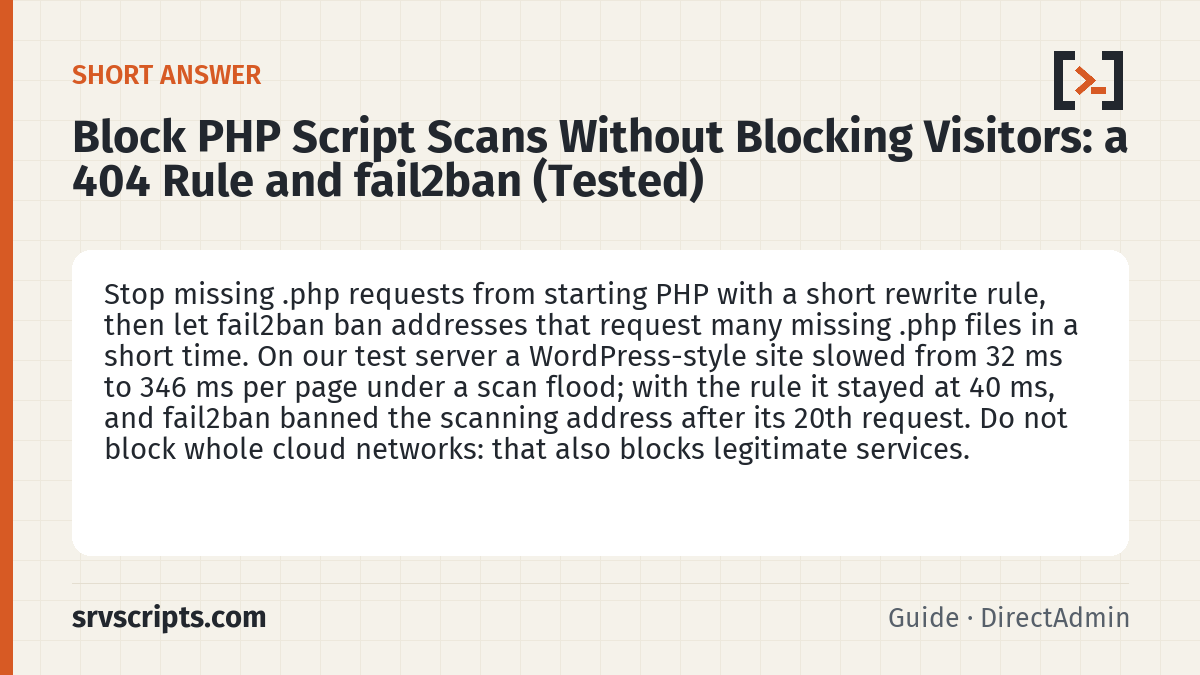
Short answer: to handle PHP script scans, stop missing .php requests from starting PHP with a short rewrite rule, then let fail2ban ban addresses that request many missing .php files in a short time. On our test server a WordPress-style site slowed from 32 ms to 346 ms per page under a scan flood; with the rule it stayed at 40 ms, and fail2ban banned the scanning address after its 20th request. Do not block whole cloud networks: that also blocks legitimate services.
Every public server sees scanners that request hundreds of PHP files that do not exist: wp-config.bak.php, shell.php, .env.php and so on, often from rotating addresses on cloud networks. A recent DirectAdmin forum thread asks exactly this: how to cut the CPU load without blocking real visitors. The scans themselves are mostly harmless. What hurts is what each request costs, and on a typical WordPress or forum site that cost is a full run of the application.
Table of Contents
What PHP script scans cost: our measurement
We sent 20,000 requests for a missing PHP file to four Apache setups on the same 4-vCPU Debian 12 server (Apache 2.4.68, PHP-FPM 8.2, five PHP workers), 50 at a time, and measured how many reached PHP and how fast a real page loaded meanwhile.
| Setup | Scan requests that reached PHP | Real page during the flood |
|---|---|---|
| PHP-FPM handler without a file check | all 20,000 | not measured separately (no application) |
| PHP-FPM handler with a file check (as in DirectAdmin’s templates) | none | — |
| WordPress-style front controller (missing files are rewritten to index.php, about 30 ms of PHP work each) | every request; all 5 PHP workers busy | 346 ms on average (32 ms before), up to 402 ms |
| The same with the 404 rule from step 1 | none | 40 ms on average |
The third row is the important one. A file check in the PHP handler does not help a WordPress, phpBB or similar site, because their .htaccess rules send every request for a missing file to index.php, so each scan starts the application. We repeated the check with a real WordPress 7.1.3 site on OpenLiteSpeed 1.9.3: a missing .php URL produced the WordPress “Page not found” page in 51 to 70 ms, and each one was a separate LiteSpeed Cache miss. With the rule, the same requests took 0.7 to 1.3 ms.
Step 1: answer missing .php files before PHP starts
Put these lines at the top of the site’s .htaccess, above the WordPress (or forum) rules:
# Missing .php files get a plain 404 from the web server before WordPress starts
RewriteEngine On
RewriteCond %{REQUEST_URI} \.php$ [NC]
RewriteCond %{REQUEST_FILENAME} !-f
RewriteRule ^ - [R=404,L]- Real PHP files such as
wp-login.phpandindex.phpstill work, and pretty URLs (/about-us/) still go to WordPress. We checked all three after adding the rule. - Before you add it, look for plugins or apps that answer URLs ending in
.phpthat are not real files. Search the access log for.phprequests that returned 200, and check each one exists on disk. - Apache reads
.htaccesson every request. OpenLiteSpeed reads rewrite rules from.htaccesstoo, but only picks up changes after a graceful restart (/usr/local/lsws/bin/lswsctrl restart). We tested OpenLiteSpeed with the same rules in the virtual host’s rewrite section. - On DirectAdmin with Apache and PHP-FPM, the templates in
/usr/local/directadmin/data/templates/virtual_host2.confalready wrap the PHP handler in<If "-f %{REQUEST_FILENAME}">(checked on DirectAdmin 1.712), so only the application’s rewrite rules send scans to PHP. Custom templates should keep that check.
Step 2: ban addresses that keep requesting missing .php files
A rule makes each scan cheap; fail2ban stops a single address from sending thousands of them. Create the filter /etc/fail2ban/filter.d/php-404.conf:
[Definition]
failregex = ^<HOST> -.*"(?:GET|POST|HEAD) [^" ]*\.php(?:\?[^" ]*)? HTTP/[0-9.]+" (?:403|404)
ignoreregex =
It matches a .php request answered with 404 or 403, with or without a query string, and ignores everything else. Test it against your own log before you enable it:
fail2ban-regex /var/log/apache2/access.log /etc/fail2ban/filter.d/php-404.confOn our fixture of nine typical lines it matched the four scan requests (wp-config.bak.php, xmlrpc.php refused with 403, shell.php?cmd=id, .env.php) and none of the five normal ones (index.php with 200, a redirect, a missing image, a missing page). Then add the jail, /etc/fail2ban/jail.d/php-404.local:
[php-404]
enabled  = true
port     = http,https
filter   = php-404
logpath  = /var/log/apache2/access.log
maxretry = 20
findtime = 60
bantime  = 3600
action = iptables-multiport[name=php-404, port="http,https", protocol=tcp]- 20 in 60 seconds is far above what a person or a search engine does; adjust it to your logs. Add your own and your monitoring addresses to
ignoreip. - The explicit
actionline matters on systems whosejail.localdoes not define default actions; on our FreePBX test server the jail loaded without it, with no action at all, so it would have found scans and banned nobody. Usenftables-multiportinstead if your fail2ban uses nftables. - On DirectAdmin, the per-domain Apache logs are
/var/log/httpd/domains/DOMAIN.log, so uselogpath = /var/log/httpd/domains/*.log. The error logs in the same folder also match the pattern; they never match the filter, so this only costs a little reading. - Reload with
fail2ban-client reload, check withfail2ban-client status php-404. If the jail shows no actions, restart fail2ban.
Our result: 160 normal requests from one address (home page, admin page, 30 missing images) in 11 seconds were not counted at all. Then the same address requested /scan-1.php, /scan-2.php and so on: requests 1 to 20 got a 404, fail2ban banned the address 1.5 seconds after the first one, and request 21 was refused. SSH on port 22 stayed reachable, because the ban covers ports 80 and 443 only. fail2ban-client set php-404 unbanip ADDRESS lifted it at once.
If you use CSF instead of fail2ban
CSF has its own option, LF_APACHE_404 in /etc/csf/csf.conf (csf v15.12 on our DirectAdmin server). It counts “File does not exist” lines in the Apache error log, and its own comment warns that it can produce many false positives and suggests a high value such as 200. It also cannot see the requests that matter most here: when we sent missing .php requests to the WordPress-style site, with or without the rule from step 1, the error log got no line at all, because the request was rewritten instead of failing. A fail2ban jail on the access log sees them. If CSF manages your firewall, a restart of CSF can clear rules other tools added, so check fail2ban-client status after csf -r. We did not test fail2ban and CSF together.
What not to do
- Block whole cloud networks (Google Cloud, Azure). It cuts the scans but also blocks legitimate services, including mail servers and monitoring, and the lists change.
- Rely on a rate limit per address alone. Scanners rotate addresses; the rule from step 1 makes every request cheap whatever its source.
- Return 403 for every
.phpfile. It breakswp-login.php,wp-cron.phpand admin pages. Only missing files should get the short answer.
How we tested
On 18 October 2026, on our Debian 12 lab server (4 vCPU, Apache 2.4.68, PHP-FPM 8.2.34 with 5 workers, fail2ban 1.0.2 with iptables-nft): four test sites on local ports for the cost comparison, with ab sending 20,000 requests 50 at a time (or 15 seconds of continuous requests for the front-controller pair), and real page timings taken with curl during the flood. The front-controller site used a PHP script doing about 30 ms of work per request in place of WordPress. The fail2ban test used a second server of ours as the scanner. The WordPress check ran WordPress 7.1.3 with LiteSpeed Cache on OpenLiteSpeed 1.9.3 in a test container. The DirectAdmin template and CSF settings were read on our DirectAdmin 1.712 server; nothing was changed there.
Not tested: LiteSpeed Enterprise, nginx, cPanel’s log paths, and fail2ban combined with CSF. Numbers from one 4-vCPU server are a comparison, not a benchmark for your hardware.
Related: block AI crawlers without leaving AI search, access log analyzer, top IPs in web logs.
At a glance
Frequently asked questions
Will this block Googlebot or real visitors?
Not in our test: normal browsing, a missing image and a missing page are not counted. Search engines rarely request missing .php files twenty times in a minute. To be safe, add your monitoring and office addresses to ignoreip.
Does this stop the scans?
No. Scanners keep trying, often from new addresses. The rule makes each attempt cost almost nothing, and fail2ban stops any single address that keeps going. Together they remove the CPU load, which is the actual problem.
Should xmlrpc.php be blocked too?
If nothing on the site uses XML-RPC (the Jetpack plugin and some mobile apps do), refusing it with 403 is common. The filter above counts 403 answers too, so repeated attempts get the address banned.
Reading a lot of our guides? Go ad-free with srvScripts Pro for $6 a month. It also pays for new guides. Cancel any time.