cPanel & WHM ships a new major version roughly every eight weeks and rebuilds it many times in between, so the question “what is the latest cPanel version” has two answers: the newest build on the tier you follow, and the newest major version overall. This page shows both from our tracker, which reads cPanel’s own tier manifest twice a day, and explains what to do with the numbers.
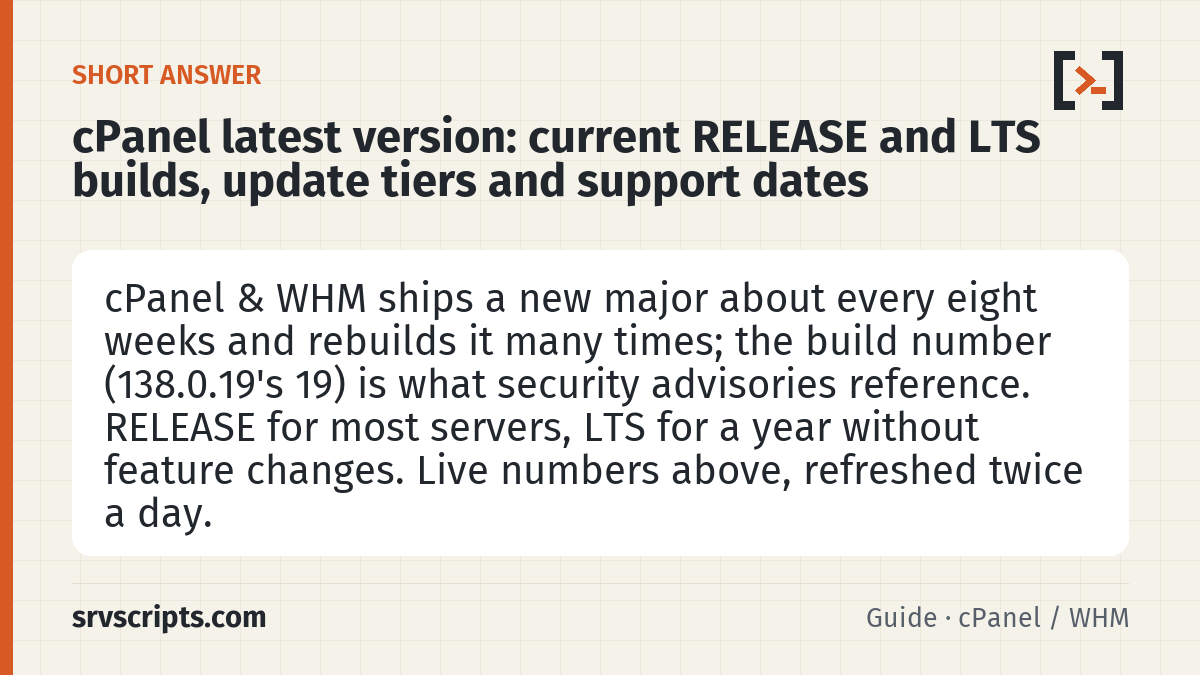
Short answer: The latest cPanel & WHM is 138.0.28 (RELEASE) · 134.0.77 (LTS) (RELEASE tier first, LTS second). Even-numbered majors are production versions; the LTS tier stays on one major for about a year and receives security builds only. Most production servers should follow RELEASE or LTS, not CURRENT or EDGE. (Reviewed October 2026.)
Table of Contents
Current versions (live)
The table below is generated from cPanel’s tier manifest; it does not wait for us to edit the page. The “Support ends” column shows the LTS end date, because RELEASE builds are superseded by the next major and only ever supported until then.
cPanel & WHM — current versions
| Latest | Released | Support ends |
|---|---|---|
| 138.0.28 (RELEASE) · 134.0.77 (LTS) | 2026-11-20 | 134 LTS: 2027-06 |
Last change in the tracker: 20 Nov 2026, 11:17 UTC · All tracked products · Vendor release notes
How cPanel versions and tiers work
cPanel publishes five update tiers. From safest to newest: LTS (one major per year, security fixes only, no feature changes), STABLE, RELEASE (the default for new installs), CURRENT and EDGE (development builds). A major version moves through EDGE → CURRENT → RELEASE → STABLE over a few months; the LTS tier jumps once a year.
The version string is major.0.build. The build number (the third field, for example the 19 in 138.0.19) increases with every rebuild on that major, and it is the number that matters for security advisories: cPanel’s TSRs name the first fixed build per major, and our CVE build-number guide keeps the 2026 list. Being on the right major but an older build still leaves you exposed.
Supported operating systems move with the major as well: AlmaLinux 8, 9 and 10, Rocky Linux, CloudLinux and Ubuntu 22.04/24.04 LTS at the time of writing, with the oldest OS dropped as new majors arrive. Check AlmaLinux 10 for cPanel and ELevate from 8 to 9 to 10 before planning an OS upgrade.
Check which version you run
On the server, or in WHM → Server Status → Server Information (the version also sits in the top-right corner of WHM):
cat /usr/local/cpanel/version
/usr/local/cpanel/cpanel -V
whmapi1 version            # includes the tier you follow
grep CPANEL= /etc/cpupdate.conf
Update safely
Updates run nightly through upcp when “Automatic” is set in WHM → Update Preferences. To update on demand, or to move to a new major after changing the tier:
/scripts/upcp --forceruns the full update and logs to/var/cpanel/updatelogs/.- A blocked upgrade is almost always a blocker file: see cPanel upcp failed: upgrade blocked.
- Choosing a tier is a policy decision, not a one-off: LTS 134 vs RELEASE 138 compares them for production servers.
- After a major upgrade, review what changed: what changed in cPanel 138 and cPanel 136.
You cannot downgrade a major version. If a new RELEASE breaks something, the way back is a restore from backup or a migration to a server still on the older tier, which is the reason LTS exists for servers that cannot afford surprises.
cPanel version at a glance
Official documentation: cPanel product versions and the release process, cPanel Long-Term Support, cPanel changelogs.
Related guides: cPanel update tier 2026: LTS 134 vs RELEASE 138 · cPanel CVE build numbers 2026: is your server safe? · cPanel scripts guide: upcp, cpkeyclt and check_cpanel_pkgs.
Frequently asked questions
What is the latest cPanel version right now?
The table at the top of this page is refreshed twice a day from cPanel’s tier manifest and shows the newest build on the RELEASE tier and on the LTS tier. The RELEASE number is the “latest cPanel version” in the usual sense; LTS is the newest build of the long-term-support major.
Which cPanel version should a production server run?
RELEASE for most servers; LTS when you need a year without feature changes (shared hosting with many custom integrations, regulated environments). CURRENT and EDGE are for test servers. Whatever the tier, keep the build number at or above the one named in the latest cPanel security advisory.
How do I find the cPanel version from the command line?
Run cat /usr/local/cpanel/version or /usr/local/cpanel/cpanel -V. whmapi1 version also reports it, and /etc/cpupdate.conf shows which tier the server follows.
