Three CVEs against CSF landed within a month of each other in 2026, and two of them are unauthenticated remote code execution as root, which is as bad as a firewall bug gets. The good news is that all three are closed by version 16.31 of the cPanel fork and are trivial to mitigate in csf.conf while you wait for a package. The bad news is that any server still on the original ConfigServer v15.00, or on a fork that has not backported the fixes, is exposed by default in one case and by a single configuration line in the others.
Applies to CSF 14.00 to 16.30-1 (affected); fixed in cPanel CSF fork 16.31
Table of Contents
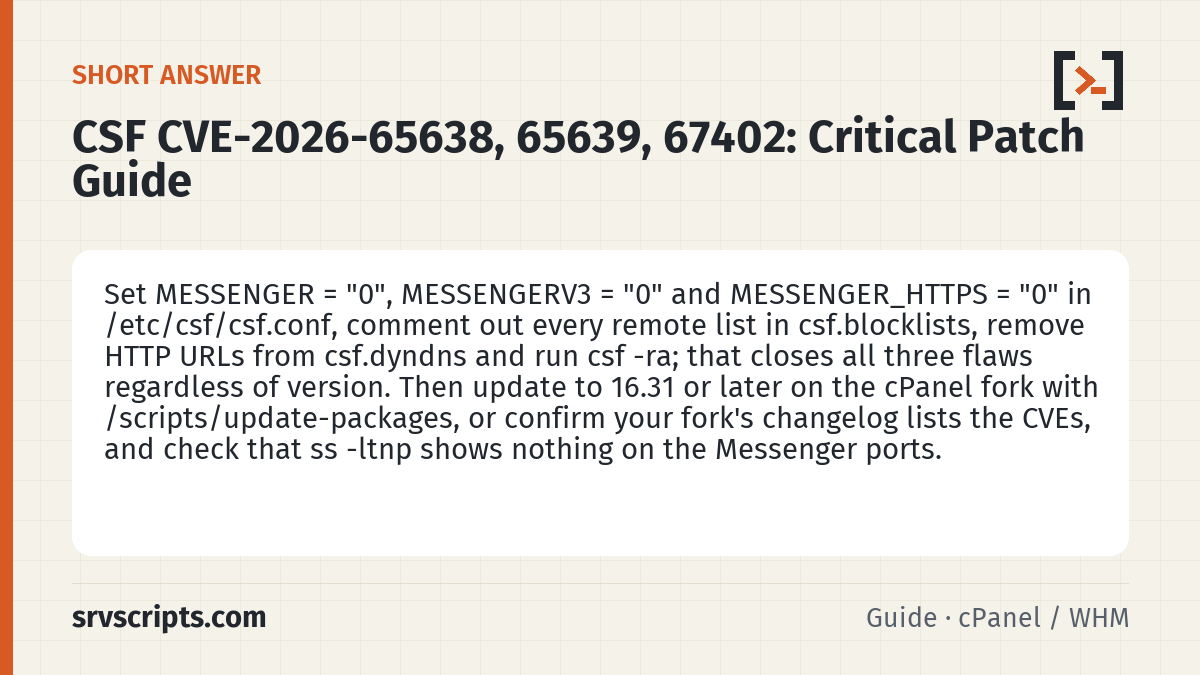
Short answer: Set MESSENGER = "0", MESSENGERV3 = "0" and MESSENGER_HTTPS = "0" in /etc/csf/csf.conf, comment out every remote list in csf.blocklists, remove HTTP URLs from csf.dyndns and run csf -ra; that closes all three flaws regardless of version. Then update to 16.31 or later on the cPanel fork with /scripts/update-packages, or confirm your fork’s changelog lists the CVEs, and check that ss -ltnp shows nothing on the Messenger ports.
The three flaws
CVE-2026-65638 is rated 9.2 and affects CSF 14.00 through 16.29. It sits in the Messenger service, the small web server LFD starts to show a “you have been blocked” page to banned visitors. When Messenger is enabled and a reCAPTCHA secret is configured, a crafted request to the Messenger port leads to command execution as root, with no login involved. Messenger was off by default in the original CSF but many hosts turned it on because customers preferred a friendly block page to a timeout.
CVE-2026-65639 is rated 9.5 and involves URLGET, the mechanism CSF uses to fetch remote allow and deny lists on a schedule. A malicious or hijacked list source could inject content that CSF processes unsafely, again leading to code execution as root. It is exploitable whenever CSF is configured to fetch lists from a URL, which includes the sample blocklist entries many admins enabled in csf.blocklists and any custom csf.dyndns or remote allow list.
CVE-2026-67402 is specific to Messenger v3 in HTTPS mode. The virtual host that serves the block page over TLS mapped /usr/bin as a CGI directory, so any binary there could be invoked by a remote visitor. It affects builds up to and including 16.30-1 and was fixed in 16.31 on 3 September 2026.
The August advisory also listed a set of lesser flaws in builds up to 16.20-1, all closed in 16.30-1, so treat 16.31 as the floor.
Find out whether you are exposed
Version first, then configuration:
csf -v
grep -E '^(MESSENGER|MESSENGERV3|MESSENGER_HTTPS|RECAPTCHA_SECRET|URLGET|LF_DIRWATCH) ' /etc/csf/csf.conf
grep -v '^#' /etc/csf/csf.blocklists | grep -v '^$'
cat /etc/csf/csf.dyndns /etc/csf/csf.rignore 2>/dev/null | grep -Ei 'http'
Exposure to 65638 needs three things together: a version below 16.30, MESSENGER = "1" and a non-empty RECAPTCHA_SECRET. Exposure to 65639 needs a version below 16.30 and at least one uncommented remote list. Exposure to 67402 needs a version at or below 16.30-1, Messenger v3 enabled and MESSENGER_HTTPS = "1".
You can also check what is listening. Messenger typically binds to ports 8080 and 8443 (or whatever MESSENGER_HTML_IN and MESSENGER_HTTPS_IN say):
ss -ltnp | grep -E 'lfd|csf'If nothing is bound, Messenger is not running, regardless of what the config says.
Mitigate immediately
You do not need a package to close the doors. Edit /etc/csf/csf.conf and set:
MESSENGER = "0"
MESSENGERV3 = "0"
MESSENGER_HTTPS = "0"
Then comment out every remote list in /etc/csf/csf.blocklists and remove any HTTP URLs from csf.dyndns. Apply with:
csf -raThis is a full restart of both csf and lfd; existing blocks in the chain are rebuilt, so you may see a few seconds of open firewall on a very busy server. Run it during a quiet minute rather than at peak.
Losing the block page is a cosmetic cost. Losing the remote blocklists is a real but modest cost, because the built-in LFD brute force detection and the local csf.deny file keep working. If you rely heavily on a blocklist feed, Imunify360 or CrowdSec provide the same function with a maintained update path.
Patch to a fixed version
On cPanel servers the fork is an RPM and arrives through the normal package update:
dnf clean all && /scripts/update-packages
csf -v
If the version is still below 16.31 after that, the server is not on the cPanel fork. Run /scripts/autorepair cpanel_csf_install and check again; the migration guide covers stubborn cases.
On DirectAdmin, the DirectAdmin fork tracks these fixes separately; check the release notes for the tarball you download from the DirectAdmin file server and confirm the CVE numbers are listed. On servers running the Aetherinox or Sentinel projects, check their changelogs for the same numbers before assuming the fix is in. If a changelog does not mention them, keep the mitigation in place.
Should Messenger go back on?
Only on 16.31 or later, only with MESSENGER_HTTPS off unless you have re-validated the vhost configuration, and only with the reCAPTCHA secret removed if you were not actively using it. Our CSF hardening guide argues that on a shared server it is not worth it at all.
Common pitfall
Admins sometimes set MESSENGER = "0" but forget csf -ra, and lfd keeps the old listener open until the next restart. Always confirm with ss -ltnp after the change; a config file is a statement of intent, not proof.
Verify
A patched and mitigated server should pass all of these:
csf -v | grep -E '16\.3[1-9]|16\.[4-9]'
grep -E '^MESSENGER = "0"' /etc/csf/csf.conf
ss -ltnp | grep -cE ':(8080|8443)\b'
grep -c '^[^#]' /etc/csf/csf.blocklists
The first two should match, the third should print zero, and the fourth should print zero unless you deliberately kept a list after upgrading. Add the version check to your weekly fleet sweep alongside whmapi1 version, since both products now ship security releases on a schedule of weeks rather than months.
CSF CVE-2026-65638 at a glance
Official documentation: cPanel & WHM documentation, AlmaLinux wiki, Linux man pages.
Related guides: CrowdSec vs Imunify360 vs BitNinja: choosing a post-CSF security stack for shared hosting · KernelCare on cPanel and DirectAdmin servers: setup, verification and rollback · Replacing cxs: malware scanning with LMD (maldet), ClamAV and ImunifyAV on hosting servers.
Frequently asked questions
Does CVE-2026-65638 affect a server with Messenger disabled?
No. The Messenger flaw needs MESSENGER = "1" together with a configured reCAPTCHA secret on a version below 16.30; with Messenger off the listener is not started and the code path is unreachable.
How long does the csf.conf mitigation take to apply?
A few minutes: edit the three Messenger lines, comment out the remote lists and run csf -ra, which restarts csf and lfd and rebuilds the chain in seconds; do it in a quiet minute because the firewall is briefly rebuilt.
Can I turn Messenger back on after patching to 16.31?
Yes, but only on 16.31 or later, with MESSENGER_HTTPS left off unless the vhost has been re-validated and with the reCAPTCHA secret removed if unused; on a shared server the block page is rarely worth the exposure.
Maintenance record
This guide changes servers, data or security settings, so we re-check it against current versions on a fixed schedule. Take a backup or snapshot before you start.
- Maintained by
- srvScripts editorial team
- Supported versions
- CSF 14.00 to 16.30-1 (affected); fixed in cPanel CSF fork 16.31
- Last full review
- Next review