CSF has hundreds of options and most default to the safe choice, but a handful of them turn a passive packet filter into a network-facing service or let it execute content it fetched from the internet. The 2026 CVEs hit exactly those options. This guide is a checklist for csf.conf on any server, panel or not, with the reasoning behind each recommendation so you can make an informed exception when a customer insists.
Applies to CSF 16.31 or later; DirectAdmin v15.05 fork; current Aetherinox or Sentinel builds
Table of Contents
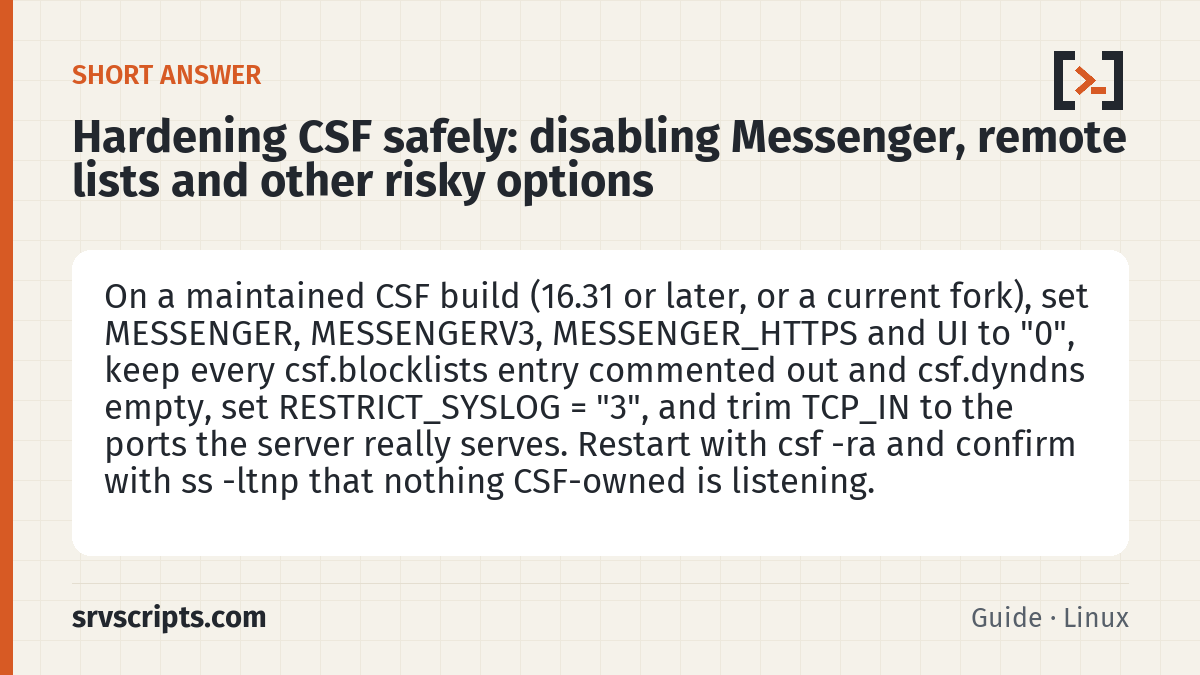
Short answer: On a maintained CSF build (16.31 or later, or a current fork), set MESSENGER, MESSENGERV3, MESSENGER_HTTPS and UI to "0", keep every csf.blocklists entry commented out and csf.dyndns empty, set RESTRICT_SYSLOG = "3", and trim TCP_IN to the ports the server really serves. Restart with csf -ra and confirm with ss -ltnp that nothing CSF-owned is listening.
Start from a known version
Hardening an unpatched build is a waste of effort. Confirm you are on a maintained fork at 16.31 or later (cPanel), the DirectAdmin v15.05 fork with the August and September fixes, or a current Aetherinox or Sentinel build:
csf -v
csf -c
If csf -c cannot reach an update host, that alone tells you the server is on a dead channel. Sort that out first; the fork comparison explains the options.
Turn off the Messenger service
Messenger is the block page. It is the only part of CSF that listens for inbound connections from the public internet, and it was the vector for CVE-2026-65638 and CVE-2026-67402. On a shared server it also means every blocked IP gets a live TCP conversation with a root-owned daemon. Set:
MESSENGER = "0"
MESSENGERV3 = "0"
MESSENGER_HTTPS = "0"
RECAPTCHA_SECRET = ""
RECAPTCHA_SITEKEY = ""
If a customer needs a “why was this blocked” page, put a static page on a separate host and mention it in support documentation. That satisfies almost every case that Messenger was solving.
Stop fetching remote lists
csf.blocklists ships with several commented-out feeds, and csf.dyndns accepts hostnames that resolve on a timer. Both go through URLGET, the code behind CVE-2026-65639. On a patched build the parsing is fixed, but the design still means a compromised or expired feed domain can influence your firewall. Keep every entry in csf.blocklists commented out, keep csf.dyndns empty unless you use it for your own office IP, and set:
URLGET = "1""1" selects the Perl LWP fetcher rather than shelling out to curl or wget; on patched builds either is acceptable, but keeping the fetcher in-process avoids surprises from a replaced binary. If you need reputation feeds, the maintained route is a dedicated product such as CrowdSec or Imunify360.
Restrict syslog and directory watching
RESTRICT_SYSLOG decides whether LFD trusts syslog content. On a shared server any user can write to syslog through the logger tool, and a crafted line can trigger a block or, historically, worse. Set it to "3", which restricts access to the socket to the users listed in RESTRICT_SYSLOG_GROUP:
RESTRICT_SYSLOG = "3"
RESTRICT_SYSLOG_GROUP = "restrict_syslog"
LF_DIRWATCH and LF_DIRWATCH_FILE poll directories for suspicious files and can be useful, but they run as root and follow whatever the filesystem presents. Leave LF_DIRWATCH at "0" on servers where a malware scanner (ImunifyAV, maldet) already does the job, as described in our malware scanning guide.
Tighten the UI and the ports
The CSF web UI (UI = "1") is another listener and should be "0" everywhere; panel integrations do not need it. Then trim the open ports to what the server actually serves. A typical cPanel list without the legacy extras looks like this:
TCP_IN = "20,21,22,25,53,80,110,143,443,465,587,993,995,2083,2087,2096"
TCP_OUT = "20,21,22,25,37,43,53,80,110,113,443,465,587,873,993,995,2087"
UDP_IN = "53"
UDP_OUT = "53,113,123"
Drop 2082, 2086 and 2095 unless plain-HTTP panel access is genuinely required, and change 22 to your real SSH port if you have moved it, as our SSH hardening guide recommends.
Keep the useful protections on
Hardening is not only removal. These settings are cheap and catch most of what LFD is for:
LF_SSHD = "5"
LF_FTPD = "10"
LF_SMTPAUTH = "5"
LF_POP3D = "10"
LF_IMAPD = "10"
LF_CPANEL = "5"
LF_MODSEC = "5"
LF_PERMBLOCK = "1"
LF_PERMBLOCK_COUNT = "4"
CT_LIMIT = "300"
SYNFLOOD = "0"
PORTFLOOD = "22;tcp;5;300"
SYNFLOOD stays off because on a busy web server it drops legitimate bursts; CT_LIMIT at 300 catches the connection floods that matter without hitting normal browsers. LF_INTEGRITY is worth leaving at "1" on cPanel; DirectAdmin’s fork defaults it to "0" because CustomBuild rebuilds binaries constantly and the alerts become noise.
Apply and confirm
Every change needs a restart to take effect:
csf -raThen reconcile file against reality:
ss -ltnp | grep -E ':(8080|8443|6666)\b'
grep -E '^(MESSENGER|UI|RESTRICT_SYSLOG|URLGET) ' /etc/csf/csf.conf
grep -c '^[^#]' /etc/csf/csf.blocklists
The first command should print nothing (6666 is the default UI port), and the blocklist count should be zero.
Common pitfall. Panel plugins for CSF write to csf.conf too, and a colleague clicking “enable Messenger” in WHM undoes your work silently. Put /etc/csf/csf.conf under configuration management or, at minimum, a nightly diff against a golden copy that emails on change. The server security audit script includes a check for the three settings above and is a reasonable place to hang that alert.
Hardening CSF at a glance
Official documentation: AlmaLinux wiki, Linux man pages.
Related guides: KernelCare on cPanel and DirectAdmin servers: setup, verification and rollback · Replacing cxs: malware scanning with LMD (maldet), ClamAV and ImunifyAV on hosting servers · Incident response after a cPanel root-escalation CVE: rotating keys, hunting .sorry, auditing sessions.
Frequently asked questions
Does disabling CSF Messenger stop blocked visitors from seeing any explanation?
Yes. Blocked connections are simply dropped, which is the safer behaviour; if customers need a “why was I blocked” page, host a static page on a separate server and link to it from support documentation instead of running a root-owned listener.
How long does hardening csf.conf take?
About fifteen minutes per server: the edits are a handful of lines, csf -ra applies them in seconds, and the rest is checking the port lists against the services actually running so nothing legitimate is cut off.
Can I undo this?
Yes. Every setting here is a line in /etc/csf/csf.conf and can be reverted with a csf -ra; keep a dated copy of the file before editing so the previous state is a cp away, and remember that panel plugins can silently re-enable Messenger.
Maintenance record
This guide changes servers, data or security settings, so we re-check it against current versions on a fixed schedule. Take a backup or snapshot before you start.
- Maintained by
- srvScripts editorial team
- Supported versions
- CSF 16.31 or later; DirectAdmin v15.05 fork; current Aetherinox or Sentinel builds
- Last full review
- Next review
- Sources
- wiki.almalinux.org