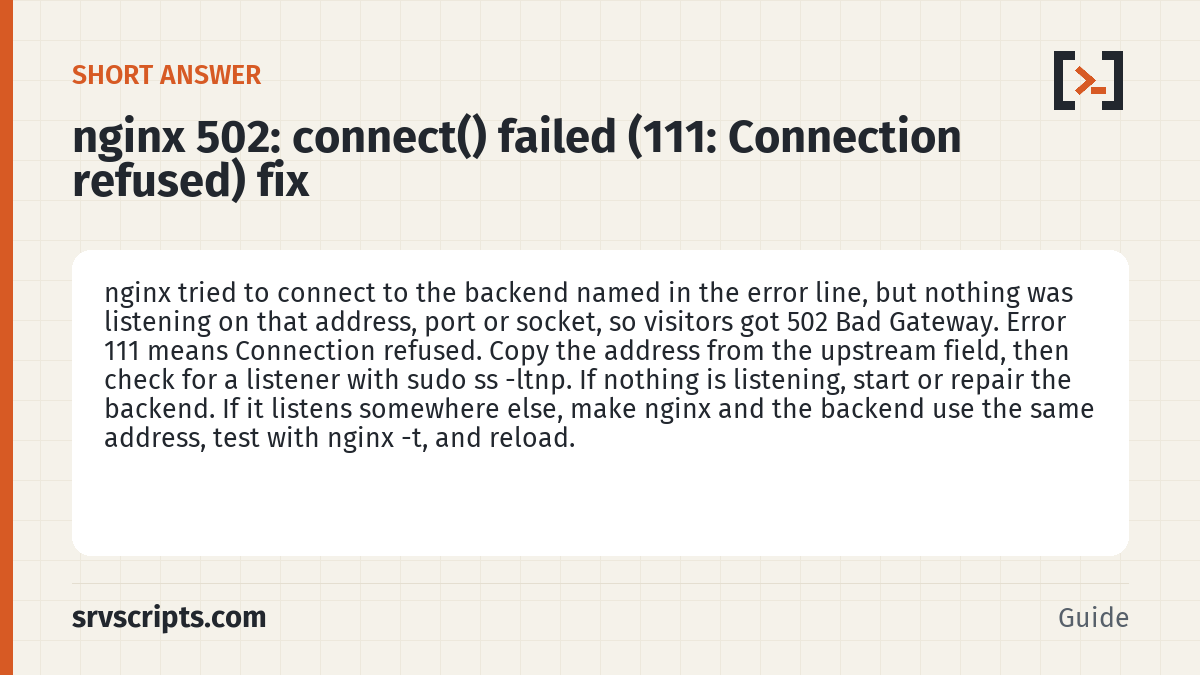
Short answer: nginx 502 connect() failed (111: Connection refused) means nginx tried to connect to the backend named in the error line, but nothing was listening on that address, port or socket, so visitors got 502 Bad Gateway. Error 111 means Connection refused. Copy the address from the upstream field, then check for a listener with sudo ss -ltnp. If nothing is listening, start or repair the backend. If it listens somewhere else, make nginx and the backend use the same address, test with nginx -t, and reload.
Applies to nginx on Linux in front of PHP-FPM, Apache, Node.js or Docker apps, including cPanel's NGINX with Reverse Proxy (ea-nginx) and DirectAdmin's nginx_apache mode
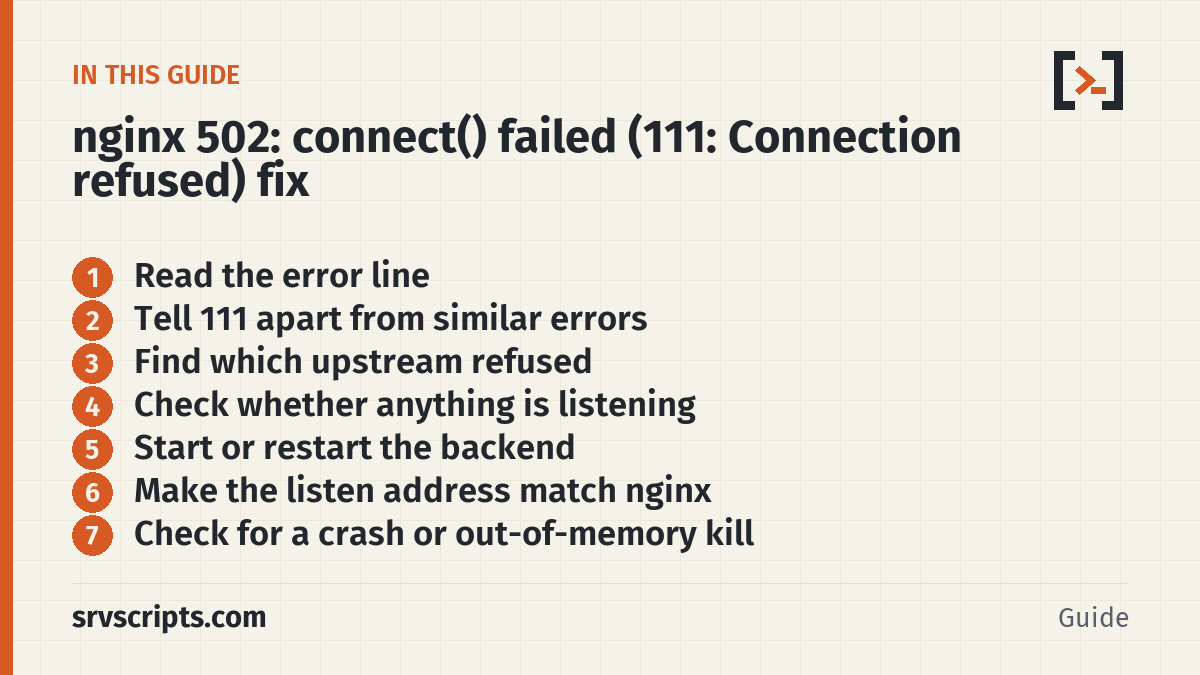
Read the error line
Visitors see 502 Bad Gateway. The detail is in the nginx error log. A typical line looks like this:
2026/10/09 09:14:02 [error] 2817#2817: *431 connect() failed (111: Connection refused) while connecting to upstream, client: 203.0.113.24, server: example.com, request: "GET / HTTP/1.1", upstream: "fastcgi://127.0.0.1:9000", host: "example.com"Read it from left to right. connect() failed means nginx tried to open a connection to a backend. The number and text in brackets are the system error. while connecting to upstream tells you it failed before any request was sent. The upstream: field is the address nginx tried. Here it is a FastCGI backend (usually PHP-FPM) on 127.0.0.1, port 9000.
If you are not sure where the error log is, ask nginx. The -T switch tests the configuration and prints it, so it is safe to run:
sudo nginx -T 2>/dev/null | grep -n error_log
sudo grep -h 'Connection refused' /var/log/nginx/error.log | tail -n 5
Change the log path in the second command to match what the first one shows. On DirectAdmin, per-domain nginx logs live under /var/log/nginx/domains by default.
Tell 111 apart from similar errors
Each code points to a different cause. Read the text, not just the number.
- 111: Connection refused. The connect(2) manual describes this as finding “no one listening on the remote address”. The host answered, but no process was listening on that port. For a unix socket, unix(7) says the path existed but was not a listening socket.
- 110: Connection timed out. No answer arrived in time. Look at firewalls, load, and
proxy_connect_timeout, not at a stopped service. - 113: No route to host. A network or routing problem between nginx and a remote backend.
- 2: No such file or directory. The unix socket path in nginx does not exist. The pool may be stopped or the path may be different.
- 13: Permission denied. For a unix socket, nginx lacks write permission on the socket file or search permission on a parent directory. connect(2) also lists SELinux policy as a cause of this error.
Find which upstream refused
Copy the address from the upstream: field. Then list every place nginx sends traffic:
sudo nginx -T 2>/dev/null | grep -nE 'upstream|proxy_pass|fastcgi_pass|server unix:'Match the address to one of these common backends:
- PHP-FPM over TCP, for example
fastcgi_pass 127.0.0.1:9000;. - PHP-FPM over a unix socket, for example
fastcgi_pass unix:/run/php-fpm/www.sock;. nginx writes socket paths after aunix:prefix. - Apache behind nginx on cPanel. cPanel’s NGINX with Reverse Proxy passes dynamic requests to Apache. cPanel documents that Apache usually moves to port 81, set in the
$CPANEL_APACHE_PROXY_PORTmap. - Apache behind nginx on DirectAdmin (
webserver=nginx_apache). DirectAdmin’s page does not fix a port number, so read it from thenginx -Toutput. - A Node.js or other app on a local port, for example
proxy_pass http://127.0.0.1:3000;. - A Docker container published on a host port.
Check whether anything is listening
These checks are read-only. Start with sockets. -l shows listening sockets, -t TCP, -x unix sockets, -n numeric ports and -p the owning process.
sudo ss -ltnp | grep -E ':9000|:81|:3000'
sudo ss -lxp | grep -i php
ls -l /run/php-fpm/www.sock
Use the port or path from your own error line. No output from ss means nothing is listening, which matches error 111. Next, check the service and its recent logs. Unit names vary. DirectAdmin uses names such as php-fpm83.
systemctl list-units --type=service | grep -iE 'fpm|httpd|apache|node'
sudo systemctl status php-fpm83
sudo journalctl -u php-fpm83 --since '1 hour ago'
For an HTTP backend, ask it directly. This skips nginx entirely:
curl -v -H 'Host: example.com' http://127.0.0.1:81/If curl also reports connection refused, the problem is the backend, not nginx. curl cannot speak FastCGI, so for PHP-FPM rely on ss and the service status.
Start or restart the backend
If the service is stopped or failed, start it and read the status again:
sudo systemctl restart php-fpm83
sudo systemctl status php-fpm83
If it fails to start, the status output and journalctl -u usually name the bad line or the missing file. Fix that first. Restarting in a loop will not help.
On cPanel, do not use the nginx command to stop or restart nginx. cPanel documents /usr/local/cpanel/scripts/restartsrv_nginx or WHM’s Service Manager instead.
Make the listen address match nginx
Often both sides are running, but on different addresses. Compare the backend’s listen setting with the nginx line.
PHP-FPM pool. The listen directive accepts ip.add.re.ss:port, a bare port, or a socket path. If the pool says one thing and nginx says another, change one so they agree:
; PHP-FPM pool
listen = /run/php-fpm/www.sock

# nginx
fastcgi_pass unix:/run/php-fpm/www.sock;
php.net recommends a unix socket when nginx and PHP-FPM share a host. Socket access is controlled by listen.owner, listen.group and listen.mode. Wrong values there give error 13, not 111.
localhost and IPv6. nginx documents that a name resolving to several addresses is used as several servers, in round-robin. If localhost resolves to both ::1 and 127.0.0.1, attempts to ::1 are refused when the backend listens on IPv4 only. With the default max_fails=1 and fail_timeout=10s, nginx retries the next address, so pages may load while the log still fills with 111 errors. Check, then name the address explicitly:
getent ahosts localhost

# nginx: use the exact address the backend listens on
proxy_pass http://127.0.0.1:3000;
Port changed after an update. If a panel or package update moved the backend, the old port in nginx now refuses. On cPanel, compare the map in /etc/nginx/conf.d/ea-nginx.conf with Apache’s listening port. cPanel builds its nginx files with its ea-nginx script, so fix the Apache side first. On DirectAdmin, its documentation uses da build rewrite_confs to regenerate web server configs.
Check for a crash or out-of-memory kill
A backend that keeps disappearing may be crashing or being killed. Read the kernel messages for this boot and the unit’s own journal:
sudo journalctl -k -b | grep -iE 'oom|killed process'
sudo journalctl -u php-fpm83 -b -n 100
If the kernel killed the process, restarting only buys time. Reduce the backend’s memory use, such as the number of PHP-FPM children, or add memory.
Handle SELinux and Docker cases
SELinux. An SELinux denial shows up as error 13, not 111. On RHEL-family systems such as AlmaLinux, Red Hat’s NGINX guide sets httpd_can_network_connect so nginx can forward traffic. Check first, then enable it only if you need it:
getenforce
getsebool httpd_can_network_connect
sudo setsebool -P httpd_can_network_connect 1
Docker. Docker blocks access to container ports that are not published. If nginx on the host proxies to 127.0.0.1:8080, the container must publish that port. Binding to loopback keeps it private:
docker ps
docker run -d -p 127.0.0.1:8080:80 your-image
The PORTS column of docker ps shows the mapping, such as 127.0.0.1:8080->80/tcp. If nginx itself runs in a container, put both containers on the same user-defined network. Docker documents that containers on the same bridge network can reach each other’s ports.
Confirm the fix
sudo ss -ltnp | grep ':9000'
curl -sS -o /dev/null -w '%{http_code}\n' https://example.com/
sudo tail -f /var/log/nginx/error.log
The listener should now appear. The site should return 200, or the redirect code you expect, instead of 502. Load a few pages and watch the log. No new 111: Connection refused lines should appear.
Undo a config change
Before editing any file, keep a dated copy:
sudo cp -a /etc/nginx/nginx.conf /etc/nginx/nginx.conf.bak-$(date +%F)After editing, test before you reload. nginx -t checks syntax and tries to open the files the configuration refers to:
sudo nginx -t && sudo systemctl reload nginxIf a reload still fails, nginx documents that the master process rolls back and keeps the old configuration. To undo fully, copy the backup over the edited file, run nginx -t again, and reload. Use the same pattern for a PHP-FPM pool file, then restart the pool. To undo the SELinux change, run sudo setsebool -P httpd_can_network_connect 0.
Official documentation (checked 9 October 2026): Module ngx_http_upstream_module · Module ngx_http_proxy_module · Module ngx_http_fastcgi_module · nginx: Command-line parameters · PHP Manual: FPM Configuration · connect(2) – Linux manual page · unix(7) – Linux manual page · cPanel: The Default Configuration of NGINX with Reverse Proxy · DirectAdmin: Nginx+Apache · Red Hat RHEL 9: Setting up and configuring NGINX · Docker: Port publishing and mapping · systemd: journalctl · DirectAdmin: All directadmin.conf values
Nginx 502 connect() failed (111: Connection refused) at a glance
Related: nginx Config Checker: Find Security and Syntax Mistakes · PHP-FPM Calculator: pm.max_children and Spare Servers · HTTP Status Codes Reference · CustomBuild Web Stack 2026: Apache, nginx or LiteSpeed, Best Pick.
Reading a lot of our guides? Go ad-free with srvScripts Pro for $6 a month. It also pays for new guides. Cancel any time.