The codec’s advertised bit rate is not what a call uses on the wire. Every voice packet carries IP, UDP and RTP headers, and at the usual 50 packets per second those headers cost as much as a low-bit-rate codec itself. This guide gives real VoIP codec bandwidth figures per call, explains where the overhead comes from, and shows how to size an office connection so calls stay clear when the line is busy.
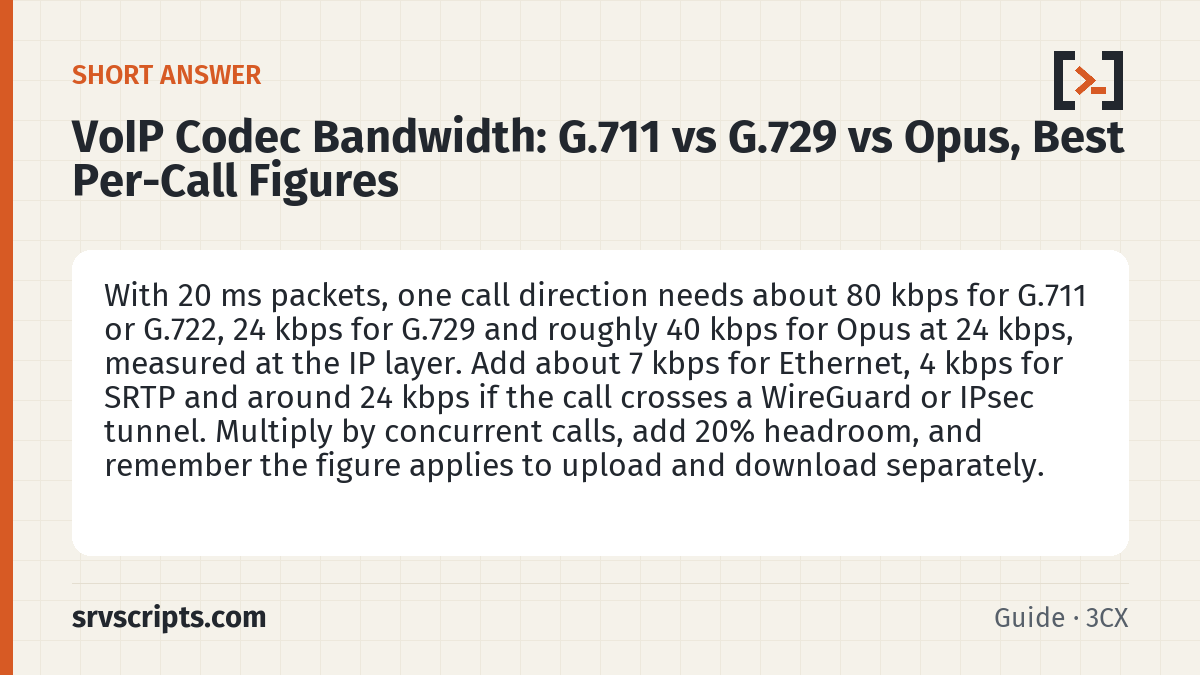
Short answer: With 20 ms packets, one call direction needs about 80 kbps for G.711 or G.722, 24 kbps for G.729 and roughly 40 kbps for Opus at 24 kbps, measured at the IP layer. Add about 7 kbps for Ethernet, 4 kbps for SRTP and around 24 kbps if the call crosses a WireGuard or IPsec tunnel. Multiply by concurrent calls, add 20% headroom, and remember the figure applies to upload and download separately. (Reviewed November 2026.)
Table of Contents
Per-call figures
| Codec | Payload rate | Packet interval | IP / UDP / RTP per direction | With Ethernet frame | Typical use |
|---|---|---|---|---|---|
| G.711 (µ-law / A-law) | 64 kbps | 20 ms | 80 kbps | 87.2 kbps | Trunks, LAN, best compatibility |
| G.722 (HD voice) | 64 kbps | 20 ms | 80 kbps | 87.2 kbps | Desk phones, wideband internal calls |
| G.729 | 8 kbps | 20 ms | 24 kbps | 31.2 kbps | Low-bandwidth branch links |
| iLBC | 13.33 kbps | 30 ms | 24 kbps | 28.8 kbps | Lossy links |
| Opus (voice, 24 kbps) | 6 to 40 kbps, adaptive | 20 ms | about 40 kbps | about 47 kbps | WebRTC apps and softphones |
Where the overhead comes from
Each packet carries 20 bytes of IPv4 header, 8 bytes of UDP and 12 bytes of RTP, 40 bytes in total. At 50 packets per second that is 40 × 8 × 50 = 16 kbps on top of the codec, whatever the codec. IPv6 adds another 20 bytes per packet, or 8 kbps. Ethernet framing adds 18 bytes (14-byte header plus 4-byte frame check sequence), which is 7.2 kbps; that is the frame-level convention the “with Ethernet frame” columns use, and what most calculators and switch port counters show. On the physical wire each frame also needs 8 bytes of preamble and a 12-byte interframe gap, so a 20 ms G.711 call actually occupies 95.2 kbps of line capacity (80 + 7.2 + 8). The difference only matters when you pack many calls onto a slow access port. The same arithmetic explains why 30 ms packets save bandwidth: fewer packets per second means less header overhead, at the cost of slightly more delay.
# bandwidth per direction in kbps
# (payload_bytes + 40) * 8 * packets_per_second / 1000
# G.711, 20 ms: (160 + 40) * 8 * 50 / 1000 = 80
# G.729, 20 ms: (20 + 40) * 8 * 50 / 1000  = 24
Packet interval: 10, 20, 30 or 40 ms
The packet interval (ptime) sets how many packets per second carry the call. The headers are paid once per packet, so a shorter interval costs more. Per call direction, IPv4, no encryption:
| Packet interval | Packets per second | G.711 IP | G.711 with Ethernet frame | G.729 IP | G.729 with Ethernet frame |
|---|---|---|---|---|---|
| 10 ms | 100 | 96 kbps | 110.4 kbps | 40 kbps | 54.4 kbps |
| 20 ms | 50 | 80 kbps | 87.2 kbps | 24 kbps | 31.2 kbps |
| 30 ms | 33.3 | 74.7 kbps | 79.5 kbps | 18.7 kbps | 23.5 kbps |
| 40 ms | 25 | 72 kbps | 75.6 kbps | 16 kbps | 19.6 kbps |
Example: G.711 at 30 ms carries 240 bytes of payload at 33.3 packets per second, so (240 + 40) × 8 × 33.33 / 1000 = 74.7 kbps. 20 ms is the default packet time for G.711 and G.729 in the RTP audio profile (RFC 3551) and the safest choice on trunks; longer intervals save bandwidth but add delay, and each lost packet takes more speech with it. The SDP shows the requested value as a=ptime:20 when it is sent. On Asterisk PJSIP, use_ptime=yes on the endpoint makes Asterisk use the interval the other end asks for; it is off by default.
Encryption and VPN overhead
SRTP with the common HMAC-SHA1-80 authentication tag adds 10 bytes per packet, about 4 kbps. Carrying calls over a site-to-site tunnel costs far more: WireGuard adds 60 bytes per IPv4 packet, which is 24 kbps per call direction at 50 packets per second, and IPsec in tunnel mode with NAT traversal is similar or slightly higher. That can turn a G.729 call into a 50 kbps stream, so check the tunnel MTU and overhead as well; the VPN MTU fragmentation guide covers that.
Sizing a connection
Voice is symmetric, so size upload and download separately using the busiest hour’s concurrent calls:
required_kbps = concurrent_calls * per_call_kbps * 1.2
# 15 calls on G.711 over Ethernet: 15 * 87.2 * 1.2 = about 1.6 Mbps each way
# 15 calls on G.729:               15 * 31.2 * 1.2 = about 0.6 Mbps each way
Bandwidth is rarely the real limit on modern fibre; queueing is. A large upload saturating the line adds delay and jitter to every call, so give voice priority with QoS on the edge router (DSCP EF for RTP, CS3 or AF31 for SIP) and shape total upload slightly below the line rate so the router, not the ISP, controls the queue. You can do the maths for your own numbers with the free VoIP bandwidth calculator on srvScripts.
Worked example: HQ trunk plus a VPN branch
Head office has a SIP trunk using G.711 with SRTP. A branch reaches the head-office PBX over WireGuard using G.729, plain RTP inside the tunnel. In the busy hour there are 14 calls at head office and 6 at the branch, and all 20 go out over the trunk. IPv4, Ethernet, 20 ms packets.
# Trunk leg, G.711 + SRTP (bytes per packet)
#   160 payload + 40 IP/UDP/RTP + 10 SRTP tag + 18 Ethernet = 228
#   228 * 8 * 50 / 1000 = 91.2 kbps per call direction
#
# Branch leg, G.729 inside WireGuard (bytes per packet)
#   inner packet 20 + 40 = 60, padded by WireGuard to a multiple of 16 = 64
#   + 16 auth tag + 16 WireGuard header + 8 UDP + 20 IPv4 + 18 Ethernet = 142
#   142 * 8 * 50 / 1000 = 56.8 kbps per call direction
#
# Branch line: 6 * 56.8 * 1.2                           = 409 kbps each way
# HQ line:     (20 * 91.2 + 6 * 56.8) * 1.2 = 2164.8 * 1.2 = 2598 kbps (about 2.6 Mbps) each way
Head office carries every branch call twice, once in the tunnel and once on the trunk, so calls that hairpin through a central PBX count on both legs. And the 8 kbps G.729 call costs 56.8 kbps on the wire: 60 bytes of WireGuard overhead plus 4 bytes of padding on top of the normal headers. If the branch line has room, G.711 over SRTP outside the tunnel (91.2 kbps) avoids both the tunnel overhead and G.729 transcoding on the PBX.
Which codec to choose
Use G.711 on SIP trunks and anywhere bandwidth is plentiful: it needs no transcoding and every provider supports it. Use G.722 or Opus between internal phones and softphones for clearer wideband audio. Keep G.729 for constrained links only, because transcoding between G.729 and other codecs costs CPU on the PBX and slightly reduces quality. Avoid transcoding in general by making the codec order the same on phones, PBX and trunk.
Check what a call really uses
A capture shows what your phones and trunk actually negotiated. Capture a busy-hour call with SIP and RTP together, so the RTP streams can be identified from the SDP, then summarise it with tshark. Replace eth0 with the WAN-facing interface.
# capture one call: SIP plus the RTP port range
tcpdump -ni eth0 -w call.pcap port 5060 or portrange 10000-20000

# per-stream packet counts, loss and jitter
tshark -r call.pcap -q -z rtp,streams
Divide each stream’s packet count by the call length in seconds: about 50 packets per second means 20 ms packets, about 100 means 10 ms. Then use the formula above with the payload type the stream shows.
Common sizing mistakes
- Counting hairpinned calls once: a call that enters and leaves through the same PBX uses that site’s line twice, as the worked example shows.
- Leaving Opus uncapped: Opus can run from 6 to 510 kbps; RFC 7587 puts full-band speech at 28 to 40 kbps. Cap it with
maxaveragebitratein the SDPa=fmtpline and size for the cap: 40 kbps at 20 ms is (100 + 40) × 8 × 50 / 1000 = 56 kbps at the IP layer. - Missing a 10 ms device: one phone or trunk sending 10 ms packets turns an 87.2 kbps G.711 call into 110.4 kbps. Check
a=ptimein the SDP during the pilot.
VoIP codec bandwidth at a glance
Official documentation: RFC 3550: RTP, RFC 6716: Opus codec, ITU-T G.711.
Related guides: VoIP call quality: jitter, packet loss and MOS · VPN MTU fragmentation · SIP ports firewall rules.
Frequently asked questions
Does a VoIP call use the same bandwidth in both directions?
Yes, a normal two-party call sends a stream each way at the same rate, so size upload and download separately. Upload is usually the constraint on asymmetric connections such as ADSL or cable.
How many calls can a 10 Mbps connection carry?
In theory over 100 G.711 calls each way, but in practice keep voice under about half the upload capacity unless QoS is in place, because other traffic will cause jitter long before the line is full.
Is Opus better than G.711 for call quality?
For internal and app calls Opus usually sounds better because it is wideband and copes well with packet loss. On the path to the public phone network the call is converted to G.711 anyway, so the gain is mainly for internal and app-to-app calls.
Does RTCP add much bandwidth to a call?
Not much. RFC 3550 recommends limiting RTCP to 5% of the session bandwidth, so the 20% headroom in the sizing formula already covers it.
Does silence suppression (VAD) reduce VoIP bandwidth?
It can lower the average across many calls, but the saving on a single call is not guaranteed. Cisco’s design guidance is not to count on VAD savings, especially with fewer than 24 calls on a link, so size as if every call sends continuously.
