In this Open Graph preview, fill in a page’s title, description, URL and image, or paste its HTML head, and see three previews: a search result, a social post with a large image and a chat app link card. The tool flags titles over 60 and descriptions over 160 characters, lists missing tags and writes the meta tags for you. The HTML is parsed in your browser; only the image URL you supply is loaded.
Loading the tool… It runs in your browser and needs JavaScript.
Table of Contents
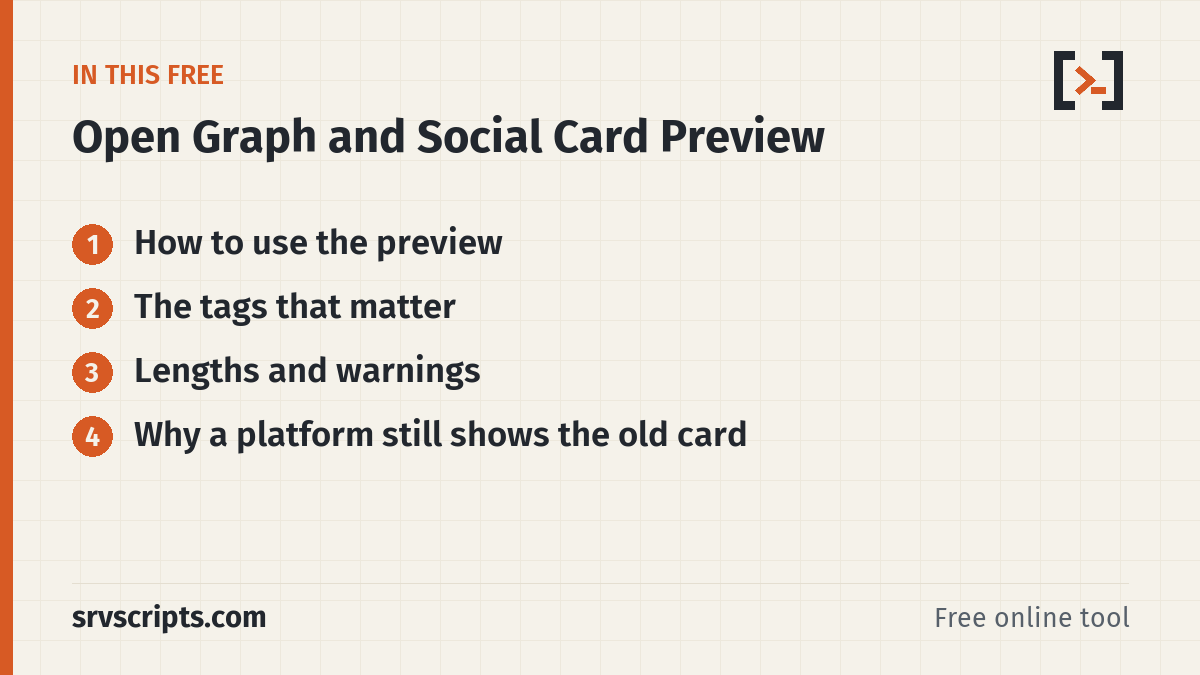
How to use the preview
In Enter fields mode, type the values and watch the previews change. In Paste HTML head mode, paste the source of a page (View Source, or curl -s https://example.com/ | head -n 80) and press Extract tags. The tool reads <title>, the meta description, the canonical link and every og: and twitter: tag, shows what it found and fills the fields. The pasted HTML is parsed as an inert document: scripts do not run and images inside it are not fetched.
The tags that matter
og:titleandog:description: what people see in the card. Without them, platforms fall back to<title>and the meta description, or to random page text.og:image: an absolute https URL. 1200 x 630 pixels (1.91:1) suits large cards; keep important content away from the edges because platforms crop differently.og:image:alt: a text description for screen reader users.og:url: the canonical address, so shares of URLs with tracking parameters are grouped.og:typeandog:site_name: usually website or article, and your brand name.twitter:card: summary_large_image for a big image or summary for a thumbnail. Most other values fall back to the og: tags.
Lengths and warnings
Search results usually show about 50 to 60 characters of a title and 150 to 160 of a description; the exact cut depends on pixel width. The tool warns above 60 and 160 characters and when the description is very short. Social cards clip differently, so the previews are close approximations, not exact copies of any one platform.
Why a platform still shows the old card
Link previews are cached, often for days. After fixing the tags, use the platform’s own debugging or re-scrape tool, or add a query string such as ?v=2 to the shared URL. Also check that the crawler can reach the image: a firewall, hotlink protection or a WAF rule that blocks unknown user agents is a common cause of missing images.
curl -sI https://example.com/images/card.png | head -n 5
curl -s -A "Mozilla/5.0" https://example.com/ | grep -i 'property="og:'
The image response should be 200 with an image Content-Type such as image/png or image/jpeg. A redirect to a login page, a 403 from a security plugin or an HTML error page will leave the card without a picture, even though the image opens fine in your own browser.
Open Graph Preview at a glance
Related tools: Favicon Checker · Website Health Check · Robots.txt Checker.
Official documentation (checked 9 October 2026): The Open Graph protocol · Google Search Central: Influencing title links
Frequently asked questions
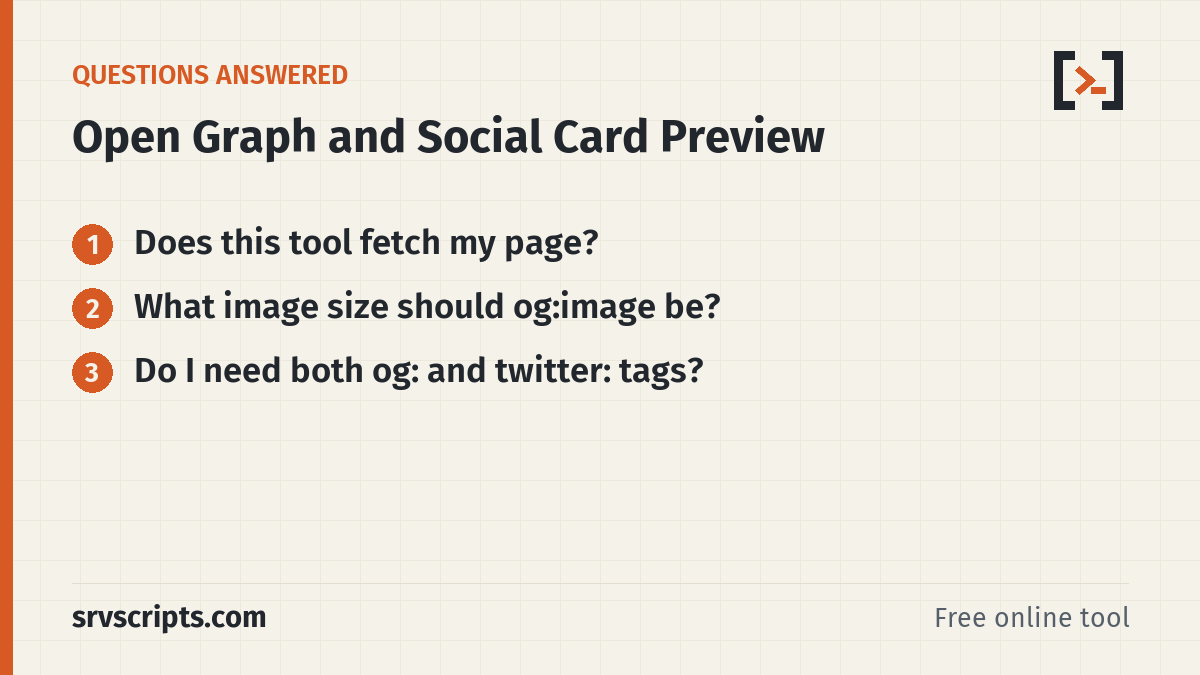
Does this tool fetch my page?
No. It only reads HTML you paste. The one remote request is the preview image, loaded straight from the image URL you enter.
What image size should og:image be?
1200 x 630 pixels works well for large cards. Keep the file under about 5 MB, and use JPEG or PNG for the widest support.
Do I need both og: and twitter: tags?
Usually not. Most platforms read og: tags; add twitter:card to choose the card style.