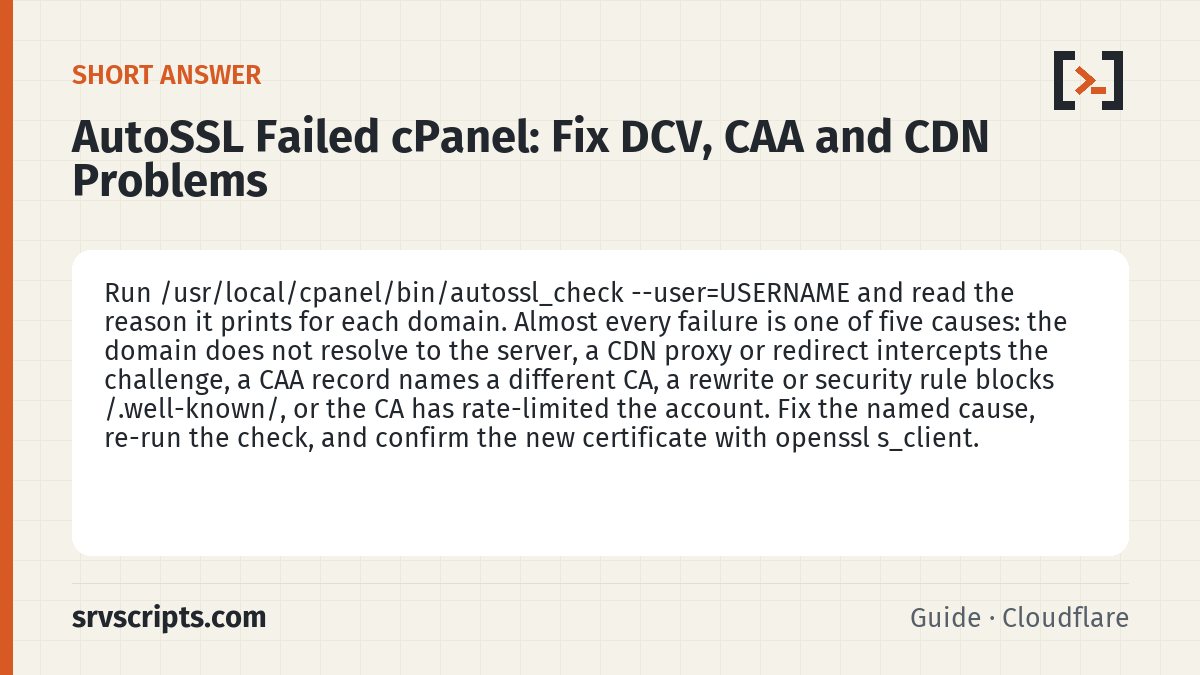
Short answer: If AutoSSL failed, run /usr/local/cpanel/bin/autossl_check --user=USERNAME and read the per-domain reason, or open the logs in /var/cpanel/logs/autossl (WHM » SSL/TLS » Manage AutoSSL » Logs). Since cPanel & WHM 120 Let’s Encrypt is the only AutoSSL provider: certificates last 90 days, HTTP-01 validation fetches http://example.com/.well-known/acme-challenge/TOKEN on port 80 and follows up to 10 redirects, and any CAA record must allow letsencrypt.org (check with dig +short CAA example.com). Fix DNS, the blocked path or the CAA record, re-run the check, and exclude names that will never validate with uapi --user=USERNAME SSL add_autossl_excluded_domains domains=.... (Reviewed October 2026.)
Applies to cPanel & WHM 120 and later (Let's Encrypt is the only AutoSSL provider)
AutoSSL failures land in the inbox as a wall of “The system failed to validate” messages, and with Let’s Encrypt certificates lasting 90 days (and optional 47-day short-lived certificates from cPanel & WHM 136) an unnoticed failure reaches expiry quickly. Nearly every failure falls into a handful of categories, and the AutoSSL log names the category if you know how to read it. This guide takes them in the order you should check.
Table of Contents
Read the log before changing anything
Start with the per-account log rather than the notification email:
/usr/local/cpanel/bin/autossl_check --user=USERNAME
tail -50 /var/cpanel/logs/autossl/*/txt
The check runs validation in the foreground and prints each domain with a reason. The reasons you will see most are “DNS DCV: no local authority”, “HTTP DCV: the content did not match”, “403” or “301” responses on the challenge URL, “CAA record prevents issuance”, and “this domain does not resolve to any IPs on this server”. Each maps to a section below.
The same information is under WHM » SSL/TLS » Manage AutoSSL » Logs. Since cPanel & WHM 120 Let’s Encrypt is the only AutoSSL provider (the Sectigo provider stopped on 31 December 2024), so every CAA, rate-limit and wildcard question below is about Let’s Encrypt.
Domain does not resolve here
The most common cause is not a bug at all: the domain’s A record points elsewhere, or a subdomain (mail., cpanel., autodiscover.) was created automatically and never had DNS. AutoSSL tries every subdomain on the vhost and reports failures for each. If the customer does not need certificates for those names, exclude them so the notifications stop:
uapi --user=USERNAME SSL add_autossl_excluded_domains domains=mail.example.com,webdisk.example.comIf the domain should resolve here, fix DNS first and re-run the check. Do not spend time on the other categories until dig +short example.com returns this server’s IP from an external resolver.
Cloudflare and other CDN proxies
When a domain is proxied (orange cloud), HTTP DCV requests from the CA hit Cloudflare, not your server. Cloudflare passes /.well-known/acme-challenge/ through in most configurations, but any of these break it: a “Always Use HTTPS” rule that redirects the challenge before the origin sees it, a page rule with a cache-everything setting, a WAF rule blocking unusual user agents, or Cloudflare’s own Universal SSL competing at the edge.
Options, in order of preference:
- Use DNS DCV instead of HTTP. cPanel does this automatically when the zone is hosted on the server with local authority; with Cloudflare as the DNS host you need the zone on cPanel with Cloudflare as a delegated or synced provider, or accept HTTP DCV.
- Add a Cloudflare configuration rule that disables Always Use HTTPS and caching for the path
/.well-known/acme-challenge/*. - Temporarily grey-cloud the record, run
autossl_check, then re-enable the proxy. The certificate on the origin only matters for Full (strict) mode, but you still want it valid.
Also confirm the origin sees real client IPs; the Cloudflare and cPanel guide covers mod_remoteip, which stops cPHulk and ModSecurity from blocking the CA’s validation requests because they all appear to come from Cloudflare ranges.
CAA records
A CAA record on the domain (or any parent) restricts which CAs may issue. AutoSSL checks CAA before requesting and reports the conflict. Look it up:
dig +short CAA example.com
dig +short CAA $(echo example.com | awk -F. '{print $(NF-1)"."$NF}')
If the domain once used another CA, a leftover CAA record such as 0 issue "sectigo.com" blocks Let’s Encrypt. Either add 0 issue "letsencrypt.org" alongside it or remove the CAA record entirely. When the zone is hosted on the server, AutoSSL’s preflight check adds a suitable CAA record before it orders, so a conflicting record usually comes from external DNS.
Blocked /.well-known/ paths
HTTP DCV places a file under /.well-known/acme-challenge/ in the docroot and expects the CA to fetch it. Anything that rewrites or protects that path breaks validation:
- WordPress and Laravel front-controller rewrites without a
RewriteCondexcluding.well-known. - Password-protected directories or IP allowlists on the docroot.
- A ModSecurity rule matching the random token string; check
/etc/apache2/logs/modsec_audit.log. - Redirects to a different host or a non-standard port. Let’s Encrypt follows up to 10 redirects on ports 80 and 443 and ignores certificate errors on an HTTPS redirect target, so a plain HTTP-to-HTTPS redirect on the same host is fine.
- A
.htaccesswithOptions -Indexesplus aFilesMatchdeny on dotfiles that catches the directory.
Test exactly what the CA sees:
curl -sIL http://example.com/.well-known/acme-challenge/test 2>&1 | headYou want a 404 from your own server (the file does not exist yet), not a 403, a 5xx or a redirect to a different host (a redirect to HTTPS on the same host is followed). cPanel adds an Apache-level alias for the validation paths that should take precedence over .htaccess, but application-level rewrites in Nginx (if using the ea-nginx reverse proxy) or LiteSpeed can bypass it, so check the include files for those servers.
A common pitfall is a customer-managed redirect from the bare domain to www that was created in cPanel » Redirects with “wildcard” ticked; it redirects the challenge path too.
Rate limits and provider-side issues
If the log shows the CA rejecting requests with a rate limit, the account has been retrying failed domains for days. Exclude the broken names, wait for the window, and retry. Let’s Encrypt allows 50 new certificates per registered domain per 7 days and also limits repeated failed validations, and there is no second AutoSSL provider to switch to. Our SSL expiry check script reports certificates approaching expiry so you catch these before the customer does.
Undo the change
Exclusions are the only change this guide makes on the server. To put a domain back under AutoSSL, remove it from the account’s exclusion list and start a check; both are UAPI calls that run as the user.
uapi --user=USERNAME SSL remove_autossl_excluded_domains domains=mail.example.com
uapi --user=USERNAME SSL start_autossl_check
If you added a CAA record, deleting it restores the previous state: with no CAA record any public CA may issue, and AutoSSL’s preflight will add its own record again before the next order.
Verify
After fixing the cause, re-run /usr/local/cpanel/bin/autossl_check --user=USERNAME and confirm every listed domain returns a success line, then check the installed certificate:
echo | openssl s_client -servername example.com -connect example.com:443 2>/dev/null | openssl x509 -noout -dates -issuerThe issuer should match the active provider and the not-after date should be about 90 days out. Finally, confirm the AutoSSL notification for that account has cleared under WHM » Manage AutoSSL » Logs; a clean run leaves no pending failures.
AutoSSL failed cPanel at a glance
Official documentation (checked 8 October 2026): Let’s Encrypt documentation · Linux man pages · cPanel: the autossl_check script (--user, --all; runs daily from cron) · cPanel: Manage AutoSSL (Let’s Encrypt default provider, CAA preflight, Logs tab, /var/cpanel/logs/autossl) · cPanel: Let’s Encrypt is the only AutoSSL provider in version 120+ (set_autossl_provider) · cPanel deprecation plan: Sectigo AutoSSL provider removed · cPanel: Let’s Encrypt plugin (wildcards need local DNS, HTTP-01 cannot do wildcards) · Let’s Encrypt: HTTP-01 and DNS-01 challenge types, redirect handling · Let’s Encrypt: CAA records (letsencrypt.org identifier, parent domains, CNAME) · Let’s Encrypt FAQ: 90-day validity · UAPI SSL add_autossl_excluded_domains.
Related guides: Connecting an AI agent to a cPanel account with MCP (v138) and auditing what it can do · Fix Imunify360 missing from the WHM interface (enable-plugin and other causes) · Locking down WHM: 2FA, cPHulk, Host Access Control and scoped API tokens.
Next step: Check the installed certificate and its chain from outside the server with the SSL certificate checker.
Frequently asked questions
Does a Cloudflare-proxied domain break AutoSSL on cPanel?
Not by itself. Cloudflare passes /.well-known/acme-challenge/ through unless an Always Use HTTPS rule, a cache-everything page rule or a WAF rule interferes; add a configuration rule that excludes that path, or use DNS DCV where the zone is hosted on the server.
How long does AutoSSL take to retry after a failed DCV?
The AutoSSL cron runs once a day, so a repaired domain is retried within 24 hours; running autossl_check for the user retries immediately without waiting for the cron.
Can I stop AutoSSL notifications for subdomains that will never validate?
Yes. Exclude them with uapi --user=USERNAME SSL add_autossl_excluded_domains domains=... or from the account’s SSL/TLS Status page; AutoSSL then skips those names and the failure emails stop.
