Short answer: To block AI crawlers that collect training data without disappearing from AI search, disallow the training user agents in robots.txt (GPTBot, ClaudeBot, Google-Extended, Applebot-Extended, CCBot and similar) and keep the search agents allowed (Googlebot, Bingbot, OAI-SearchBot, Claude-SearchBot, PerplexityBot). robots.txt is a request, not a lock, so add a server rule for crawlers that ignore it, keep robots.txt itself reachable, and check suspicious traffic against the IP lists the operators publish.
Applies to Apache 2.4.68 on Debian 12 (robots.txt groups checked with Python urllib.robotparser; .htaccess rule tested with real crawler user agents); live IP lists from OpenAI, Anthropic and Perplexity
We tested the rules below on 9 October 2026 on Apache 2.4.68 (Debian 12): Python’s robots.txt parser to confirm which agent each group applies to, curl with real crawler user agents against the .htaccess rule, and the IP check against the live OpenAI, Anthropic and Perplexity lists.
Table of Contents
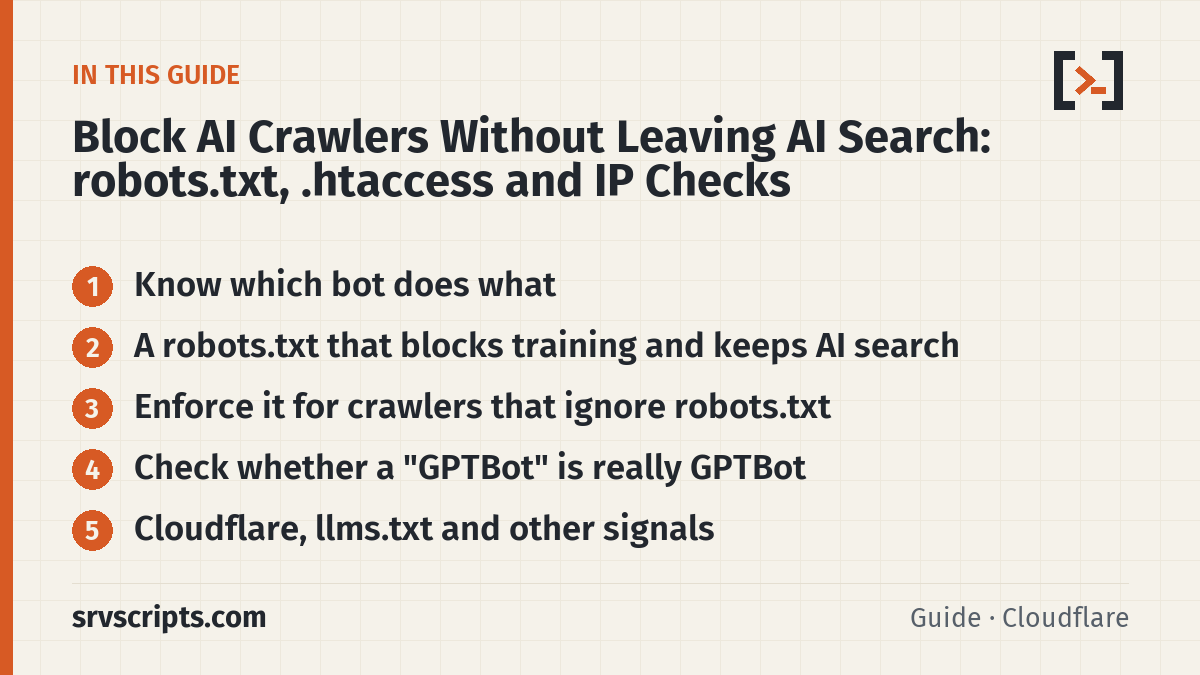
Know which bot does what
Each AI company now runs separate agents for training, for search indexing and for fetching a page when a user asks. Blocking the training agent does not remove you from that company’s search; blocking the search agent does.
| User agent | Operator | What it does | Follows robots.txt |
|---|---|---|---|
GPTBot | OpenAI | Collects content that may be used to train its models | Yes |
OAI-SearchBot | OpenAI | Indexes pages for ChatGPT search answers | Yes |
ChatGPT-User | OpenAI | Fetches a page when a ChatGPT user asks | Not guaranteed (user-initiated) |
ClaudeBot | Anthropic | Collects content that may be used for training | Yes, also Crawl-delay |
Claude-SearchBot | Anthropic | Indexes pages for Claude’s search results | Yes |
Claude-User | Anthropic | Fetches a page when a Claude user asks | Yes |
Google-Extended | Control token only: use in Gemini training and grounding. Not a separate crawler and not used for Search | Yes | |
PerplexityBot | Perplexity | Indexes pages for Perplexity search results; not for model training | Yes |
Perplexity-User | Perplexity | Fetches a page when a user asks | Generally no |
The robots.txt behaviour in the table is what each operator documents (links at the end). Google says Google-Extended “does not impact a site’s inclusion in Google Search” and is not a ranking signal. AI Overviews and AI Mode use the normal Googlebot index, so you control them with Googlebot rules and snippet controls such as nosnippet and max-snippet, not with Google-Extended.
A robots.txt that blocks training and keeps AI search
# Search engines and AI search: allowed, so the site can be found and cited
User-agent: Googlebot
User-agent: Bingbot
User-agent: OAI-SearchBot
User-agent: Claude-SearchBot
User-agent: PerplexityBot
Disallow: /wp-admin/
Allow: /wp-admin/admin-ajax.php

# AI model training: not allowed
User-agent: GPTBot
User-agent: ClaudeBot
User-agent: Google-Extended
User-agent: Applebot-Extended
User-agent: CCBot
User-agent: meta-externalagent
User-agent: Bytespider
Disallow: /

# Everyone else: normal rules
User-agent: *
Disallow: /wp-admin/
Allow: /wp-admin/admin-ajax.php

Sitemap: https://example.com/sitemap_index.xml
One rule trips many people up: a crawler obeys only the most specific group that names it and ignores the User-agent: * group. That is why the search group repeats the /wp-admin/ lines; without them Googlebot and the AI search bots would be allowed into /wp-admin/. We checked the file with Python’s standard robots.txt parser:
Googlebot            /blog/post  allowed   /wp-admin/  BLOCKED
OAI-SearchBot        /blog/post  allowed   /wp-admin/  BLOCKED
Claude-SearchBot     /blog/post  allowed   /wp-admin/  BLOCKED
PerplexityBot        /blog/post  allowed   /wp-admin/  BLOCKED
GPTBot               /blog/post  BLOCKED   /wp-admin/  BLOCKED
ClaudeBot            /blog/post  BLOCKED   /wp-admin/  BLOCKED
Google-Extended      /blog/post  BLOCKED   /wp-admin/  BLOCKED
CCBot                /blog/post  BLOCKED   /wp-admin/  BLOCKED
Bytespider           /blog/post  BLOCKED   /wp-admin/  BLOCKED
SomeOtherBot         /blog/post  allowed   /wp-admin/  BLOCKED
Our first version lacked those two lines in the search group, and the parser showed Googlebot allowed into /wp-admin/, so test your own file the same way or with our robots.txt checker. Changes are not instant: OpenAI says its search bot picks them up in about 24 hours, and Google may take days to recrawl.
Enforce it for crawlers that ignore robots.txt
Some crawlers do not honour robots.txt, and abusive scrapers fake well-known names. On Apache, and on LiteSpeed, which reads the same .htaccess rewrite rules, refuse them by user agent. The first condition keeps robots.txt reachable: Anthropic notes that a bot which cannot read robots.txt cannot see that you opted out.
# Refuse crawlers that ignore robots.txt. robots.txt itself stays reachable,
# so well-behaved bots can still read your rules.
<IfModule mod_rewrite.c>
RewriteEngine On
RewriteCond %{REQUEST_URI} !^/robots\.txt$
RewriteCond %{HTTP_USER_AGENT} (Bytespider|CCBot|meta-externalagent) [NC]
RewriteRule ^ - [F]
</IfModule>
User agent page robots.txt
Mozilla/5.0 (compatible; Bytespider; ...) 403 200
CCBot/2.0 (https://commoncrawl.org/faq/) 403 200
meta-externalagent/1.1 (...) 403 200
... compatible; GPTBot/1.4; ... 200 200
Mozilla/5.0 (Windows NT 10.0; ...) Chrome 200 200GPTBot still receives the page here because it honours robots.txt, so the robots.txt rule is enough for it; add it to the list only if you want a hard block. On nginx the same idea is a map on $http_user_agent and a return 403 outside location = /robots.txt. A user agent is easy to fake in both directions, so this rule stops honest-but-ignoring crawlers and casual scrapers, not a determined one.
Check whether a “GPTBot” is really GPTBot
OpenAI, Anthropic and Perplexity publish the IP ranges their bots use. If your logs show heavy traffic from a known bot name, compare the source IP with the list published by the operator of the bot the user agent names. Pass the claimed bot name and the IPs; the script only answers VERIFIED when it could load that operator’s current list and the IP is in it:
#!/usr/bin/env python3
"""verify-bot-ip.py BOT IP [IP ...]  -  is this IP really the bot its user agent claims?

BOT is the name from the user agent: GPTBot, OAI-SearchBot, ChatGPT-User, ClaudeBot, Claude-User,
Claude-SearchBot, PerplexityBot or Perplexity-User. Only that operator's own published list is used.
Results:  VERIFIED      the IP is in the claimed bot's current list
          NOT_VERIFIED  the list loaded (and has ranges) but the IP is not in it
          UNKNOWN       the list could not be loaded or had no usable ranges: nothing is proven
Exit code: 0 all verified, 1 any NOT_VERIFIED, 2 any UNKNOWN or bad input."""
import ipaddress, json, sys, urllib.request

LISTS = {"GPTBot": "https://openai.com/gptbot.json", "OAI-SearchBot": "https://openai.com/searchbot.json",
         "ChatGPT-User": "https://openai.com/chatgpt-user.json",
         "ClaudeBot": "https://claude.com/crawling/bots.json", "Claude-User": "https://claude.com/crawling/bots.json",
         "Claude-SearchBot": "https://claude.com/crawling/bots.json",
         "PerplexityBot": "https://www.perplexity.com/perplexitybot.json",
         "Perplexity-User": "https://www.perplexity.com/perplexity-user.json"}

def fetch(url):
    req = urllib.request.Request(url, headers={"User-Agent": "verify-bot-ip"})
    with urllib.request.urlopen(req, timeout=15) as r:
        return json.load(r)

def load(bot):
    """Return (networks, note). networks is None when the list cannot be trusted."""
    try:
        data = fetch(LISTS[bot])
        nets = [ipaddress.ip_network(p.get("ipv4Prefix") or p.get("ipv6Prefix"), strict=False)
                for p in data.get("prefixes", []) if p.get("ipv4Prefix") or p.get("ipv6Prefix")]
    except Exception as e:  # network error, HTTP error, bad JSON or a malformed prefix
        return None, f"list could not be loaded ({e.__class__.__name__})"
    if not nets:
        return None, "list loaded but contains no IP ranges"
    return nets, f"{len(nets)} ranges, list dated {data.get('creationTime', 'unknown')}"

def main(argv):
    if len(argv) < 2 or argv[0] not in LISTS:
        print(__doc__.strip().splitlines()[0]); print("BOT must be one of: " + ", ".join(LISTS)); return 2
    bot, ips = argv[0], argv[1:]
    nets, note = load(bot)
    worst = 0
    for a in ips:
        try:
            ip = ipaddress.ip_address(a)
        except ValueError:
            print(f"{a:40} UNKNOWN       not an IP address"); worst = 2; continue
        if nets is None:
            print(f"{a:40} UNKNOWN       {bot} {note}; do not treat this as fake"); worst = 2
        elif any(ip in n for n in nets):
            print(f"{a:40} VERIFIED      {bot} ({note})")
        else:
            print(f"{a:40} NOT_VERIFIED  not in {bot}'s published ranges ({note})"); worst = max(worst, 1)
    return worst

if __name__ == "__main__":
    sys.exit(main(sys.argv[1:]))
$ python3 verify-bot-ip.py GPTBot 132.196.86.0
132.196.86.0 VERIFIED GPTBot (18 ranges, list dated 2026-09-22T02:00:07.000000)
$ python3 verify-bot-ip.py ClaudeBot 216.73.216.10 203.0.113.50
216.73.216.10 VERIFIED ClaudeBot (38 ranges, list dated 2026-10-07T00:00:00Z)
203.0.113.50 NOT_VERIFIED not in ClaudeBot's published ranges (38 ranges, list dated 2026-10-07T00:00:00Z)Read the three answers literally. VERIFIED means the IP is in the claimed bot’s current list. NOT_VERIFIED means that list loaded with ranges and the IP is not in it, so the request is not that bot, and rate-limiting or blocking the IP will not affect the real crawler. UNKNOWN means the list could not be loaded or was empty, which proves nothing: do not block on it, try again later. A match in a different operator’s list does not verify the claimed name, which is why the script checks only one list per run. We tested the outage, malformed-list, empty-list, positive and negative cases with a stand-in feed on 10 October 2026, and the live GPTBot and ClaudeBot lists on the same day. Anthropic advises against blocking its own bots by IP, because robots.txt is the opt-out it reads.
Cloudflare, llms.txt and other signals
If your DNS runs through Cloudflare’s proxy, its managed robots.txt can add AI disallow rules and a Content-Signal line in front of your own file, for example Content-signal: search=yes, ai-train=no, and its AI Crawl Control can block training crawlers at the edge. Content signals state your preference; Cloudflare itself notes that following robots.txt is voluntary for the crawler. llms.txt is optional: Google says you do not need special AI files or markup to appear in AI Overviews or AI Mode, so treat it as a convenience for tools that read it (our llms.txt validator checks the format).
On shared hosting, aggressive crawlers are also a resource problem: a burst of bot requests can push an account into its CloudLinux limits. If that is your trigger, see 508 Resource Limit Reached as well.
Block AI crawlers at a glance
Official documentation: OpenAI crawlers, Anthropic crawlers, Google common crawlers (Google-Extended), Perplexity crawlers, Google: AI features and your website, Cloudflare managed robots.txt.
Frequently asked questions
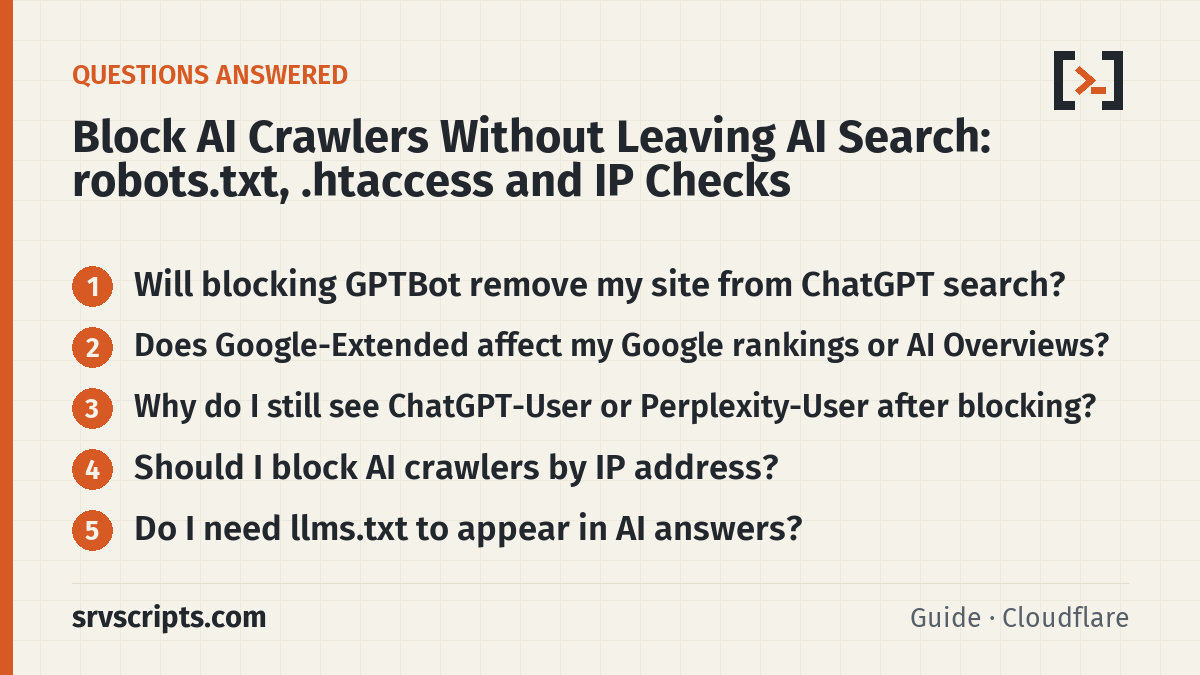
Will blocking GPTBot remove my site from ChatGPT search?
No. OpenAI uses OAI-SearchBot for ChatGPT search and GPTBot for model training. Keep OAI-SearchBot allowed and disallow GPTBot.
Does Google-Extended affect my Google rankings or AI Overviews?
Google says Google-Extended does not affect inclusion in Google Search and is not a ranking signal. AI Overviews use the normal Search index, so control them with Googlebot and snippet rules.
Why do I still see ChatGPT-User or Perplexity-User after blocking?
They fetch a page because a person asked. OpenAI says robots.txt rules may not apply to ChatGPT-User, and Perplexity says Perplexity-User generally ignores robots.txt. Use a server rule if you must refuse them.
Should I block AI crawlers by IP address?
Only for requests that are NOT_VERIFIED: they claim a bot name, the operator’s list loaded, and the IP is not in it. An UNKNOWN result (list unavailable or empty) is not proof of impersonation. For the real crawlers, robots.txt is the opt-out they read; Anthropic advises against IP blocking for that reason.
Do I need llms.txt to appear in AI answers?
No. Google says no special AI files are needed for AI Overviews or AI Mode. llms.txt can help tools that read it, but it is optional.
Next step: bots that probe for PHP files are a different problem; see block PHP script scans with a 404 rule and fail2ban.
Reading a lot of our guides? Go ad-free with srvScripts Pro for $6 a month. It also pays for new guides. Cancel any time.