Short answer: cPanel sets Exim outbound mail limits per domain in WHM » Tweak Settings » Mail. Max hourly emails per domain defaults to Unlimited, so set a realistic cap such as 300; over-limit mail is queued for the next hour up to 125% of the cap and discarded after that. Also cap the failed or deferred percentage, and keep X-Source headers, Prevent “nobody” from sending mail and Restrict outgoing SMTP on. Limits only apply to remote deliveries. Check the current cap with whmapi1 get_tweaksetting key=maxemailsperhour. (Reviewed October 2026.)
Applies to cPanel & WHM 130 and later (Tweak Settings docs valid for 130 through the latest version) with the cPanel-managed Exim and Eximstats; CSF SMTP_BLOCK notes apply to cPanel's maintained CSF build
A single compromised WordPress site can send fifty thousand messages in an hour and put a shared server’s IP on every blocklist by lunchtime. cPanel ships the controls to prevent this, but the defaults are loose enough that a spam run gets well underway before anything stops it. The settings below are the ones we apply to every shared server: an hourly cap per domain, deferral rather than rejection, headers that identify the source of each message, and a block on the web server user sending mail directly.
Table of Contents
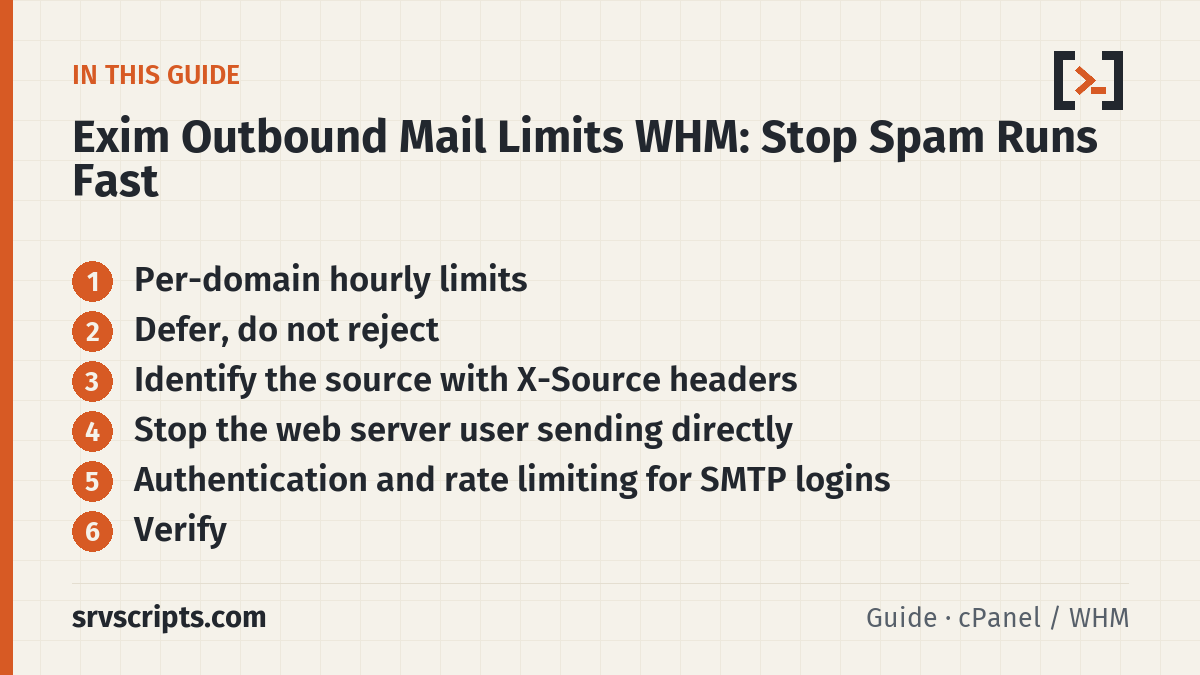
Per-domain hourly limits
WHM » Server Configuration » Tweak Settings » Mail has the two settings that matter most:
- Max hourly emails per domain: the default is Unlimited, and the limit only applies to remote deliveries. Set it to a number that legitimate customers rarely reach; 200 to 500 an hour is typical for shared hosting. Bulk senders should be on a relay service or a dedicated plan.
- Maximum percentage of failed or deferred messages a domain may send per hour: set to around 25% (default Unlimited). A domain is only blocked once it has also sent at least the number in Number of failed or deferred messages a domain may send before protections can be triggered (default 5). A domain whose recipients are mostly invalid is almost always sending to a scraped list.
From the CLI:
whmapi1 set_tweaksetting key=maxemailsperhour value=300
whmapi1 set_tweaksetting key=emailsperdaynotify value=1000
whmapi1 set_tweaksetting key=email_send_limits_max_defer_fail_percentage value=25
Per-package and per-account values can only be lower than the server-wide value, never higher: WHM » Packages » Edit a Package » Maximum Hourly Email by Domain Relayed, or per account with whmapi1 modifyacct user=USER MAX_EMAIL_PER_HOUR=100. If a few known senders need more, set the server-wide value to the highest figure you need and give the other packages lower values.
Defer, do not reject
When a domain hits the limit, cPanel does not reject at SMTP time: it accepts further messages and queues them for the next hour, up to the percentage set in The percentage of email messages (above the account’s hourly maximum) to queue and retry for delivery (default 125% of the limit). Messages beyond that are discarded, and a value of 100 discards everything over the limit. Deferral is the better choice on a shared server: a rejected order-confirmation message is lost and generates a ticket, while a deferred one arrives an hour late. For a spam run, the messages sit in the queue where you can inspect and purge them, and the Exim mail queue report script shows the domain at the top of the list.
Check that deferral rather than discard is what happens, and that notifications reach you:
whmapi1 get_tweaksetting key=email_send_limits_defer_cutoff
whmapi1 get_tweaksetting key=emailsperdaynotify
grep -i 'domain has exceeded' /var/log/exim_mainlog | tail
The emailsperdaynotify threshold sends a notification to the contact address when a domain passes it, which is often your first warning of a compromise.
Identify the source with X-Source headers
Exim on cPanel can add headers that record which user, script and directory generated each message sent through PHP’s mail() or a local sendmail call. Enable them under WHM » Server Configuration » Tweak Settings » Mail and in PHP:
- Track email origin via X-Source email headers — on (the default).
mail.add_x_header = Onin each PHP version’s ini, so PHP adds anX-PHP-Originating-Scriptheader with the UID and the calling script.
With these on, the headers of any outbound message name the exact PHP file that sent it, which turns the hunt described in finding the source of outgoing spam into a one-line grep:
grep -h 'X-PHP-Originating-Script' /var/spool/exim/input/*-H 2>/dev/null | sort | uniq -c | sort -rn | headA common pitfall is a customer complaining that the headers reveal their server path to recipients. That is true, and a reasonable trade on a shared host; on a single-customer server you can turn them off and rely on exim_mainlog instead.
Stop the web server user sending directly
Two settings close the path that most PHP mailers and injected scripts use. Under WHM » Server Configuration » Tweak Settings » Mail (both default to On):
- Prevent “nobody” from sending mail — on. With PHP-FPM or suPHP every site runs as its own user, so nothing legitimate sends as
nobody; only misconfigured handlers and exploits do. - Restrict outgoing SMTP to root, exim, and mailman (FKA SMTP Tweak) — on. It adds iptables rules that let only root, Exim and Mailman connect out on ports 25, 465 and 587 and redirect everyone else’s connections back to the local mail server, so a script that bundles its own SMTP client cannot bypass Exim. CSF can remove rules it did not create when it restarts, so on servers with CSF cPanel recommends CSF’s
SMTP_BLOCKinstead (cPanel now maintains its own CSF build); use one or the other, not both.
The Tweak Setting for the SMTP restriction is smtpmailgidonly; the cPanel-managed equivalent in the CSF fork is SMTP_BLOCK = "1" with SMTP_ALLOWUSER for any exceptions. Check both:
whmapi1 get_tweaksetting key=smtpmailgidonly
grep -E '^SMTP_BLOCK|^SMTP_ALLOWUSER' /etc/csf/csf.conf
Authentication and rate limiting for SMTP logins
Compromised mailbox passwords are the other half of the problem, and the hourly cap covers them too, because authenticated SMTP counts against the sender’s domain. Add cPHulk brute-force protection with a low threshold for SMTP, covered in locking down WHM, and the Require RFC-compliant HELO option in the Basic Editor (it applies to incoming connections). If you relay outbound mail through a smarthost, the caps still apply locally before the relay, which protects the relay account’s own limits from a single runaway domain.
Verify
Test the cap from a throwaway domain with a short loop to an external mailbox you control (send limits only apply to remote deliveries) and confirm the messages are queued once the limit is reached:
for i in $(seq 1 320); do echo "test $i" | mail -s "cap test $i" -r test@throwaway.example you@external-mailbox.example; done
exim -bpc
grep -c 'has exceeded the max emails per hour' /var/log/exim_mainlog
Then confirm the SMTP restriction from a shell as a normal user: nc gmail-smtp-in.l.google.com 25 should be refused or time out with CSF’s SMTP_BLOCK; with WHM’s restriction the connection is redirected to the local server, so the banner shows your own server’s Exim instead of Google’s. Finally, send a message through a PHP script and inspect the headers for X-PHP-Originating-Script and X-Source. Once those three checks pass, the next spam run on the server becomes a deferred queue and a notification, and the outgoing spam guide is a five-minute job rather than an afternoon.
Exim outbound mail limits WHM at a glance
Official documentation (checked 9 October 2026): cPanel docs: Tweak Settings – Mail · cPanel docs: How to Set Email Send Limits · cPanel docs: How to Prevent Spam with Mail Limiting Features · cPanel docs: The cpanel.config file · cPanel Support: SMTP Restrictions (WHM) and SMTP_BLOCK (CSF) · cPanel docs: SMTP Restrictions · cPanel docs: ConfigServer Security & Firewall (CSF) release notes · PHP manual: Mail runtime configuration · cPanel docs: Exim Configuration Manager – Basic Editor · Exim specification: The Exim command line
Related guides: Configuring SPF, DKIM and the auto-generated DMARC record in cPanel DNS · Setting up Dovecot Sieve mail filters in Roundcube on cPanel · Whitelisting MailBaby in cPanel greylisting, CSF and SpamAssassin.
Frequently asked questions
Does the hourly email limit in WHM apply to authenticated SMTP as well as PHP mail()?
Yes. Every message a domain sends counts against its hourly cap whether it came from a script, a local sendmail call or an authenticated SMTP login, so a compromised mailbox password is capped just like an injected mailer.
How long do deferred messages wait after a domain exceeds the limit?
Messages up to the queue-and-retry percentage (125% of the hourly limit by default) stay in the Exim queue and are retried in the next hour; anything beyond that is discarded. Legitimate mail in the queue arrives roughly an hour late, and queued spam sits there until you inspect and purge it.
Can I raise the outbound limit for one customer without changing the server-wide value?
No. A package’s Maximum Hourly Email by Domain Relayed value and an account’s or domain’s hourly limit can be lower than the server-wide Max hourly emails per domain value but never higher, so set the server-wide value to the highest limit any customer needs and give the other packages lower values.
