Short answer: Outgoing spam from a cPanel server almost always comes from a mailbox whose password was stolen, a malicious or abused PHP script, or forwarders and auto-responders bouncing spam. Exim’s main log shows which one: list the busiest authenticated senders with grep -Eo 'A=dovecot_(login|plain):[^ ]+' /var/log/exim_mainlog | sort | uniq -c | sort -rn | head, then check the cwd= paths for scripts. Reset the password or remove the script, suspend the account’s outgoing mail, clear the spam from the queue, and only then request delisting. (Reviewed October 2026.)
Applies to cPanel & WHM with cPanel's Exim and Dovecot on AlmaLinux 8/9 and CloudLinux 8/9; the malware scan step needs Imunify360
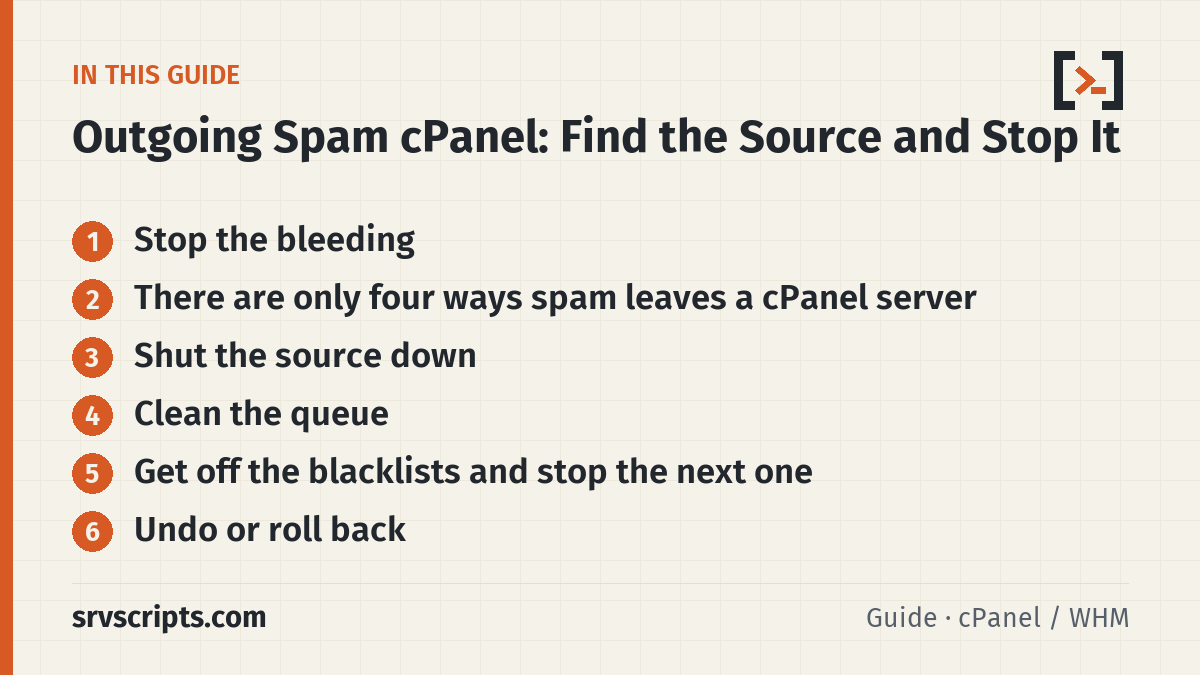
Stop the bleeding
Take stock of the queue before you change anything. The first command below only switches off WHM’s monitoring of Exim; it does not pause or stop delivery. The freeze step after it is what holds the queued mail, and it does not lose mail: frozen messages stay in the queue until they are thawed or removed:
Table of Contents
whmapi1 configureservice service=exim enabled=1 monitored=0
exim -bpc            # how many in the queue
exim -bpr | grep -c frozen
Then freeze everything currently queued so none of it goes out until you have looked at it (mail accepted after this point is not frozen, so suspend the sending account as soon as you know it): exim -bpr | awk '/^ *[0-9]+[mhd]/{print $3}' | xargs -r exim -Mf. You can thaw the legitimate messages later with exim -Mt.
There are only four ways spam leaves a cPanel server
Every outbound message goes through one of these, and Exim logs which one. Check them in this order because it matches how often each one is the cause:
1. A compromised mailbox (SMTP AUTH). Someone phished a customer’s email password and is sending through your server with it. In exim_mainlog these lines carry A=dovecot_login:user@domain:
grep -Eo 'A=dovecot_(login|plain):[^ ]+' /var/log/exim_mainlog | sort | uniq -c | sort -rn | headA real user sends tens of messages a day. A compromised one sends thousands, usually from many countries. Confirm with grep 'A=dovecot_login:victim@domain' /var/log/exim_mainlog | grep -Eo '\[[0-9.]+\]' | sort | uniq -c | sort -rn | head.
2. A PHP script (a hacked WordPress plugin, a contact form abused as a relay). cPanel’s Exim records the script’s working directory:
grep -Eo 'cwd=/home[^ ]+' /var/log/exim_mainlog | sort | uniq -c | sort -rn | headIf the top entry is /home/user/public_html/wp-content/uploads/… or a random directory name, that is your malware. ls -la it, check the file dates, and look at /home/user/access-logs/ for POST requests to that file.
3. A cron job or CLI script. Same cwd= search but the directory will be outside public_html, and the U= field shows the system user: grep -Eo ' U=[^ ]+' /var/log/exim_mainlog | sort | uniq -c | sort -rn.
4. Forwarders and auto-responders bouncing spam. If the queue is full of bounces (<> sender) to addresses that do not exist, a catch-all forwarder or an auto-responder is replaying incoming spam back out. exim -bpr | grep -c '<>' — if that number is most of the queue, find the forwarder in /etc/valiases/<domain>.
The exim-mail-queue-report script runs all four checks and prints the top offenders in one go.
Shut the source down
- Compromised mailbox: change the password in WHM → List Accounts → cPanel → Email Accounts, or
uapi --user=cpuser Email passwd_pop email=victim domain=domain.com password='New!Pass'. Then suspend outgoing mail for the whole cPanel account until the customer has confirmed the new password everywhere:whmapi1 suspend_outgoing_email user=cpuser(reverse withunsuspend_outgoing_email). Check for a forwarder the attacker added to keep receiving copies. - Malicious script: move it out of the web root (do not just delete — you may need it for the customer),
chmod 000the directory, and runimunify360-agent malware on-demand queue put /home/cpuser/public_html/ormaldet -a /home/cpuser/public_html. Update the CMS and every plugin before re-enabling. - Forwarder loop: remove the catch-all (in cPanel » Default Address, choose “Discard the email while your server processes it by SMTP time with an error message”, which is
:fail:), and delete the auto-responder.
Clean the queue
Delete what is clearly spam and release the rest:
exim -bpr | grep '<attacker@sender>' | awk '{print $3}' | xargs -r exim -Mrm
exiqgrep -z -i -f '^<>$' | xargs -r exim -Mrm     # frozen bounces only (sender <>)
exim -bpr | awk '/^ *[0-9]+[mhd]/{print $3}' | xargs -r exim -Mt      # thaw the rest
whmapi1 configureservice service=exim enabled=1 monitored=1
Get off the blacklists and stop the next one
Request delisting only after the source is gone; Spamhaus and Microsoft re-list within hours if it is not. Then set the limits that would have caught this early: WHM → Tweak Settings → Max hourly emails per domain (200 is plenty for most customers), Track email origin via X-Source headers on, and Prevent “nobody” from sending mail on. Turn on the Maximum Hourly Emails Exceeded and Large Amount of Outbound Email Detected notifications in WHM → Contact Manager so you get an email the moment a domain hits its hourly cap instead of finding out from a blacklist.
Undo or roll back
- Thaw anything you froze and still want delivered with
exim -Mt MESSAGE_ID(or the thaw loop above). Frozen messages stay in the queue until they are thawed or removed. - Messages removed with
exim -Mrmcannot be recovered; Exim simply forgets them. Count what a selection matches first, for exampleexiqgrep -c -f 'attacker@sender', before you pipe it toexim -Mrm. - Lift the account restriction once the customer has changed passwords:
whmapi1 unsuspend_outgoing_email user=cpuser. - Turn WHM’s monitoring of Exim back on if you switched it off:
whmapi1 configureservice service=exim enabled=1 monitored=1. - Restore a quarantined script only after review: move it back and reset the directory’s permissions from
000to what they were before. - The Tweak Settings limits can be changed back at any time; their defaults are Max hourly emails per domain Unlimited, Track email origin via X-Source email headers On and Prevent “nobody” from sending mail On.
Outgoing spam cPanel at a glance
Official documentation (checked 9 October 2026): Exim specification: The Exim command line · Exim specification: Exim utilities (exiqgrep) · WHM API 1: configureservice · WHM API 1: suspend_outgoing_email · How to suspend outgoing email for a cPanel account (cPanel Support) · Tweak Settings – Mail (WHM documentation) · Contact Manager (WHM documentation) · Default Address (cPanel documentation) · Imunify360 Command-line Interface · How to Prevent Spam with Mail Limiting Features (cPanel docs)
Related guides: Choosing a VPS for a cPanel or DirectAdmin server in 2026 · Exim 4.99/4.100 on cPanel and DirectAdmin: the 2026 security fixes and what changed for admins · Roundcube “database error” and webmail login loops on cPanel.
