Short answer: Enter the domain you send from and the checker grades it against the published sender rules of Gmail, Yahoo and Outlook.com: SPF, DKIM, DMARC, forward-confirmed reverse DNS, TLS, From alignment, one-click unsubscribe and message format. DNS checks run on the domain alone. Add your sending server’s IP to check reverse DNS and SPF for that server, and add a test code from our email deliverability test to check a real message. The spam-complaint rate cannot be measured from outside, so the result says so instead of guessing.
We tested the checker on 15 October 2026 against live DNS (srvscripts.com, legendesk.org and github.com with its pf2023 selector) and with a real message sent from an IP outside the domain’s SPF record. It correctly reported the SPF softfail, the missing DKIM signature, the DMARC failure, the missing reverse DNS, delivery over TLS 1.3 and one-click unsubscribe headers that were not covered by a DKIM signature.
Runs on our server. The lookups are sent from srvscripts.com, so the result shows what one server in one location sees. Results are cached for up to 5 minutes. Our server is not allowed to test itself, so srvscripts.com shows as "not tested".
Table of Contents
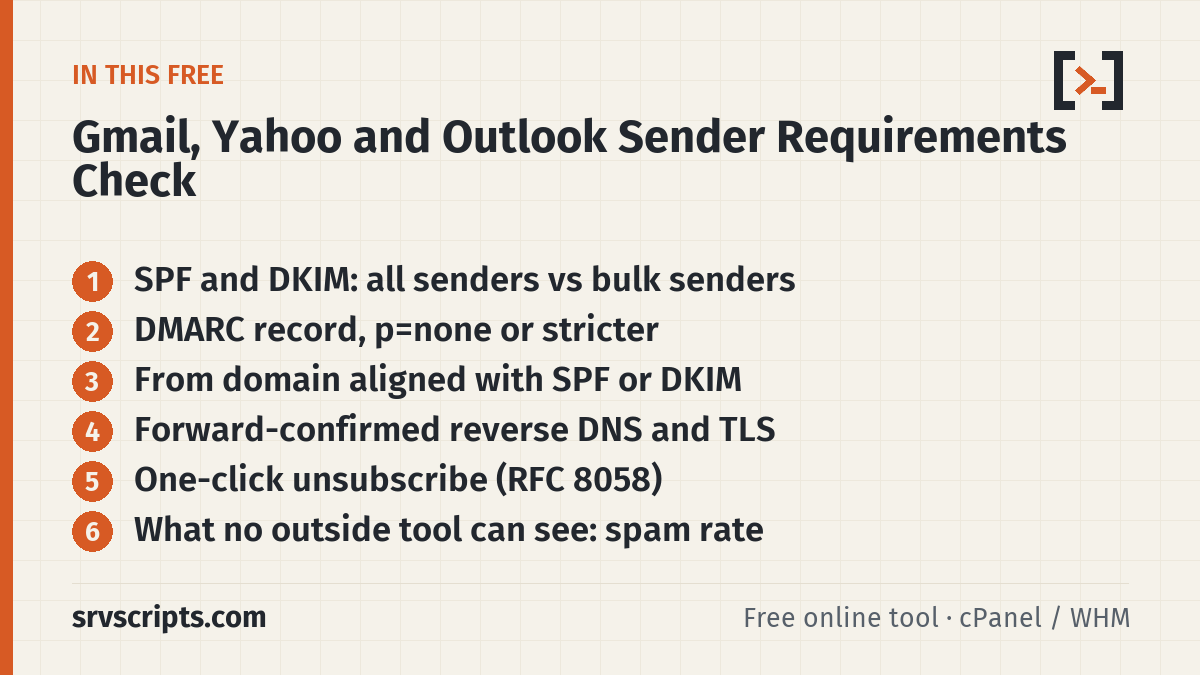
The requirements, side by side
Gmail and Yahoo split their rules into requirements for every sender and stricter ones for bulk senders. Outlook.com adds its rules only for domains that send more than 5,000 messages a day to its consumer mailboxes (outlook.com, hotmail.com, live.com).
| Requirement | Gmail | Yahoo | Outlook.com |
|---|---|---|---|
| SPF and DKIM | All: SPF or DKIM · Bulk: both | All: SPF or DKIM · Bulk: both | High-volume: SPF pass and DKIM pass |
| DMARC record | Bulk: required, p=none is enough | Bulk: required, p=none is enough, must pass | High-volume: required, at least p=none |
| From aligned with SPF or DKIM | Bulk | Bulk | High-volume |
| Forward and reverse DNS (PTR) | All senders | All senders | Not in its rules |
| TLS for sending | All senders | Not in its rules | Not in its rules |
| One-click unsubscribe (RFC 8058) | Bulk, on marketing and subscribed mail | Bulk, on marketing and subscribed mail | Recommended (a working unsubscribe) |
| Message format | RFC 5322 | RFCs 5321 and 5322 | Not in its rules |
| Spam-complaint rate | Below 0.3% (aim for under 0.1%) | Below 0.3% | Not in its rules |
Sources: Google Email sender guidelines, Yahoo Sender Best Practices and Microsoft’s requirements for high-volume senders, checked on 15 October 2026. Google says a bulk sender is one that sends close to 5,000 or more messages a day to personal Gmail accounts, counted for the whole domain, and that the status does not expire. Yahoo gives no number. Google has been increasing enforcement on non-compliant mail since November 2025, and Outlook.com rejects it with 550 5.7.515.
How to read the result
- Four verdicts at the top: Gmail for all senders, Gmail bulk, Yahoo bulk and Outlook.com high-volume. Each one lists the rules you do not meet, or says how many it could check.
- Green means the check passed. Red means a requirement is not met; the fix steps below the table say what to change. Grey means the check needs more input, such as a sending IP or a test message, or cannot be done from outside at all.
- Domain only: SPF, DKIM and DMARC are read from DNS. A DKIM key is found automatically under 23 common selectors; if yours has another name, enter it (it is the
s=value in the DKIM-Signature header of a message you sent). - With a sending IP or hostname: the checker also tests forward-confirmed reverse DNS and whether SPF passes for that exact server.
- With a test code: send any normal message from your system to the address the email deliverability test gives you, then paste the code here. The checker then uses what actually arrived: SPF and DKIM results, alignment, TLS, the List-Unsubscribe headers and the basic headers. The deliverability report also links straight to this check with the code filled in.
What it cannot check
Two things decide a lot of inbox placement and cannot be seen from outside: your spam-complaint rate (Google Postmaster Tools and Yahoo Sender Hub show it) and your daily volume to each provider. Passing every check here means your setup meets the published technical rules; it does not promise the inbox, because providers also weigh your reputation and how recipients react. If your messages are personal or transactional (password resets, receipts), a missing List-Unsubscribe header is fine; it is required only on marketing and subscribed mail from bulk senders.
Fixing the common gaps
| Gap | Where to fix it |
|---|---|
| No SPF, or more than 10 lookups | SPF record generator, SPF too many DNS lookups |
| No DKIM, or a key under 1024 bits | DKIM key generator, find a DKIM selector |
| No DMARC record | DMARC record generator |
| DMARC fails although SPF and DKIM pass | A sending service signs with its own domain or bounces to its own domain. Sign with d=yourdomain or use a custom Return-Path. See Outlook 550 5.7.515. |
| No reverse DNS | Reverse DNS lookup; the PTR is set by whoever owns the IP |
| No one-click unsubscribe | One-click unsubscribe (RFC 8058) for Exim, Postfix and WordPress |
| The full checklist for hosts | Gmail and Yahoo bulk sender requirements: 2026 host checklist |
Sender requirements at a glance
Frequently asked questions
What are the Gmail and Yahoo sender requirements?
All senders need SPF or DKIM, valid forward and reverse DNS, a spam-complaint rate below 0.3% and correctly formatted messages; Gmail also requires TLS. Bulk senders need SPF and DKIM, a DMARC record (p=none is enough), a From domain aligned with SPF or DKIM, and one-click unsubscribe on marketing mail.
What does Outlook.com require from senders?
Domains sending more than 5,000 messages a day to Outlook.com, Hotmail and Live addresses must pass SPF and DKIM and publish DMARC with at least p=none, aligned with SPF or DKIM. Mail that fails is rejected with 550 5.7.515.
Who counts as a bulk sender?
Google defines a bulk sender as one that sends close to 5,000 or more messages a day to personal Gmail accounts, counted across the whole domain, and the status does not expire. Yahoo does not publish a number.
Why does the checker say some requirements need more input?
Reverse DNS, TLS, alignment and the unsubscribe headers belong to the sending server and the message, not the domain. Enter your sending IP or a test code from the email deliverability test to check them.
Can this tool check my spam-complaint rate?
No. Only the mailbox providers know it. Register your domain in Google Postmaster Tools and Yahoo Sender Hub to see it, and keep it below 0.1%.