Since 1.706 DirectAdmin renews certificates itself, once a day, through an embedded ACME client based on lego. When it works it is invisible. When it fails, the symptoms are a browser warning on a customer site or an alert from an external expiry monitor, and the fix depends on which of half a dozen causes is in play. The 1.710 release added a Provisioning history page that records every attempt, which turns the investigation from log archaeology into a short read. This guide follows the path we use.
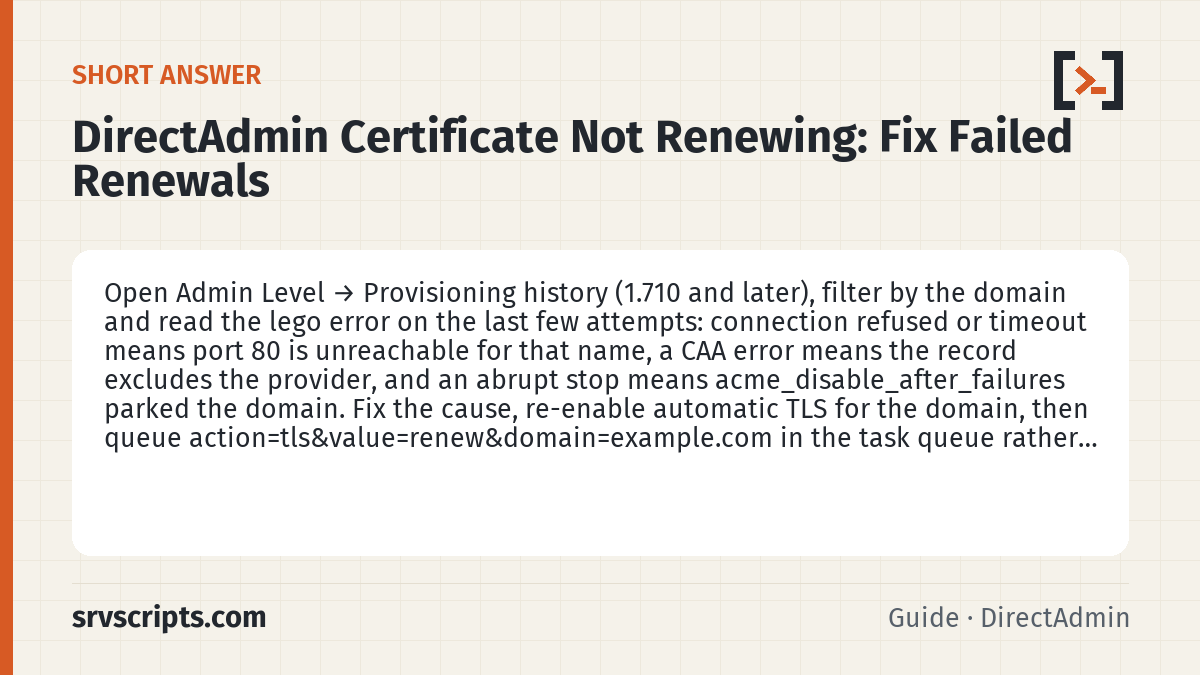
Short answer: Open Admin Level → Provisioning history (1.710 and later), filter by the domain and read the lego error on the last few attempts: connection refused or timeout means port 80 is unreachable for that name, a CAA error means the record excludes the provider, and an abrupt stop means acme_disable_after_failures parked the domain. Fix the cause, then run da taskq --run "action=rewrite&value=letsencrypt&domain=example.com" to request the missing names straight away instead of waiting for the next automatic pass. (Reviewed October 2026.)
Table of Contents
Start with Provisioning history
At Admin Level in Evolution open Provisioning history (users see their own domains’ entries on the SSL page). Each row shows the domain, the names requested, the provider, the time and either success or the error string lego returned. Filter by the failing domain and look at the most recent three or four entries. The pattern matters as much as the message: a single failure followed by success was a transient DNS or CA problem; a run of identical failures is a configuration fault; and a run that stops abruptly means the failure counter hit its limit.
That counter is acme_disable_after_failures. Once a domain fails that many times in a row, DirectAdmin stops trying, and it stays stopped until someone re-enables automatic TLS for the domain. This is deliberate, to protect the server’s rate-limit budget at the CA, but it means a domain that was disabled two months ago now has an expired certificate and no fresh log entries.
da config-get acme_disable_after_failuresRe-enable automatic renewal for the domain on its SSL page, then trigger a run instead of waiting. On DirectAdmin 1.712 this command asks the ACME client for every name of the domain that has no valid certificate yet, and returns within seconds:
da taskq --run "action=rewrite&value=letsencrypt&domain=example.com"Correction (20 October 2026): an earlier version of this guide told you to queue action=tls&value=renew. DirectAdmin 1.712 rejects that: /var/log/directadmin/errortaskq.log records unknown taskq action and nothing is requested. The command above is the one we tested. It only requests names that are missing or not covered; while the current certificate is valid it does nothing (it finished in 0.25 seconds on our test server). To replace a certificate that is still valid, see the tested notes below.
Decode the lego message
The error text on the history page comes from lego, and a handful of messages cover most cases.
An authorization error mentioning connection refused or timeout on the HTTP-01 challenge means the CA could not reach port 80 on this server for that name. Either DNS points elsewhere, Cloudflare or another proxy sits in front and blocks the path, or CSF is dropping the CA’s connections. Confirm with dig +short example.com A and compare with the server’s IPs.
urn:ietf:params:acme:error:caa means a CAA record at the domain or a parent forbids the provider. The domain’s CAA must include the CA DirectAdmin is using; since 1.707 that may be ZeroSSL rather than Let’s Encrypt, depending on default_acme_profile and the order of providers.
too many certificates already issued is a CA rate limit, typically hit by a busy reseller who created many subdomains in a day. Wait, or switch that domain to the second provider.
A DNS-01 failure that mentions _acme-challenge on a wildcard request usually means the delegation CNAME described in Wildcard certificates with DNS challenge on DirectAdmin is missing or points at a zone this server does not control. 1.708 added detection for that CNAME, and the history entry says so explicitly.
unauthorized with a mention of a .well-known path returning 404 means the challenge file was not found at that path, often because a rewrite rule in the site’s .htaccess catches it. A redirect on its own is not the problem: Let’s Encrypt follows redirects to HTTP or HTTPS on ports 80 and 443. Follow the whole chain with curl -sIL http://example.com/.well-known/acme-challenge/test and look at where it ends: another server, another port or a final 404 is what breaks validation. If a rewrite rule is the cause, add an exception before the rewrite rules:
RewriteRule ^\.well-known/acme-challenge/ - [L]Check the wider configuration
If the history is empty for the domain, the daily task never considered it. The most common reason is that the domain never opted in, which shows as ssl=OFF in /usr/local/directadmin/data/users/USER/domains/example.com.conf. The second is that it is on the manual-certificate allowlist because someone uploaded a certificate once, so the automation is deliberately leaving it alone. The third is a resolver problem: with acme_use_only_system_resolver on and a broken local resolver, every pre-check fails before lego is even called, and the log line is in system.log rather than the history page.
grep -E 'ssl=|ssl_cert' /usr/local/directadmin/data/users/*/domains/example.com.conf
grep -i acme /var/log/directadmin/system.log | tail -20
Tested on DirectAdmin 1.712: what actually starts a request
We checked this on a DirectAdmin 1.712 test server (AlmaLinux 9.8, lego 5.5.2, Let’s Encrypt staging) on 19 October 2026:
- DirectAdmin checks DNS before it asks the CA. When a name did not resolve to the server, no request was sent at all: no entry in Provisioning history, no failure counted, no message to the admin, and the domain kept serving its previous certificate. So an empty history can simply mean the names do not point at this server. The API dry run shows it:
POST /api/domain-tls/example.com/provision-certs-dry-runlists such names underdnsNamesFailedChallenge. The same happens after a rename to a name that does not resolve yet; see what happens to the SSL certificate when you rename a domain. - A real failure at the CA is recorded. When the local check passed but Let’s Encrypt could not validate (“no valid A records found”), the attempt appeared in Provisioning history as failed, the full lego output was saved in
/usr/local/directadmin/data/users/USER/domains/acme_provider_cert_logs/example.com.log, and the admin got a message titled “Error during automated certificate renewal for example.com”. - Replacing a certificate that is still valid takes two steps, because a run only requests missing names: delete the certificate, then run the
da taskqcommand above. Back up the working certificate first, because if the new request fails the domain is left on DirectAdmin’s self-signed certificate. The steps and the tested way back are below. - Renewal and failure settings on our test server, where none of them was set in
directadmin.conf:acme_cert_lifetime_renew_threshold=0.65,acme_cert_lifetime_renew_jitter=0.1andacme_disable_after_failures=10(da config | grep ^acme). DirectAdmin’s configuration reference lists 5 as the default foracme_disable_after_failures, so check your own value withda config-get acme_disable_after_failures. We did not run a domain through repeated failures, so the parking behaviour described above comes from DirectAdmin’s settings, not our test.
Replace a certificate that is still valid, with a way back. Tested on a domain owned by the admin user on 19 October 2026. Set the domain and its DirectAdmin user, then run the block. It works in a subshell that stops at the first failed command, so the certificate is only deleted after all four files were copied to a new private folder and the certificate and key copies match. Note the Backup: path it prints.
D=example.com; U=admin    # the domain and the DirectAdmin user that owns it
( set -euo pipefail       # stop at the first error: no backup, no delete
  DIR=/usr/local/directadmin/data/users/$U/domains
  B=$(mktemp -d "/root/cert-backup-$D-XXXXXX")   # new private folder every run
  for f in cert key cacert cert.combined; do cp -a "$DIR/$D.$f" "$B/"; done
  for f in cert key; do cmp -s "$DIR/$D.$f" "$B/$D.$f"; done   # copies match
  echo "Backup: $B"
  curl -sf -X DELETE -u "$U:LOGIN_KEY" "https://server.example.com:2222/api/domain-tls/$D/certs/$D"
  da taskq --run "action=rewrite&value=letsencrypt&domain=$D"
  echo | openssl s_client -connect "$D:443" -servername "$D" 2>/dev/null | openssl x509 -noout -issuer -dates
)
On our server, mail on ports 465 and 993 switched to the self-signed certificate as soon as the certificate was deleted; the web server kept the old one until its configuration was rewritten. If the request fails, put the saved files back and rewrite the web and mail configs (use the user that owns the domain instead of admin). We tested both blocks on 19 October 2026: with a domain whose files did not exist, the first block stopped at the copy and never reached the delete; on a real domain it issued a new certificate in about 3 seconds, and the restore block put the original certificate back on 443, 465 and 993.
B=/root/cert-backup-example.com-XXXXXX   # the Backup: path printed above
( set -euo pipefail
  cp -a "$B"/* /usr/local/directadmin/data/users/admin/domains/
  da taskq --run "action=rewrite&value=httpd&user=admin"
  da taskq --run "action=rewrite&value=mail_sni"
)
Check the domain’s names with the dry run (POST /api/domain-tls/$D/provision-certs-dry-run, which should list no dnsNamesFailedChallenge) before you start, and do it at a quiet time.
From 1.711 certificates are renewed at about 65 percent of their lifetime (acme_cert_lifetime_renew_threshold=0.65), and a small random jitter (acme_cert_lifetime_renew_jitter=0.1, about plus or minus 5 percent according to DirectAdmin’s reference) spreads renewals out, so a 90-day certificate renews roughly 54 to 63 days after it was issued. If the history shows successes but the browser still shows the old certificate, the issue is on the service side rather than the issuance side; see Services still serving the old certificate after renewal.
Common pitfall: fixing DNS and expecting an instant retry
After correcting a DNS record, administrators often wait an hour and conclude the fix failed. The daily task runs once, and a domain disabled by the failure counter is not retried at all. Always re-enable the domain and queue a manual run after a fix, and remember that a negative DNS answer may be cached by Unbound or the upstream resolver for the TTL of the SOA’s minimum field.
Verify
Confirm the certificate on the wire, not only in the panel:
openssl s_client -connect example.com:443 -servername example.com </dev/null 2>/dev/null | openssl x509 -noout -dates -issuer -ext subjectAltNameThe notAfter date should be in the future and the SAN list should contain every name you expected. Then look at the history page again a day later to see the next scheduled pass recorded the domain as healthy. Our SSL expiry check script run weekly across all hosted domains catches the domains that the failure counter has quietly parked before customers do.
DirectAdmin certificate not renewing at a glance
Official documentation: Let’s Encrypt documentation, DirectAdmin documentation, Linux man pages.
Related guides: Run a script after every DirectAdmin certificate renewal (domain_tls_cert_save_post.sh) · Migrating domains to DirectAdmin’s new ACME TLS system (1.706+) and running the migration task · Exim, Dovecot or DirectAdmin still serving the old certificate after renewal · KernelCare on cPanel and DirectAdmin servers: setup, verification and rollback.
Frequently asked questions
Does DirectAdmin retry a failed certificate renewal automatically?
Yes, until the domain reaches the acme_disable_after_failures limit (10 on our 1.712 test server; the DirectAdmin reference lists 5, so check yours with da config-get acme_disable_after_failures); after that it is not retried until someone re-enables automatic renewal for the domain and runs it again. If the domain’s names do not resolve to the server, DirectAdmin does not try at all, so fix DNS first.
How long before expiry does DirectAdmin renew certificates?
From 1.711 renewal is attempted at about 65 percent of the certificate lifetime, with a small random jitter, so a 90-day certificate renews roughly 54 to 63 days after issue; shorter-lived certificates renew proportionally earlier.
Can I force a certificate renewal on DirectAdmin without waiting for the daily task?
Yes, for names that have no valid certificate: run da taskq --run "action=rewrite&value=letsencrypt&domain=example.com" (tested on 1.712). To replace a certificate that is still valid, delete it first, then run the same command. The older action=tls&value=renew is rejected as an unknown task on 1.712.
