This call recording converter turns PBX recordings that phones and media players cannot open into normal MP3 or WAV files. It reads the formats Asterisk, FreePBX, Issabel and Vicidial write to disk: raw .gsm, GSM inside WAV (the uppercase .WAV / WAV49 format), G.711 µ-law and A-law, signed-linear .sln and Sun .au. Drop in one file or a hundred, listen to each result in the page, and download them one by one or as a single ZIP. The conversion runs entirely in your browser, so the recordings are never uploaded.
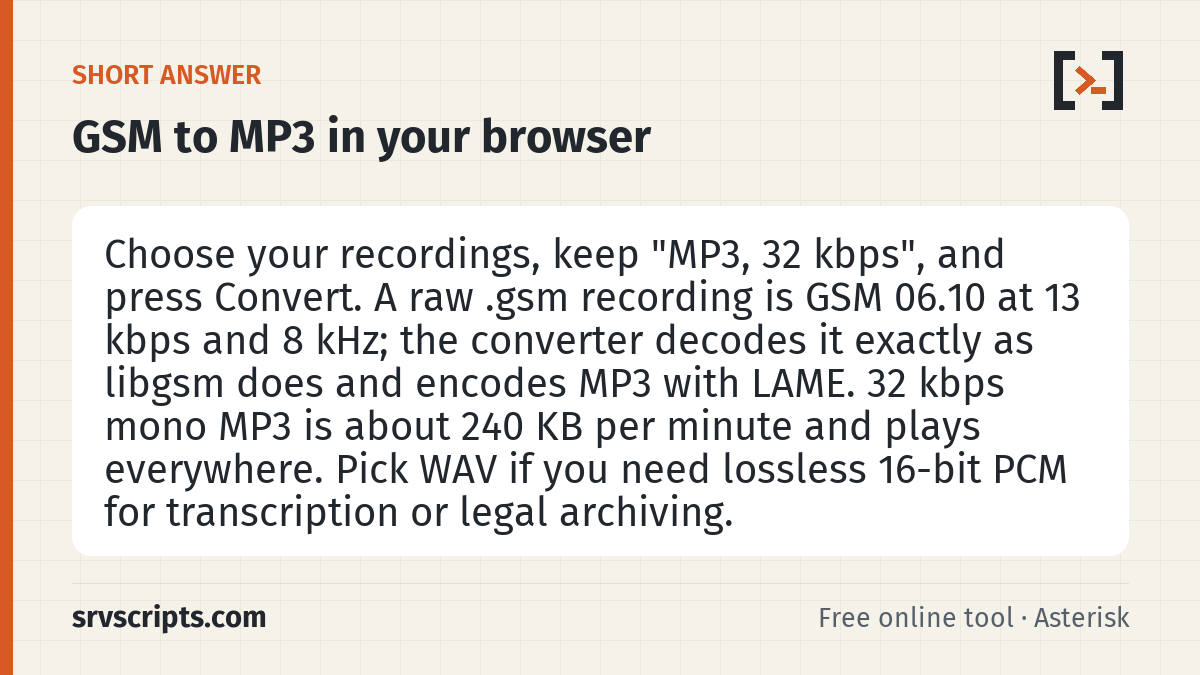
Short answer: Choose your recordings, keep “MP3, 32 kbps”, and press Convert. A raw .gsm recording is GSM 06.10 at 13 kbps and 8 kHz; the converter decodes it exactly as libgsm does and encodes MP3 with LAME. 32 kbps mono MP3 is about 240 KB per minute and plays everywhere. Pick WAV if you need lossless 16-bit PCM for transcription or legal archiving.
Table of Contents
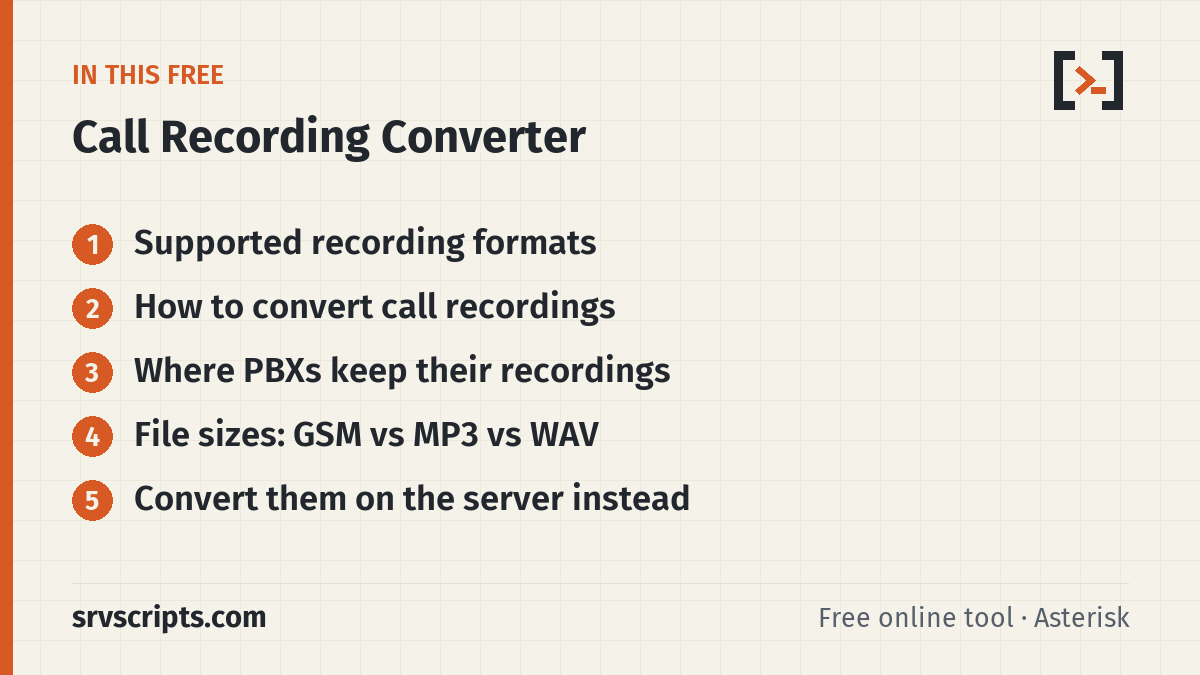
Supported recording formats
| Extension | What it is | Typical source |
|---|---|---|
.gsm | GSM 06.10 full rate, 33-byte frames, 13 kbps, 8 kHz | Asterisk format=gsm, older FreePBX and Vicidial archives |
.WAV / .wav49 | GSM 06.10 inside a WAV file (Microsoft GSM 6.10, 65-byte blocks) | Asterisk format=wav49, Vicidial |
.wav | PCM 8, 16, 24 or 32-bit, float, or G.711 µ-law/A-law in WAV | FreePBX default, 3CX, most IP phones |
.ulaw, .alaw, .pcmu, .pcma | Raw G.711 at 8 kHz, no header | Asterisk format=ulaw / alaw, packet captures |
.sln, .sln16….sln48, .raw | Signed 16-bit little-endian PCM, rate from the extension | Asterisk prompts and HD recordings |
.au, .snd | Sun audio with µ-law, A-law or linear PCM | Asterisk format=au, old Unix systems |
.mp3, .ogg, .m4a, .flac | Anything your browser can decode | Re-encode at a smaller size or as WAV |
G.729 and G.722 recordings, and WAV files that use ADPCM codecs, are reported with the ffmpeg command to convert them on the server instead.
How to convert call recordings
- Choose or drop your files (up to 100 at a time, 200 MB each). Mixed formats are fine; each file is detected from its header, then its extension.
- Pick MP3 or WAV. For phone calls 32 kbps MP3 is the best size-to-clarity trade; 16 kbps halves the size and is still easy to understand.
- Leave “Make quiet recordings louder” on. It scales each file so the loudest moment peaks at −1 dB, which fixes most “I can barely hear it” recordings without clipping.
- Press Convert recordings. Each file gets a player, its detected format, duration and new size, and a Download button. With two or more files you also get “Download all (ZIP)”.
Raw .sln files have no header. If yours were recorded at 16 kHz but are named .sln, set “Raw .sln / .raw sample rate” to 16 kHz, otherwise they play at half speed.
Where PBXs keep their recordings
| System | Default recording folder | Default format |
|---|---|---|
| FreePBX / PBXact | /var/spool/asterisk/monitor/YYYY/MM/DD/ | WAV (Settings → Advanced Settings → Call Recording Format) |
| Plain Asterisk (MixMonitor) | /var/spool/asterisk/monitor/ unless a full path is given | Chosen by the file extension you pass to MixMonitor |
| Issabel | /var/spool/asterisk/monitor/ | WAV, sometimes GSM |
| Vicidial | /var/spool/asterisk/monitorDONE/ (ORIG, MP3, GSM subfolders) | WAV, then compressed by the audio cron jobs |
Copy the files to your computer with scp, SFTP or the download link in the PBX call log, then convert them here.
File sizes: GSM vs MP3 vs WAV
| Format | Bit rate | Size per minute | Size per hour |
|---|---|---|---|
| GSM 06.10 (.gsm) | 13 kbps | about 97 KB | about 5.8 MB |
| MP3 16 kbps mono | 16 kbps | about 120 KB | about 7 MB |
| MP3 32 kbps mono | 32 kbps | about 240 KB | about 14 MB |
| G.711 µ-law/A-law | 64 kbps | about 480 KB | about 28 MB |
| WAV 16-bit, 8 kHz | 128 kbps | about 960 KB | about 56 MB |
GSM is the smallest of all, which is why older systems used it, but almost nothing outside a PBX can play it. MP3 at 16 to 32 kbps is the practical archive format: slightly larger, and it opens on every phone, browser and CRM.
Convert them on the server instead
For a running PBX it is better to convert recordings as they are made. Our free Asterisk recordings to MP3 script runs from cron, converts new files with sox, lame or ffmpeg, keeps or removes the originals, and can update the FreePBX call log so the web player still finds them. The step-by-step guide explains each command.
Call recording converter at a glance
Official documentation: Asterisk MixMonitor, libgsm (GSM 06.10), LAME MP3 encoder, RFC 3551: RTP audio formats.
Related: Convert Asterisk recordings to MP3 · Recordings to MP3 script · VoIP bandwidth calculator · VoIP codec bandwidth guide.
Frequently asked questions
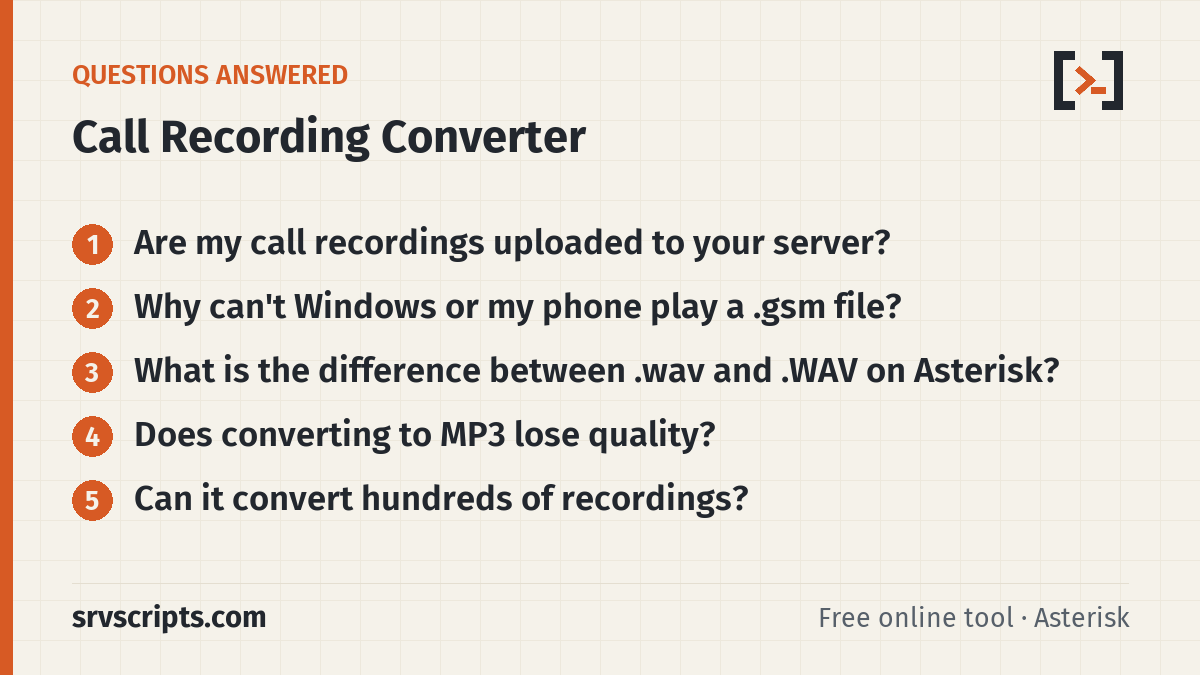
Are my call recordings uploaded to your server?
No. The page reads the files with your browser, decodes and encodes them there, and creates the downloads locally. Nothing is sent to srvScripts or anyone else, which matters for recordings that contain personal data.
Why can’t Windows or my phone play a .gsm file?
It is raw GSM 06.10 speech data without a container. Media players expect a WAV, MP3 or similar wrapper, so they reject it. Converting to MP3 or WAV adds a standard format every player understands.
What is the difference between .wav and .WAV on Asterisk?
Lowercase .wav is 16-bit PCM. Uppercase .WAV is Asterisk’s WAV49 format: GSM-compressed audio inside a WAV header, about ten times smaller. Both convert here.
Does converting to MP3 lose quality?
Very little for phone audio. The original is already 8 kHz narrowband (or GSM-compressed), and 32 kbps MP3 keeps everything in that range. Choose WAV if you need a lossless copy for transcription or evidence.
Can it convert hundreds of recordings?
Up to 100 files per batch in the browser. For thousands of files, or to convert new calls automatically, use our cron script on the PBX itself.